
First things to do is click windows logo + R

Second, type %temp% and press enter

this files are called temporary files , and Select All and Delete

Third
Again click windows logo + R and type prefetch and press enter

click continue right after, select all and delete

Finally
Open My Computer and right Click Local Disk C,, then click properties

Click disk Cleanup

As you can see. There are some files to delete. Just find some files that are not need anymore.![]
(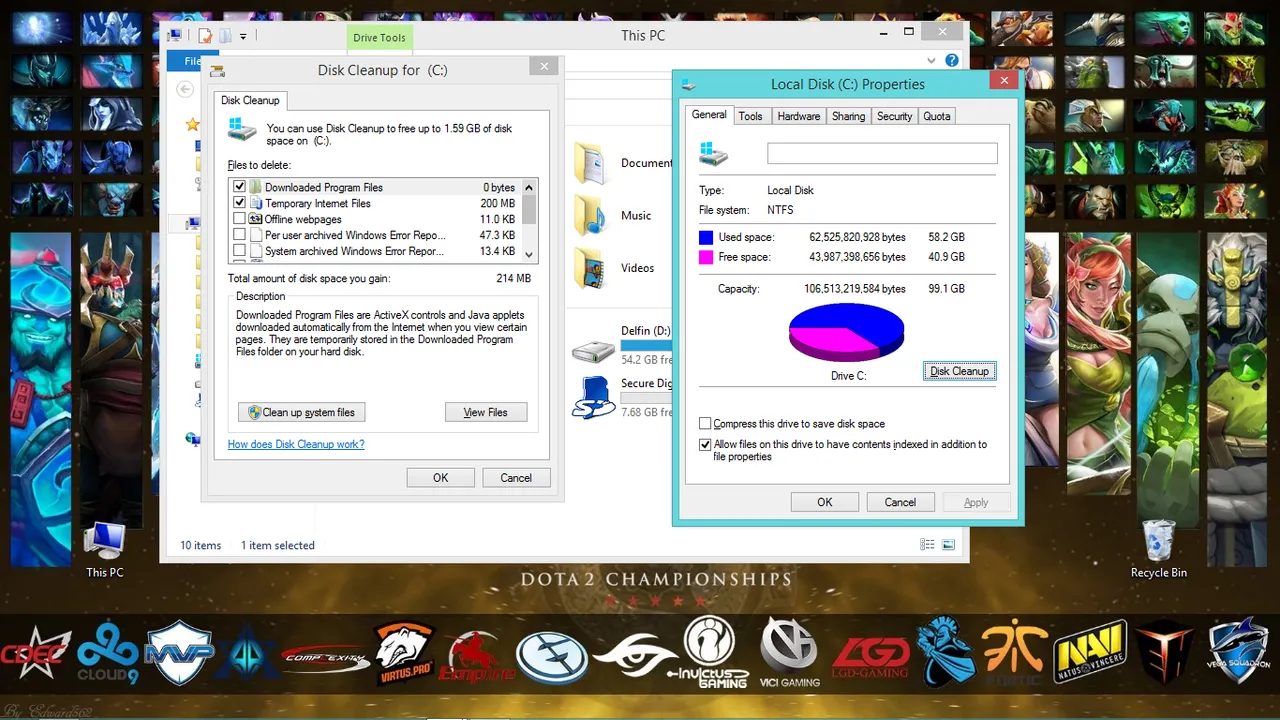
After you check the box that you want to delete. Please click the "ok" at the bottom.


and lastly Click delete files.

And that's all. it make your life easier and make your pc/laptop faster .:)