
Night Mode / Dark Mode for Steemit.com

Hey Steemers!
I recently found out about Steemit, as part of my new adventure in the exciting world of cryptocurrency trading. I think the whole project is really fantastic, and have never felt more like I was really part of something in the early days of its greatness.
I've been lurking for a little while, and wanted to kick off my participation here by making a small contribution to the community. I'm a big fan of night mode / dark mode wherever it's available, but I couldn't find any options for Steemit.
I've been using Poloinex.com as my primary exchange while I learn about crypto, and their night mode is among the best I've seen; so I used it as inspiration to create one for myself, and for all of you!
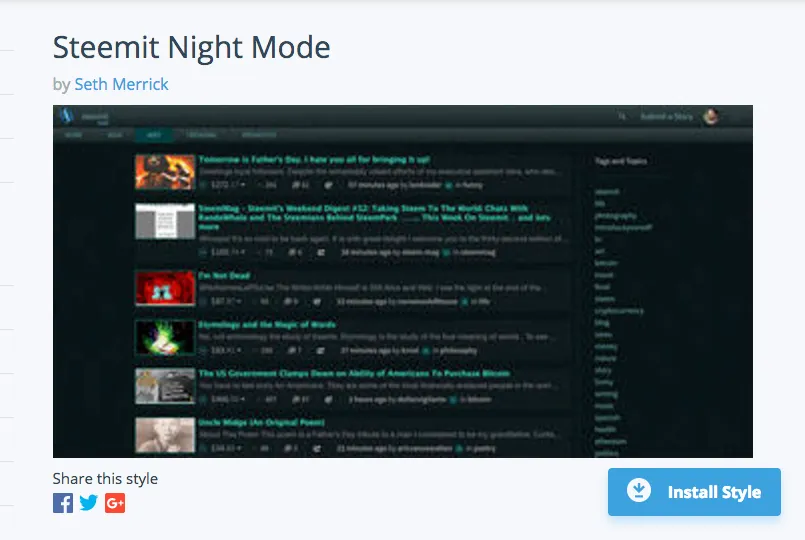
For those of you already familiar with Stylish & userstyles.org , or otherwise ready to dive in, here's a link directly to the style:
https://userstyles.org/styles/144149/steemit-night-mode
If the style becomes popular, I'll start a repo or gist on GitHub soon so I can easily accept open source contributions for improvements. I may also need help keeping it up to date as the Steemit.com team makes changes to the underlying markup here.
For anyone who isn't familiar with Stylish, but wants to use the dark style, here are some step-by-step instructions for how to get up & running with Steemit Night Mode and the Stylish extension for Chrome:
1. Get Stylish


Click here for the Stylish extension download page.
Click the blue + Add to Chrome button, then make sure you click the Add extension button in the popup that slides down from the address bar.
2. Get Steemit Night Mode from Userstyles.org

You can just click the direct link above if you prefer, but I wanted to give a glimpse of the Stylish extension while we're here. On any site you visit, you can use the extension panel to find & manage styles for all your favorite sites. The link at the bottom of the panel will take you to find more styles for the site, including Steemit Night Mode.

The Stylish extension also allows you to easily toggle user styles on & off as needed, for the inevitable occasions when you encounter glitches; or if you prefer the default, blinding white version of the web during the day... weirdo... :)
