

Today I will be showing to you my steps in creating a vexel artwork of Post Malone. First, I imported a photo of him in Adobe Photoshop. This is a new technique that I had learned and I had given it a try to see what I can do.

Next, I traced the features of his face including the hair and colored it with a black.

Here's how the outline looks without the original image.

Then I started coloring the face of the outline that I had made.
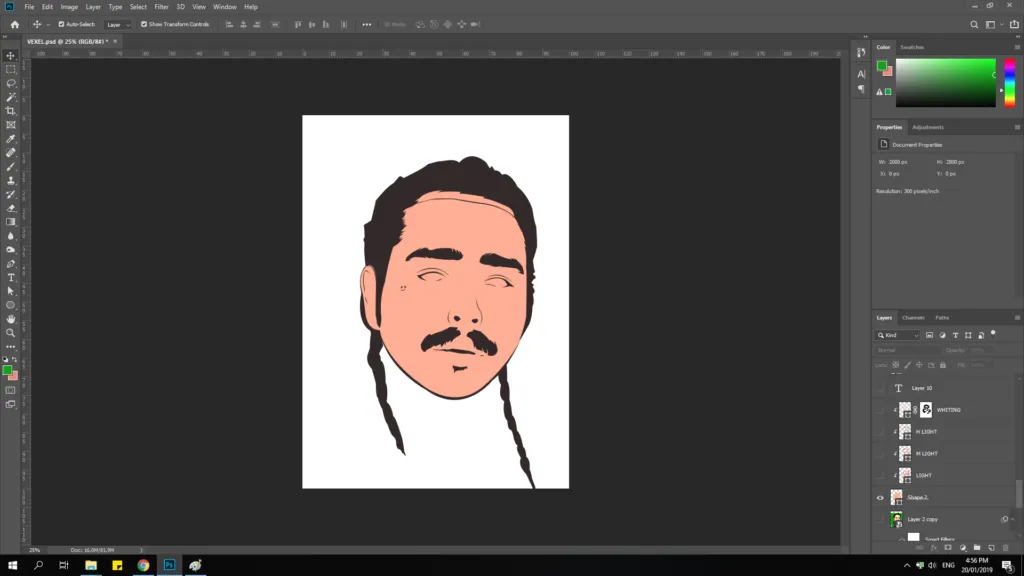
Then I added some shading to the base color.

And to add more details, I added some highlights.
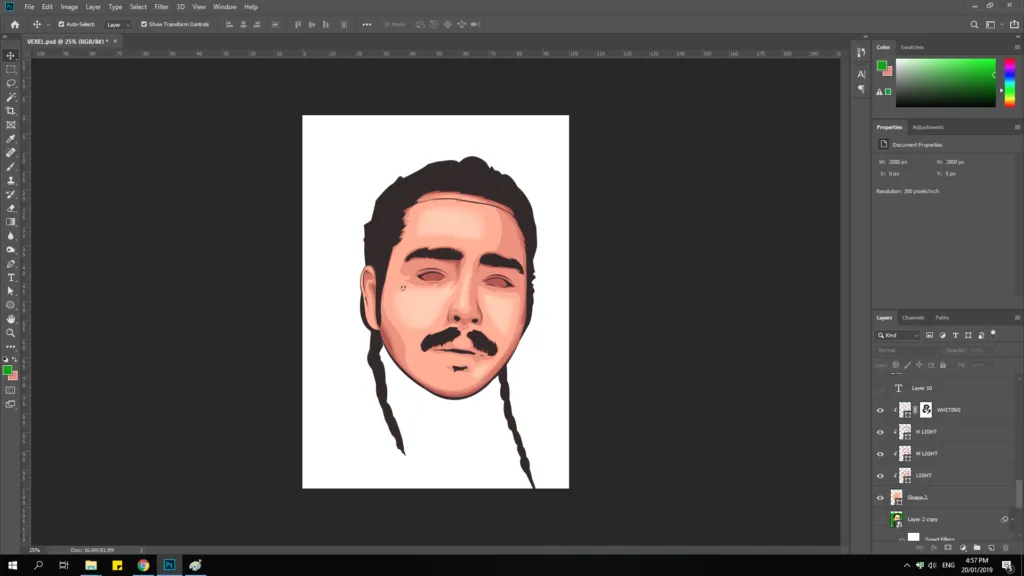
After that, I added the eyes.

Then the iris and some reflection details.

After that, I colored the lips, and added some shading to it.

Then added the barbed wire tattoo to his forehead and some beard details.

Then, I added the piercing on his nose.

Lastly, I changed the color of the background and added his name on the upper left.

If you would like something like this, you could contact me in Discord at Baa#7796, through email at dibon@creativecebuano.xyz or through Facebook at https://www.facebook.com/baabebiboobu, so we could talk about the pricing.
Posted from my blog with SteemPress : https://creativecebuano.xyz/2019/01/vexel-artwork-8-post-malone