

Hey you guys! Back with another tutorial. This time, we're going to render in B&W then color our artwork using Gradient Map in Photoshop.
Before I begin, I would just like to suggest that you vote for 
And also check out 
Sketching
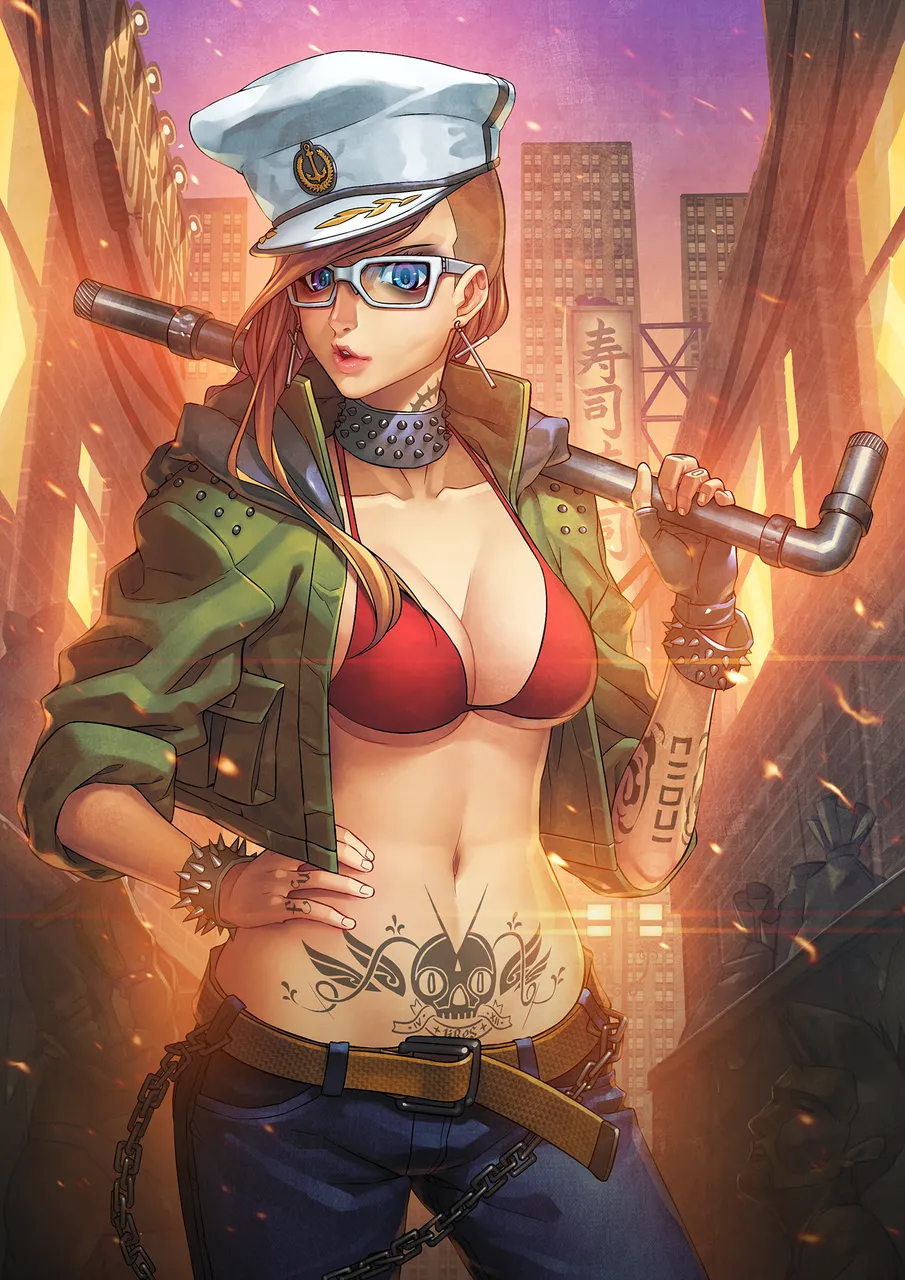
The original idea I had was a police woman. Gangster girls are more bad-ass!

Inking
I will never ink chains and studs ever again. Ever.

Rendering in B/W
Since I won't be making flats, I'll render this one in whole. Starting with the Mid-tone, adding Highlights then Darker Shadows.

Applying Gradient Map
After I render her completely, I separate the parts with same colors to different layers. And I go to PS to apply the gradient map.


As you can see by choosing some of the presets, you can get a glimpse or an idea of how Gradient Map will have an effect to your artwork. The second one though, is not a preset. I made dis.

This is how it looks like after I've applied Gradient Map to every part of her.
Background
I've also rendered the BG in B&W and also applied Gradient Map.

Finishing Touches
Added textures, back-light, and lens flare!

Final Product
Done!
I hope you found this art process useful. I'll try to post more tutorials. -
Bye for now!
-lires