

Hope you like this instructive art post!
The main design came from one of my previous graphics, in my file.

This orange fractal insert was created on weavesilk.com, which is a free application.
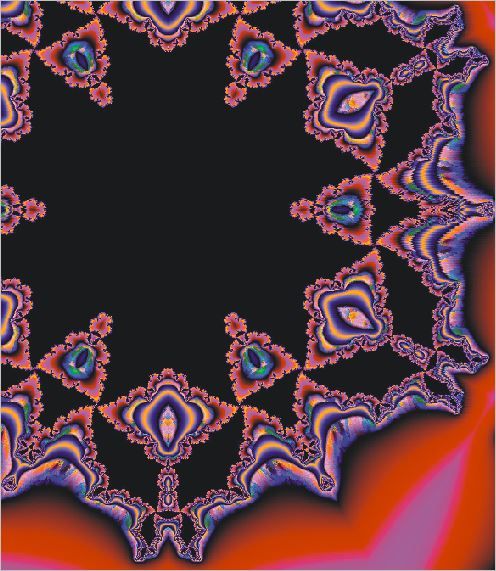
I imported the fractal in orange and placed it in the middle of the art work , as you can see in the illustration. I then went to " effects" and chose the vignette option. Chose the circular option and removed the excess colour around the fractal.
Then combined the art on "Object" at top of screen.

After the combined application..changed the colours and made them more vibrant. You can use tone curve to do this or adjust the brightness. Change according to your colour preference and taste!
I used Corel Photopaint to achieve this look.
Credit- my own art work and tutorial.