

How to Do Live Currency Data on Excel!
I figured how to make live and self- automated excel for my cryptocurrency portfolio. I wanted to share this with you guys.
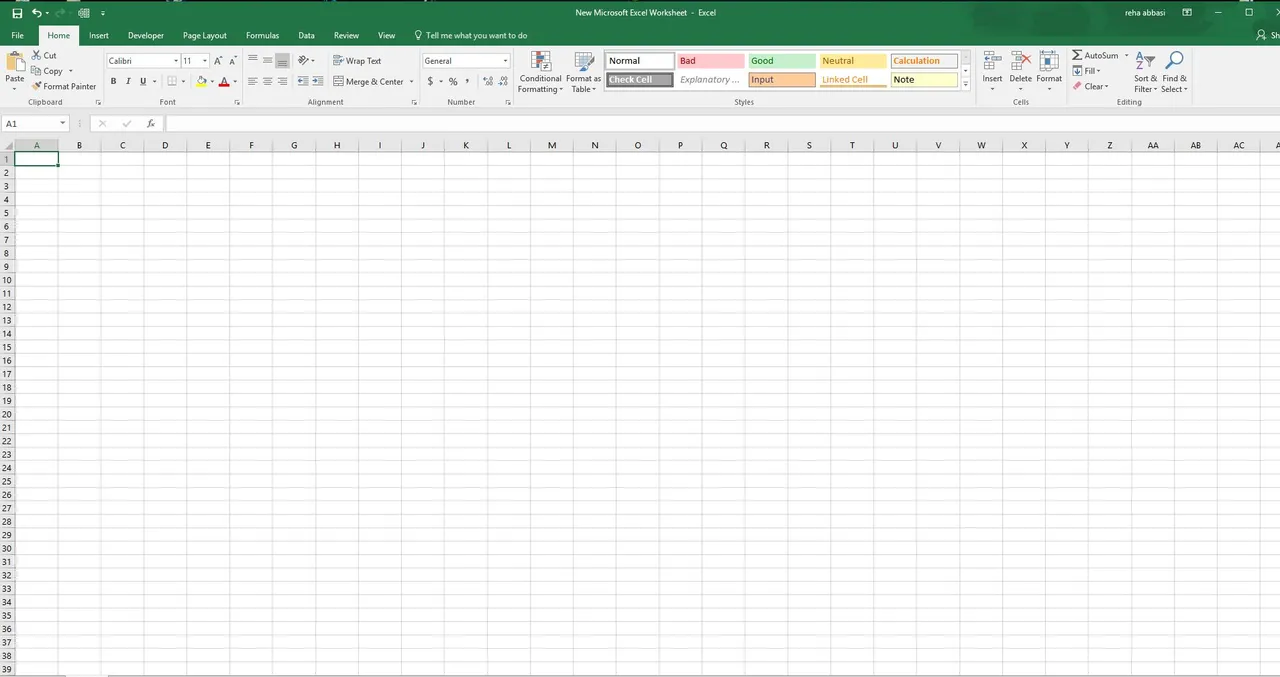
Step 1 - First, I am opening a clean excel sheet
Step 2 - Creating Empty Template
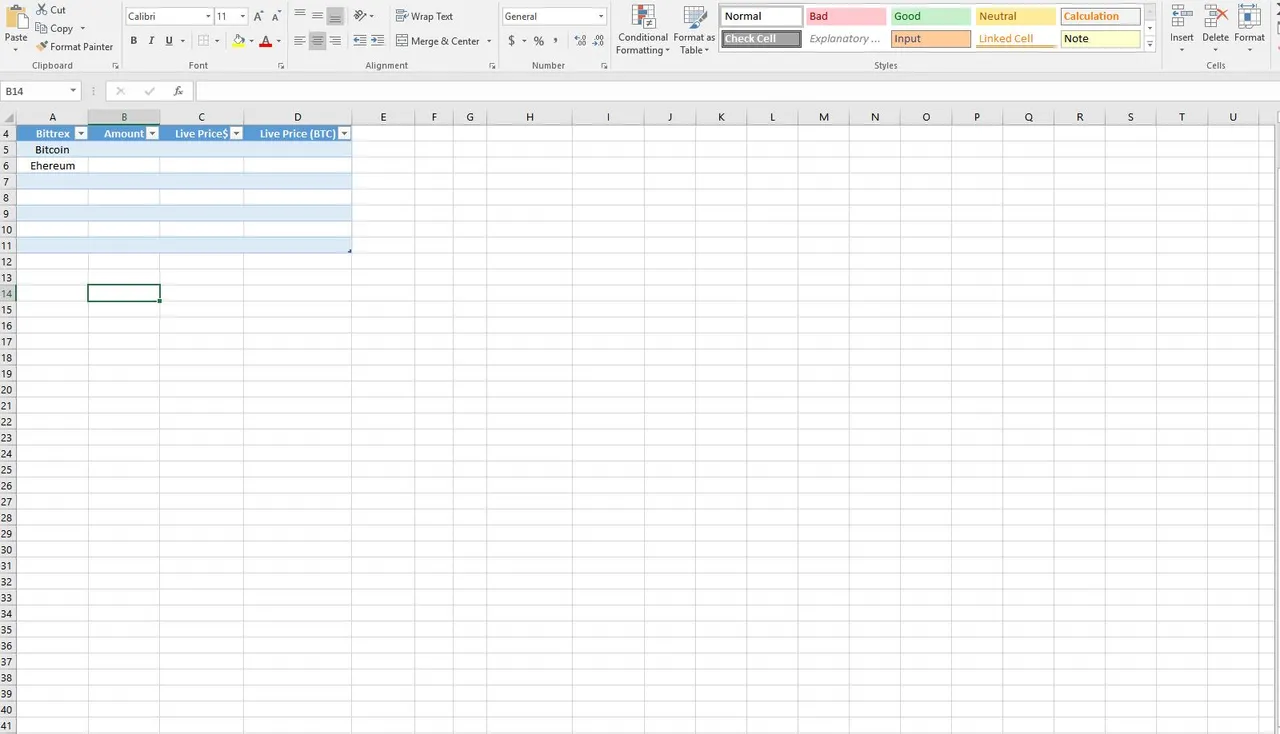
I am just creating a template for me to enter data later. (I haven’t entered any numbers yet, just created a table for what I will be entering for
Step 3 - How to export live crypto data? (tricky part)
In order to export live data, you need to go Excell – Data – New Query – From Other Source – From Web. Then you have to enter following.
https://api.coinmarketcap.com/v1/ticker/


To see it better, lets convert it to table and extend the columns. Then, click Load and close.

There you go, now we have live data for all the coins. This will be your raw data that you reference later for corresponding cell. (But I like to use this page of the excel, just to quickly check a price for a currency)
This is how it should look like;

Step 4 - Exporting Individual Coin Data to Reference on Your Chart
You can also export individual cryptocurrency data. Repeat step 3, but for the api link use following
For bitcoin - https://api.coinmarketcap.com/v1/ticker/bitcoin
For litecoin - https://api.coinmarketcap.com/v1/ticker/litecoin
For ethereum - https://api.coinmarketcap.com/v1/ticker/ethereum
I think you had the idea :) (If you are not sure how to spell the name of a currencry, you can check by clicking its name from www.coinmarketcap.com)
Click ‘’Record’’ , and click ‘’Into Table’’
It will be easier to reference from these later on. This is how it should look like


Step 5 - Refresh Rate for Live Data
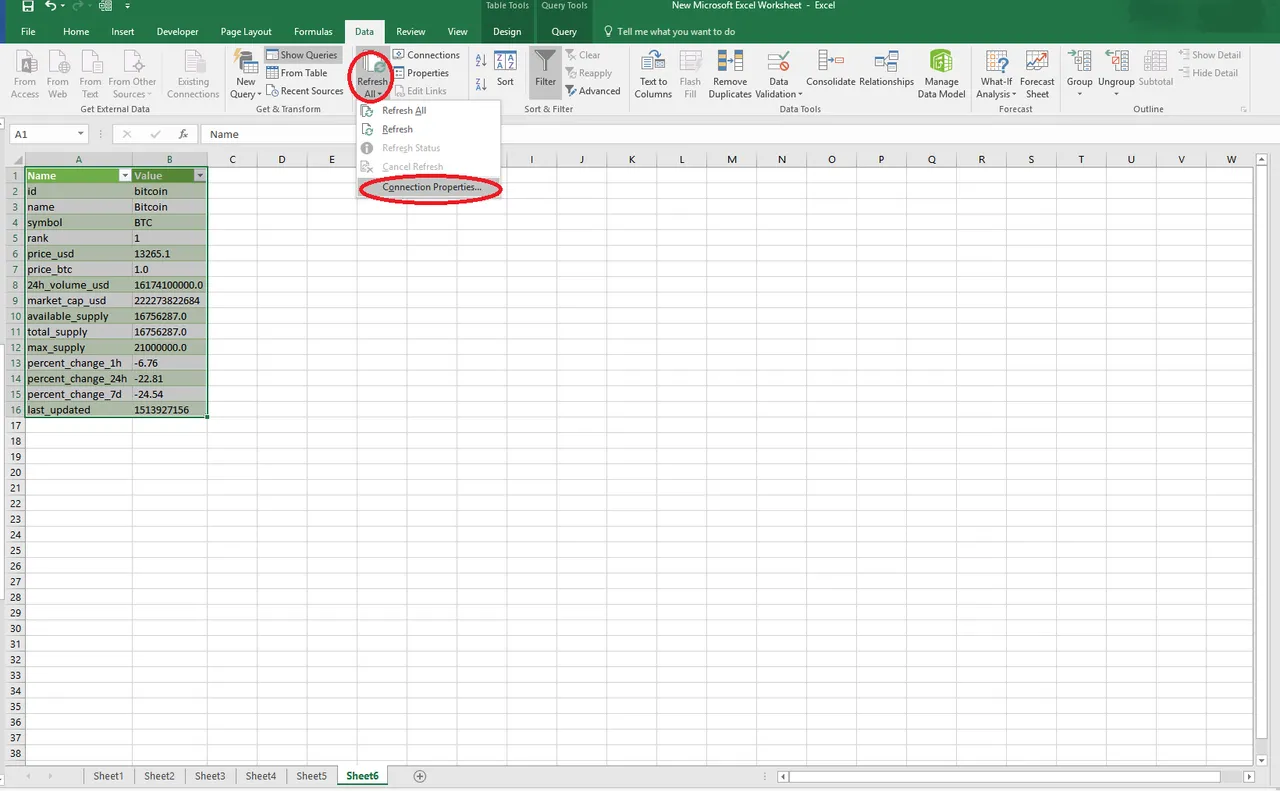
This is a live data and in order to set refresh rate, click the Litton arrow on ‘’Refresh All’’ then click ‘’Connection Properties’’
You can make your file to refresh everytime you open the data and set some interval for automated refresh. (you can also refresh manually from ‘’Excel – Data - Refresh All’’ button)

Step 6 - Referencing for Our Personal Table
Okay ! Now we have our live data, we can just reference these data to our template table
To reference the data from live price, click in the corresponding cell, then put ‘’ = ‘’ symbol , go to bitcoin live price page and reference it by shift + left click on live data value on your exported raw data.


Step 7 - How It Should Look Like Once You Are Done
I only showed it basic live data export and reference for Bitcoin and Ethereum . But You can do lots of fun things (putting Pie chart, Percent profit calculations… )
I am sharing my personal Excel sheet for my portfolio.
