

Whonix is one of the most secure operating systems out there made up of 2 parts, the Gateway and the Workstation, of which you'll use the Workstation to access the deep web through TOR. If you're full on about security and going anonymous, this is super helpful and alongside Qubes OS or running this in Kali Linux, this is your best bet.
Whonix is perfect against any lurkers or malware, however it cannot be used as a host OS. You could technically download it inside of a VM on Windows or Mac, but just be aware that PRISM (NSA) monitors Mac OS just fine and that Microsoft is more than happy to give away key details of yours to whoever asks for it (aka government hehe).
So how do you install this piece? First off, just download the files by visiting their website here: https://www.whonix.org/download/

Since we used Kali Linux, we'll go here and get both the Workstation and the Gateway files
Once you have your VM up (could be either Vmware or Virtualbox) then the first thing you want to do is import the .ova file into the VM. If you import it, you won't have to mess around with the settings..

If you do it the "normal" route, as in not importing, you'll have to choose the settings. So since Whonix is a -unix based system, the best bet is to run it on the latest version of Debian. It'll be 32 bit pretty much since Whonix 64 bit is only available on Qubes OS. Qubes by the way is a very complicated system to understand, so unless you have a lot of Linux based experience... I would stay away from it and just go with easier stuff :) Kali also is a complex Linux distro, so maybe Ubuntu would be a better choice!
Once it's installed, you want to start it up (the gateway) and find "Konsole". If you have a black terminal from the get go, this means that your computer either doesn't have enough power to run the full on Whonix colored interface, or if you did the other way of installing you didn't give it enough ram. If you went about it the latter route, I'd give 1024-2048 mb.
Once you're in the gateway, and you're in the "Konsole" you just want to type in these 3 commands:
Sudo -I
Get-apt update
Get-apt upgrade (or sudo get-apt distilled upgrade)
Each one individually. If something doesn't work, for example you type in "get-apt upgrade" and you get an error, maybe you don't have root privileges so I'd just put sudo in front and try again.
There are more commands you could go through, but these are the simple ones to get you started.
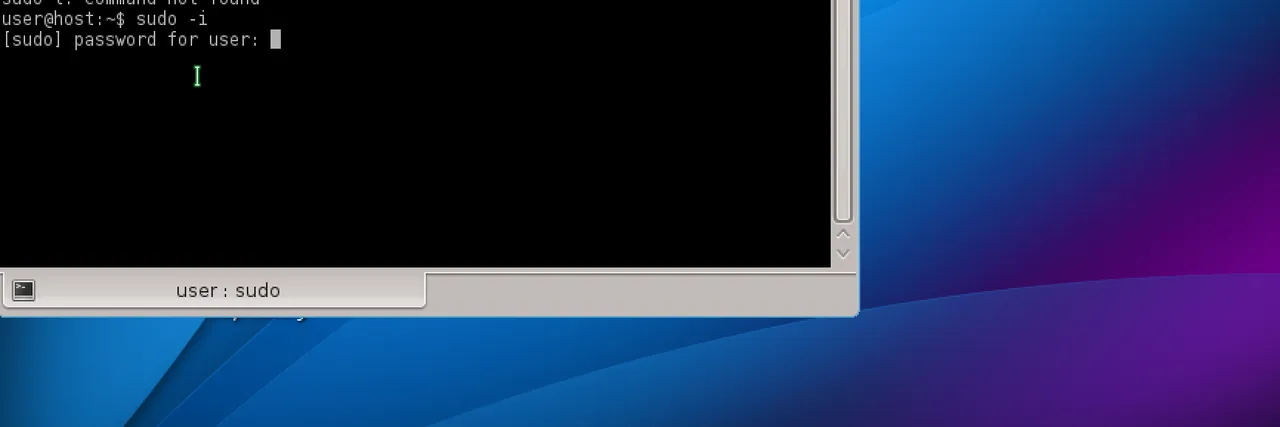
Btw, the password as Whonix says is changeme so keep that in mind
Once you have everything updated, just leave the gateway up and running and start up the normal workstation.

If you need to update Tor, hit "next" or "understand" and just go through it and let it do its thing :)
It's reeeeeally simple and once everything's finished downloading, just open up Tor and you're good to go!

Next step would be to look into Tor Bridges. With Whonix, unlike Tails you'll have to type in some commands. You have an option between OBFS3 and OBFS4 bridges. The obfuscated 4 bridges are more secure.
Also keep in mind, please use a VPN on your host system! Even better, a VPN router.
