

You can download the geosetter application from http://www.geosetter.de/en/
After you install the application click the icon and open up the program.
Step 1 - Add the pictures from your folder

Locate the folder where your pictures are saved and select the pictures you want to geotag.
Step 2 - Add the address to the search bar below the Google Map

Type in the address below the Google map in the search bar.
Step 3 - Click the geotag button on the top menu
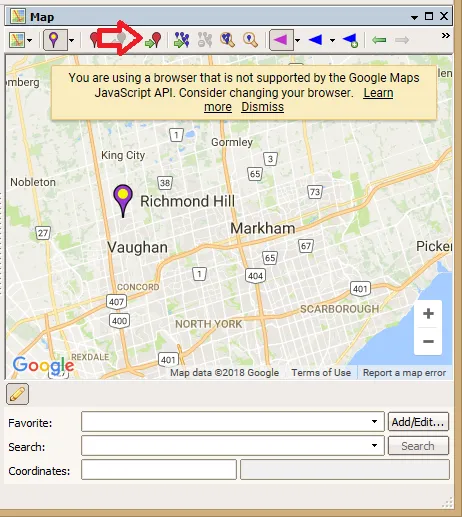
Click on the geotag button indicated on the top menu. This will assign the map coordinates to the images you selected.
Click on the save button and you're good to go!