

I've always dreamed of becoming an animator or a mangaka artist, but since painting was the only option offered by the fine arts program in my university, I stopped practicing animated drawings.
I remember my professor saying "You can't survive fine arts if you don't do realistic drawings" with that said, I stopped watching, drawing anime, and I also stopped being an otaku. So in order to survive my course I started to draw realistic drawings, and thank God i survive! WHOA !
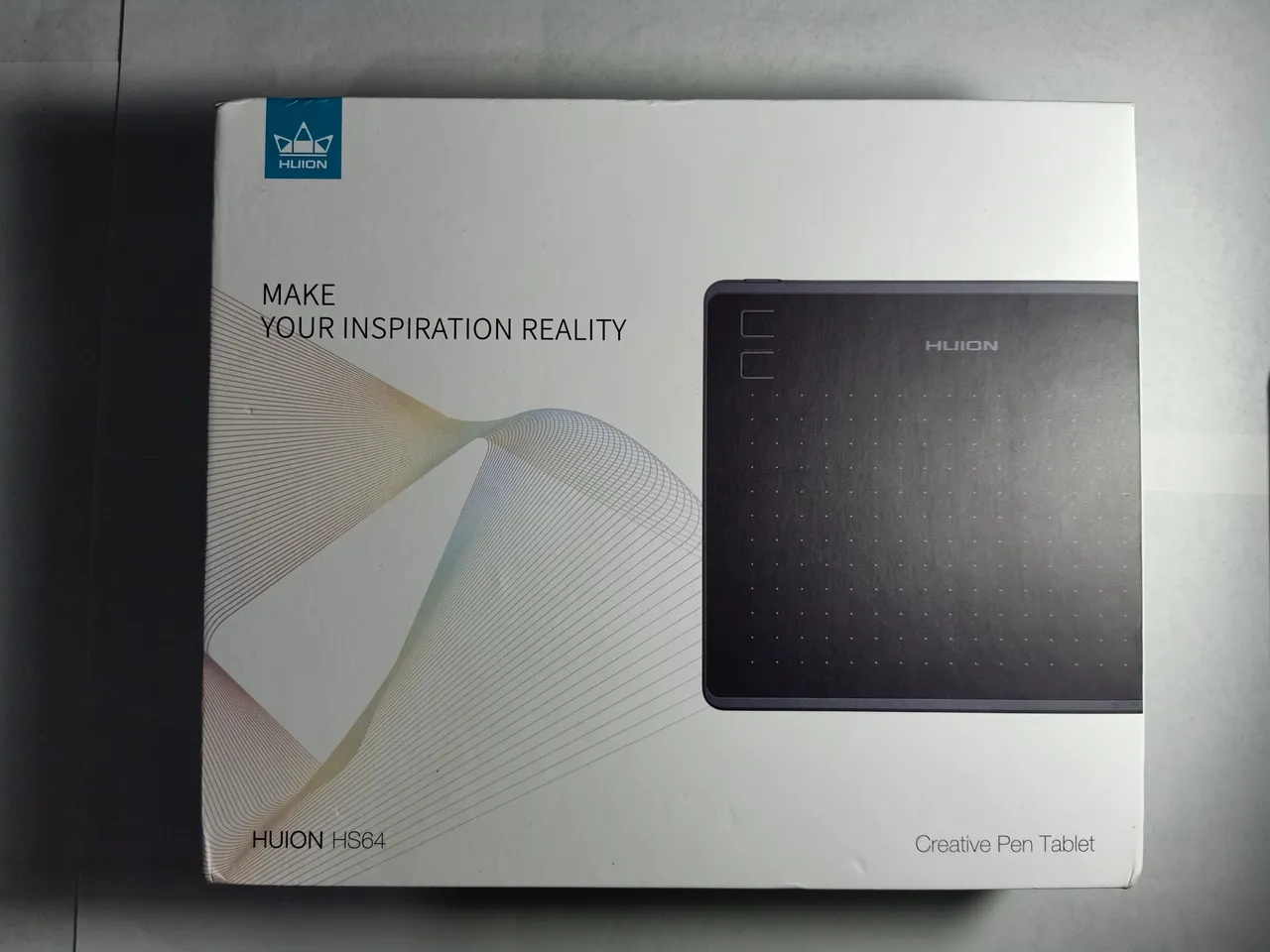
So since the new normal right now is to stay at home and every transactions are through online, I bought myself a new drawing tablet THE HUION HS64, because one of my friends offered me a job about doing vector/vexel digital portraits and I haven't started practicing yet because I don't know how to use photoshop, luckily other softwares are allowed which paint tool sai was the only drawing app im familiar with, but mind you I still don't know Sai ! T_T * sobs *
By the way, I bought the tablet in Shopee 9.9 event for 1,390 pesos (28.67 USD), the shipping fee is already included. It's very cheap compared to the first tablet I had, back in 2013
First Drawing Tablet
GENIUS MOUSEPEN i608x

it costs around 3,999 pesos (82.48 USD) in OCTAGON. Sadly, the pen got broken and it has become useless without it, so I threw it away.
Here's a memory of it hahaha
I only made it as a hobby back then i never gone deep to learning how to color

Second Drawing Tablet

I bought a second hand pen tab after losing the other one which costs 1,000 pesos (20.627 USD). It's very cheap and it works fine, I didn't use it much so I kept it and was saving it for future use, Unfortunately the pen got missing because my friends daughter was playing with it... *sigh *
oh well, the only part I can make use of it now is the pen holder (the extra nibs are still intact btw).
TADA ! PERFECT !

Anyways,
WHAT'S INSIDE THE BOX ?

A thank you note from Huion for buying their product and my reply to it is YOU ARE WELCOME HUION I AM ALSO THANKFUL BECAUSE YOUR DRAWING TABLETS ARE AFFORDABLE!
I really thought the disc was real, luckily (since I don't have a disc port in my laptop) it was actually a guide for the pen tabs installer which can be found through their website, and the one next to it is the manual...

Here is a tablet size of 6.5 x 4 inches, with 4 express keys and connector on it.
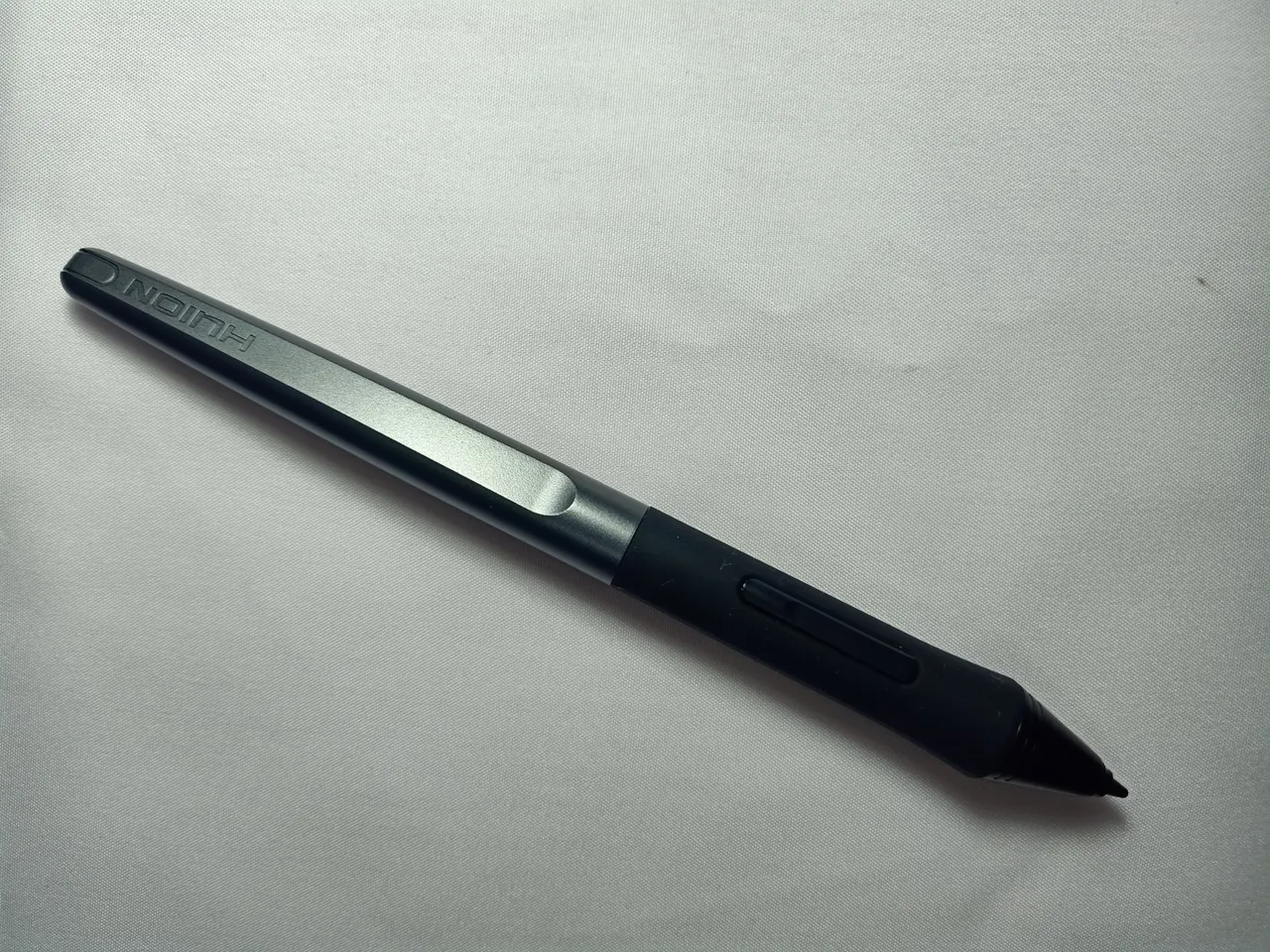
a wireless pen with 2 shortcut buttons, I love the new pen because it's battery free, unlike before you have to be very careful not to put the battery for too long to avoid acid leak

It has a micro 2.0 USB and type-C OTG adapter because the pen tab can also be used in android phones AWESOME isn't it? and they also have a free glove the more I'm loving it !
An example of using it on my android

I used sketchbook app to draw that one, and yes i know how to read and write japanese but only hiragana/katakan and NO to kanji!! and yesssssss, that's a chibi portrait of me and i already have a short hair..
moving on
AN EXAMPLE OF USING IT IN MY LAPTOP

I wasn't joking when i told you i don't know how to use sai, i can go as far as doing line art, and the layering? nope, see how messy i used it hahaha i still have a lot to learn about it. Hopefully though hahaha
This is my workplace by the way

I'm still having a hard time with doing straight lines or fine lines using the tablet, i prefer the display drawing tablet since its like I'm drawing on a paper and i am eyeing on the Huion Kamvas 16 or 22 pro, but for now I'll start with the small one.

