
This week we are spicing things up with something new!
I am turning a boring white ceramic tile into a small piece of art!
If you have an art submission you would like to upload send it here for your chance at winning prizes!
@splinterlands/splinterlands-art-contest-week-155-10-booster-pack-prize

Step 1: Pull an image of Yodin and convert his image to grayscale, then pixilate his texturing so the laser can recieve the on/off signials it needs, I provided a side by side super close up of his arm.


Step 2: Clean your tile, I am using a 4x4 inch white ceramic tile, these often have a layer of wax so it helps to get that off too.

Step 3: Apply your paint, firstly we are going to apply a base coat, this is the color you want to be shown through the lighter portions of the burning. Then top it with black which will be your background. I added yellow around the edges to see if I could get any cool effects in the burning process.


Step 4: Before I ran my burn for Yodin I made a sample tile to see what settings I want to use to get the coloring I wanted, here is what it looks like and I can save it for projects at a later date too!
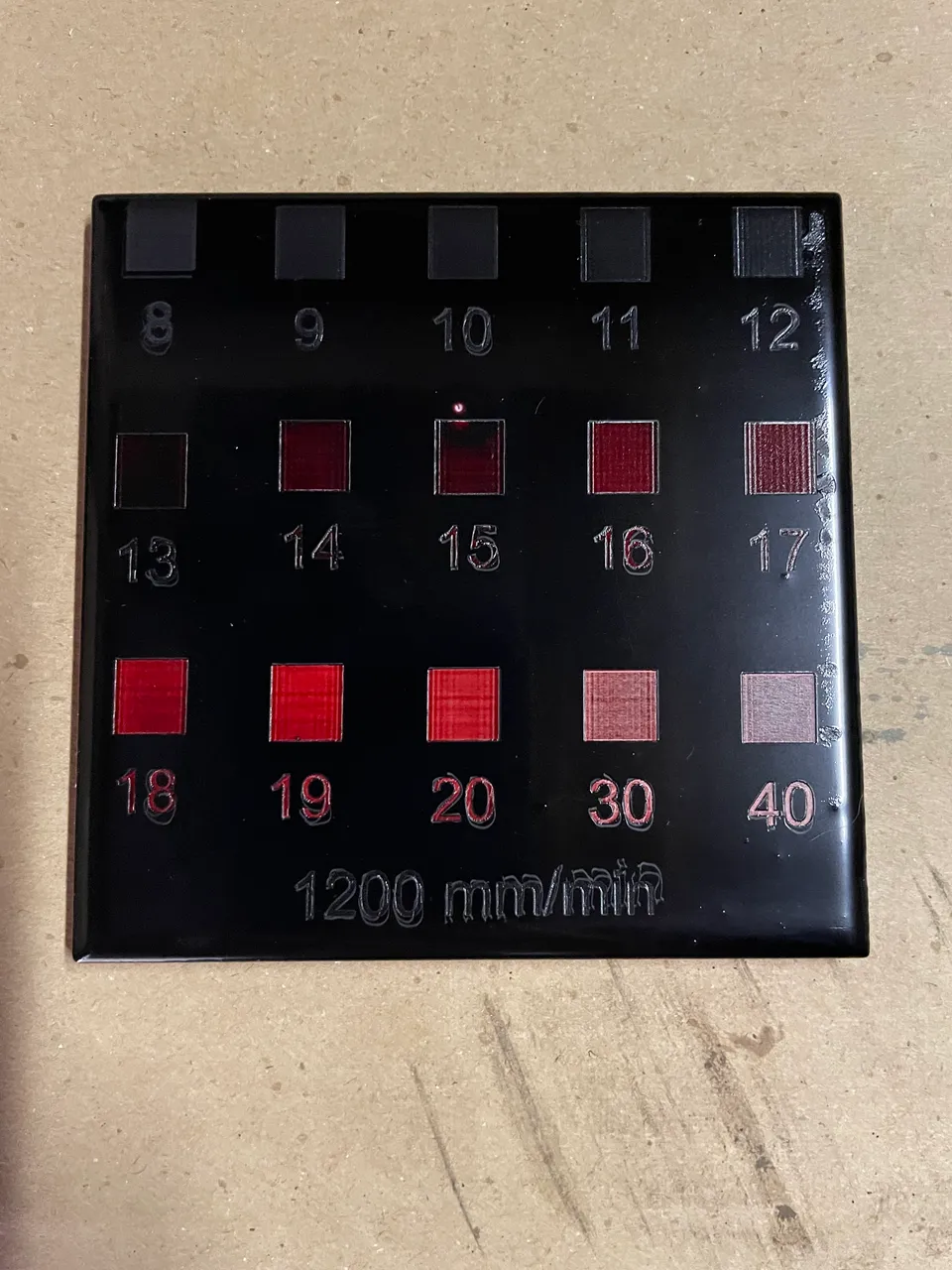
Step 5: Send your tile to the burn table and wait, a really long time...

End Product Be sure to make sure your lint free rag didn't catch a stray twig, I was cleaning Yodin off and there happened to be a stray twig on my cloth that damaged it a tiny bit. The two dots you see are from being an impatient painter.
