
Hello hivers, still on the things i learnt at my first physical training, a step to step guide on how to make a post in the ecency wave app.
A Steps On How To Post on My Ecency Wave App
Step 1:
On my phone gallery, i went to my Play Store

Step 2.
I click open my playstore.
On my playstore, i went to the search icon to search for the ecency wave app.


Step 3:
I downloaded the ecency wave app into my phone

Step 4:
I log in into the ecency wave app using my username and active keys
Step 5:
I launched into the ecency wave interface
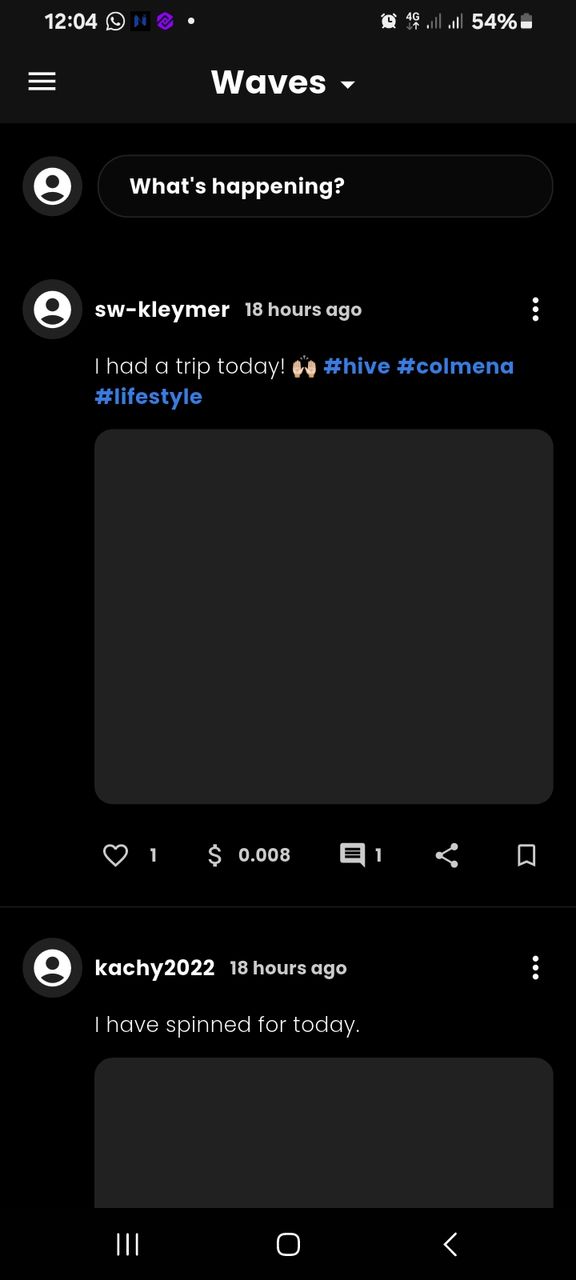
Step 6
On the ecency wave interface, i tapped on the (what is happening) to write my post.

Step 7
On the ecency interface where i made my first post on the items i purchased in my first physical training.
I click on the camera icon illustrated on the interface to add my pictures from my phone gallery, where i selected the pictures i added to the post.


Step 8
I click on the arrow on my left hand side of my ecency interface to publish my post.

Here are some of the posts that have made so far on my ecency wave app.


Learning to make a post on the ecency wave app was one of the exciting moments i had during my physical training. This was made easy with the help of my mentor 
Getting to know that the ecency wave is a platform where i can post short content gives me the courage to engage daily in this platform.
It's indeed an awesome experience. Hive is the best platform to engage.