
Thumbnail Version

CLICK IMAGE TO EXPAND
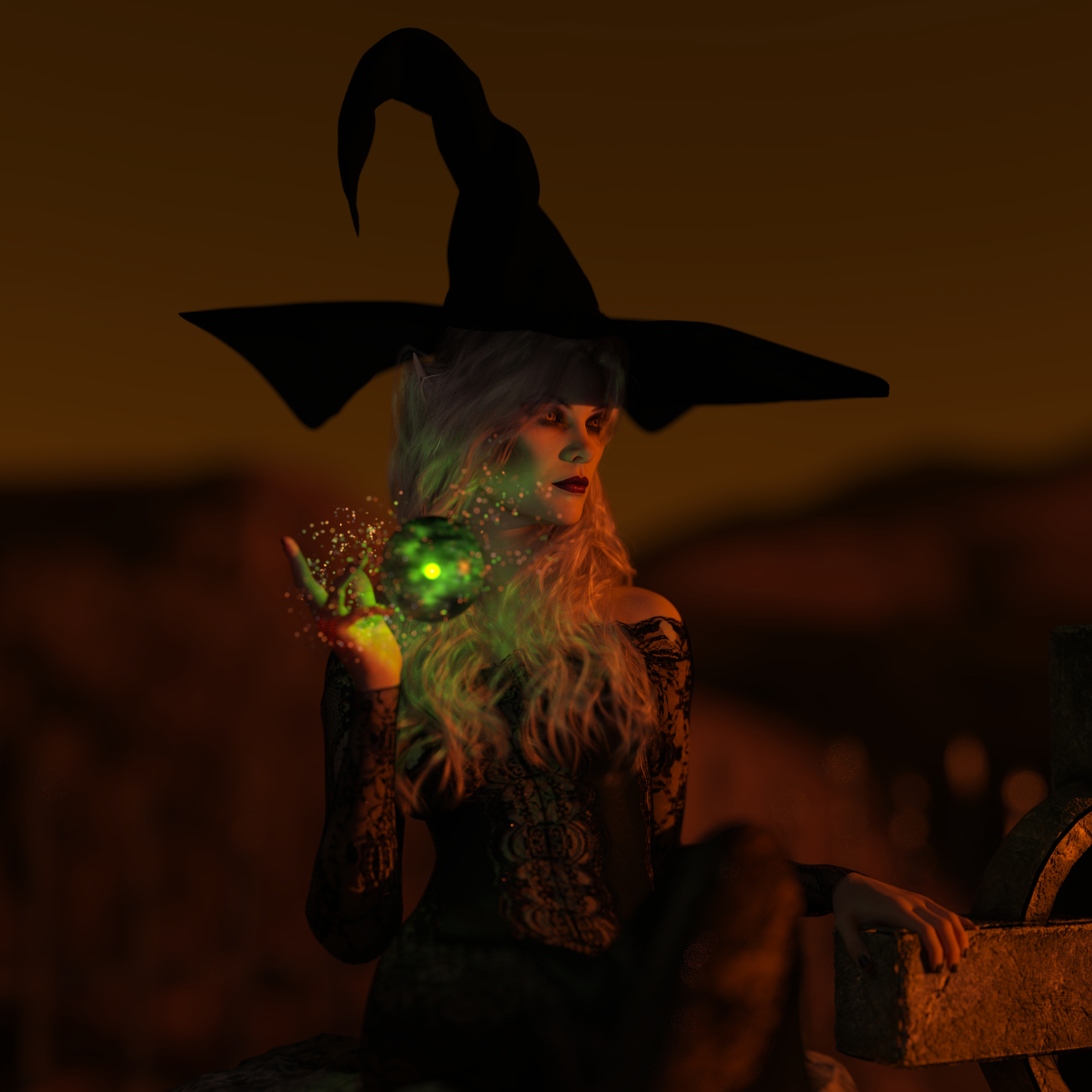
A Dark Enchantress needs a dark setting. The background color that I chose is because I wanted a stagnant aura and stillness. She's sitting on a stone with her hands resting on a headstone cross in a cemetery. Her look is almost as if she is in a trance, casually casting her magic.
Reference Image - Dark Enchantress

Using Daz3d Studio and Photoshop
Started with a Genesis 9 Female Template.

Added a sitting stone.

Added the semi-completed model, after I morphed the body, changed her position, facial expression, and added clothes.

Added hair, eyebrows and eyelashes.

Added a hat.

Added texture, light and color.

Added sparkles, greenpoint light and a transparent sphere.

Final render.

Post Photoshop, I had to clean up the hair protruding through the hat.

—--------------------------------------------------
Tools and assets used:
Daz3D Studio, Iray and Photoshop
Genesis 9 Female Template
dForce XF The Sexy Witch Dress and Hat
Soft Curls Long Hair
BM Headstone with Cemetery Background
Daz3d and HDRI Lighting Background
In Summary:
- I start out with a model template and morph the body physically.
- I put the body into a position, change facial expressions, add makeup, dress the model, add skin texture, props, etc…
- I either can embed the character into the background or wrap the environment around the character, then add lighting and camera settings, like depth of field.
- Rendering times was about 12 hours.
- Postwork in Photoshop (adding imperfections in the skin, changing atmosphere and lighting, etc…)
Stay frosty people.