
Hi...
Today I am going to show you a little behind the scenes of how I made the Quest For Stoken NFT that we gave away to the top ten participants in our OCD contest.
.

The gif is 9.2 MB so let me try to include a smaller version for this post.

We issued 15 of them.
This NFT made Skatehive's first NFT listed in the NFT showroom.
We plan to make a lot more.
the process
So, I use adobe after effects.

And what I do is basically drag in all the assets that I want to collage together.


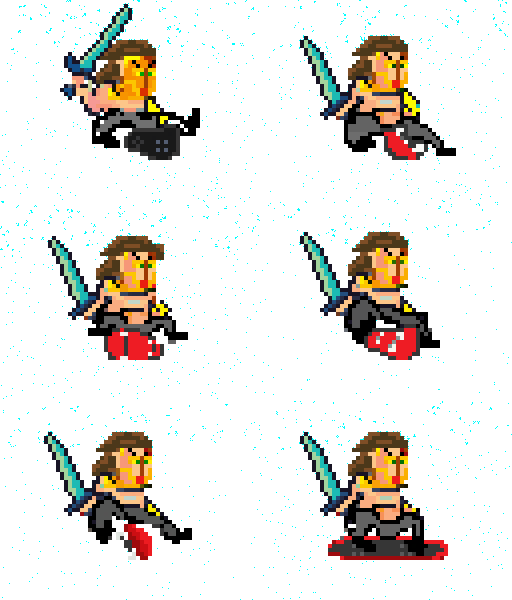
I just have a big folder on my desktop with tons of screen shots and little bits from the game that I have blogged about before.
But for the NFT I needed a cool border.
So I searched online for Cool High Tech Card Border.
And modified it a bit.
But the coolest part is the LightSweep effect.
It makes my GIFs look like shiny Cards.
Ill show you how to do that in AE.


in this case the card border... and the picasso statue.


then move the time line to the end and make another keyframe and move the center for its path.
I use light sweep on all my NFTs because it makes them look like a fake physical object.
After effects is not cheap though. its $250 a year to use.
So i gotta try to sell some NFTs to pay for it.
But in the meantime hopefully make the NFT ecosystem more cool-lookin!
Im happy to make NFTs like this for other people too!
Let me know if you want to commission an animated NFT like this for you or your community.
Cheers!
-Web-gnar


go to the nft showroom and check it out!
https://nftshowroom.com/gallery/skatehive_quest-for-stoken_quest-for-stoken-drop-1?collection=true