
Hello everyone, I am here to show you my first digital dark light lesson, I am learning more and more about all these color combinations, it is funny the process because I had no idea what I was doing. Anyway, I hope you like it and learn some tricks.
Well it all started with this bright green circle .

And with this brush I began to make the dark light.

First these colors, going from dark to light.

Here you can see how I applied the technique, you can also see that I have no sense of light direction. This is a problem that I have to fix.


Then I started to design a nice background for my beautiful sphere....
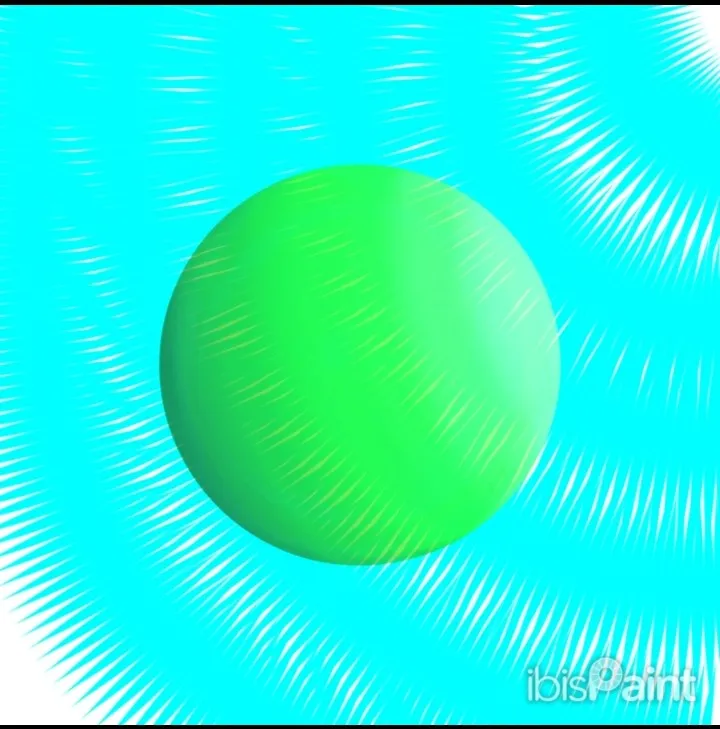

After two attempts, I didn't like any of the backgrounds and remembered that the ball was missing the shadow.


- The reflection is ready!!! ...it looks like a rubber ball ? I made a shiny reflection at the end.
I wanted to see how it would look creating a dark background.


- In the end I didn't like it and I kept the white background I had initiall
My first attempt at dark light is dedicated to 

At the end after touching up a few details I added my signature and that's it.

Note
The photos are of my authorship
App IbisPaint.
Use these two brushes for the whole drawing.
