
We can use WhatsApp, the instant messaging program that ranks first on smartphones, in two different ways on PC.
WhatsApp was originally developed for phones only. However, long-lasting conversations and constant phone availability started to bore users. Thereupon, WhatsApp offered the Web version that can be used via the browser in 2015, and the PC version of WhatsApp in 2016. Either way, it was possible to use WhatsApp on a computer.
WhatsApp Web Version
To use WhatsApp via the browser, we enter the web.whatsapp.com address. We see a screen with a QR code.
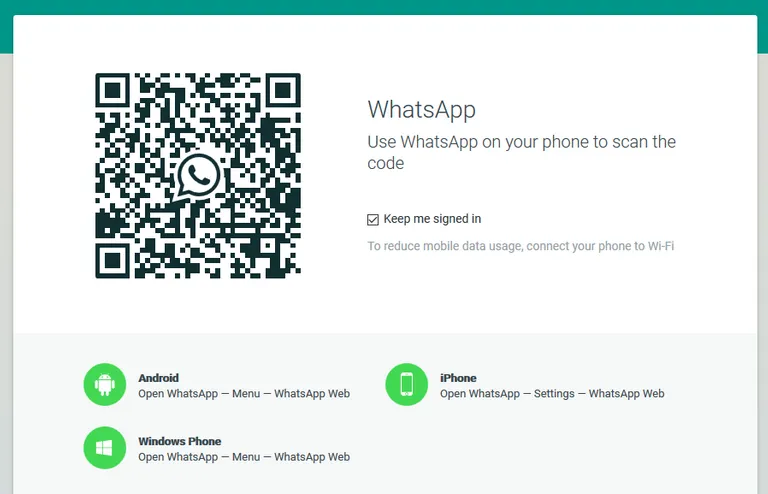
Then we open WhatsApp on our phone. We click in the upper right corner and select WhatsApp Web. If we have not logged in from any PC before, we will see a QR code scanning screen like the one below.
As in the picture, when we hold the scanning screen on our phone to the QR code in the browser, the WhatsApp Web session will be opened automatically.

WhatsApp PC Version
It is also possible to use WhatsApp Web with the program via PC. There is no obligation to open a browser in this application. First of all, we download the Windows or MacOS version of WhatsApp Web from www.whatsapp.com/download/.
When we install the program and open the program, we need to do the QR code matching we mentioned above in order to open the WhatsApp Web session.

Note: We have to sync with the phone for both methods to work properly. In addition, our phone and the internet must remain open throughout the time we use it.