Hi there lovely and creative people of Hive World,
Hope you all are fine and having a great day
I am sharing my recent drawing of Teacher, who is telling that he is Hive blogger and he loves Hive and so I...
It is not for everyone that they work on what they love, and some how it is for me and for YOU too.
I am not just passing my time here, I earned a lot with respect and love.
Thanks to all of You.
Drawing of a Teacher


Software I used :
Adobe Illustrator 2019
Steps :
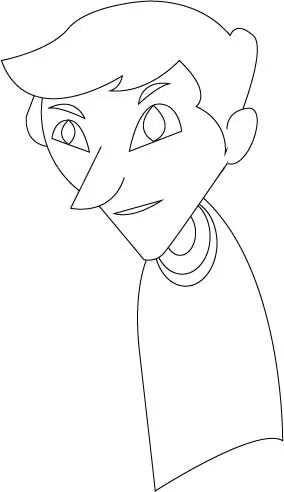
Below you can check step-wise images of my drawing
Start with Ellipse tool for face shape

create eyes and nose using Pen tool

create chin, lips and ear using pen tool

give him some hair style

create eyeballs and eye brows

start creating body for him
draw arms

create lower body parts and start for one hand

complete hands and give him a stick

coloured my character

create rectangular shapes for background wall, floor and board

coloured the background

after that I put text on it, Thanks to Neoxian City element where I shared my drawing and M.D advice me to use readable font and
 advice for
 verdana, Thanks for it.
Hope You like it,
Thanks for the Visit