
Hello India United, how are you today...?, i hope everything is fine

On this occasion, I would like to redesign the logo of India United. Previously I had made a logo for India United and I think the logo already looks tacky and I will replace it with my new logo which I will make in this post.
Usually, making Borderlines is done using computers and large capacity laptops, considering that Borderlines are more difficult to make than a sheet of wallpaper, or thumbnails with various kinds of writing. And making this Borderline requires several supporting applications in the process.
But, here I will use a Smartphone to solve it with the help of a logo maker application and a background eraser application. You can use the Borderline at will.
So, looks carefully step by step.
- Step 1 :

I will first design the Line first using a logo maker application. And for the middle image, I will use the IU symbol because I think it's a universal and simple image.
- Step 2 :

I then reduced the image and added a blue circle around it so that the color blends in with the black. I'm using a black Background because I'll be using it for the center of the logo and I'm only trimming the Background that is outside the circle.
- Step 3 :

I* added one more circle outside it and I colored it yellow. This circle is useful for making the logo more contrast and the logo size slightly larger. Don't forget to add the words India United and two green dots that I put outside the Blue circle.*
- Step 4 :

This is the result. Once done, I erased the black background that was outside the circle and I left only what was inside the circle. Like this :

- Step 5 :

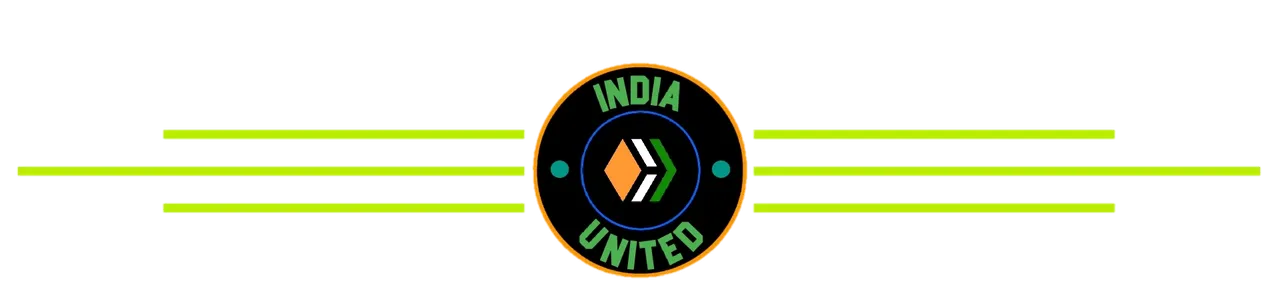
After I get a circle for the logo in the middle, then I enter it again into the logo creation application. Here I just need to place it and I added three lines on the left and right as part of the Borderline. And this the result :

- Step 6 :

After creating the outline, I did the same as before, which was to remove the Background. Previously I trimmed it to make the cutting area smaller. And this the result :

And then the Borderline is ready to use.
I've also designed this Borderline to work in Day Mode and Night Mode, keeping in mind that in Hive.Blog, users use one of those Modes, and I adjusted it for both Modes to make it workable for everyone.
- Borderline appears in Day Mode :

- Borderline appears in Night Mode :

Here's a little explanation about India United's new Borderline that I made.All Borderlines here are free and can be used for anyone who wants to use them even without my permission. Hope you guys like it.

