
I'm new in photo editing using Canva. And I like to enhance my ability to create and edit photos.
And thank you for the contest, I had another chance to create a logo using Canva and other editing apps.
If you also want to join the contest, here is the post:
@hiveph/hiveph-blogging-contest-hive-ph-assets
I just did a logo, footer and divider. If I come up with another idea, I will update this post.
LOGO
Here is the logo I made.
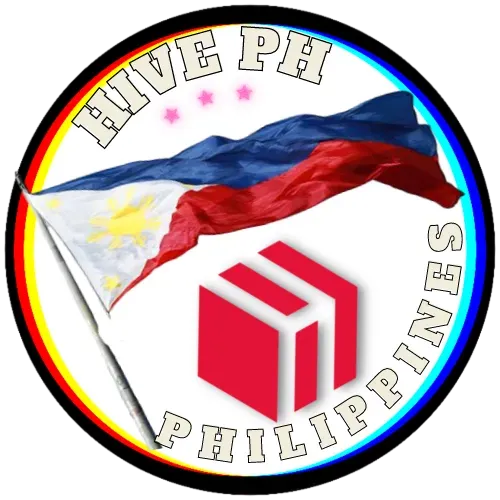
It is just simple, but I think simplicity is good and clean.
At first, the logo is squared.
Then I go to cutout.pro and use their free background remover.
But all the white portions are removed even the inner part. I just used their options to edit and restore the inner part. And that's the result.
FOOTER
This is the footer I made

Even if my design will not win, I will still be using this footer on my post. If you like it, I am happy to see you also using it on your posts. I allowed all people to use this gif. It's free and non-copyright.
In this gif, I used the app GIF Maker-Editor. It's free on playstore.
I just combined all these photos I made on Canva.
You can also try that GIF Maker-Editor, it's easy to use.


After I combined all the necessary photos, I croped it to remove the white portion on the upper part.
And it's done.
DIVIDER
Also using the GIF Maker-Editor, I just combined different colors of lines.


And the result is this blinking line.

I also like to anybody use it.
I declined any copyrights of my work.
THE CONTEST POST
I already like the contest photo. That's why I just edited it and replaced the logo with my logo.

And that's it.
I will edit this post as soon as I think of another design.
Thank you and have a nice day to all of us.