
Hello pinoyartists. I have cut this far too close! It's arlready 8:57 AM. Three minutes before the closing of the submission of entries.
I will share this anyway even if I don't make it on the dead line.
When I saw this announcement a few days ago, I thought I'd love to join this challenge. However, there are pressing matters for my other job. (You can read the details here: Friday! End Of A Busy Week! I Don't Think So!
Well, I could have done this yesterday morning. The time I wasted doing nothing.
Anyway, when I saw that the second prompt is "Anime Character", I thought of my favorite anime character. Kenshin Himura of Rurouni Kenshin or Samurai X.
Here is my final output.

Why Kenshin
I always have a keen interest in the history and culture of Japan. Plus, I have a keen interest in Japanese Martial arts.
The story of Kenshin Himura revolves around historical events of Japan. Kenshin was an assasin for the government. After the war, he dissapeared for 10 years. Then he reappeared wielding an unusual reverse-edged sword or 'sakabato'. The sharp side of the sword faces the holder.
The Process
The Sketch
I already got used in creating my sketch on Medibang Paint. Thanks to my stylus that came with my tablet.

Then I would turn that sketch into an 8-bit layer and change the color to blue so I can trace it using another layer.

App and Device used.
I always use Medibang Paint for mobile in creating my digital illustrations.
The device I use is Huawei 10.4 inch Tablet with M-Pencil 2 stylus.
Inking the outline
Normally, I'd use Medibang Paint's "line tools" to create the curved lines. This is similar to Photoshop's pen tool.
After approximately 2 hours of work on the outline or "ink", this is the output.

Coloring
I always create separate layers for the skin and clothes base colors.
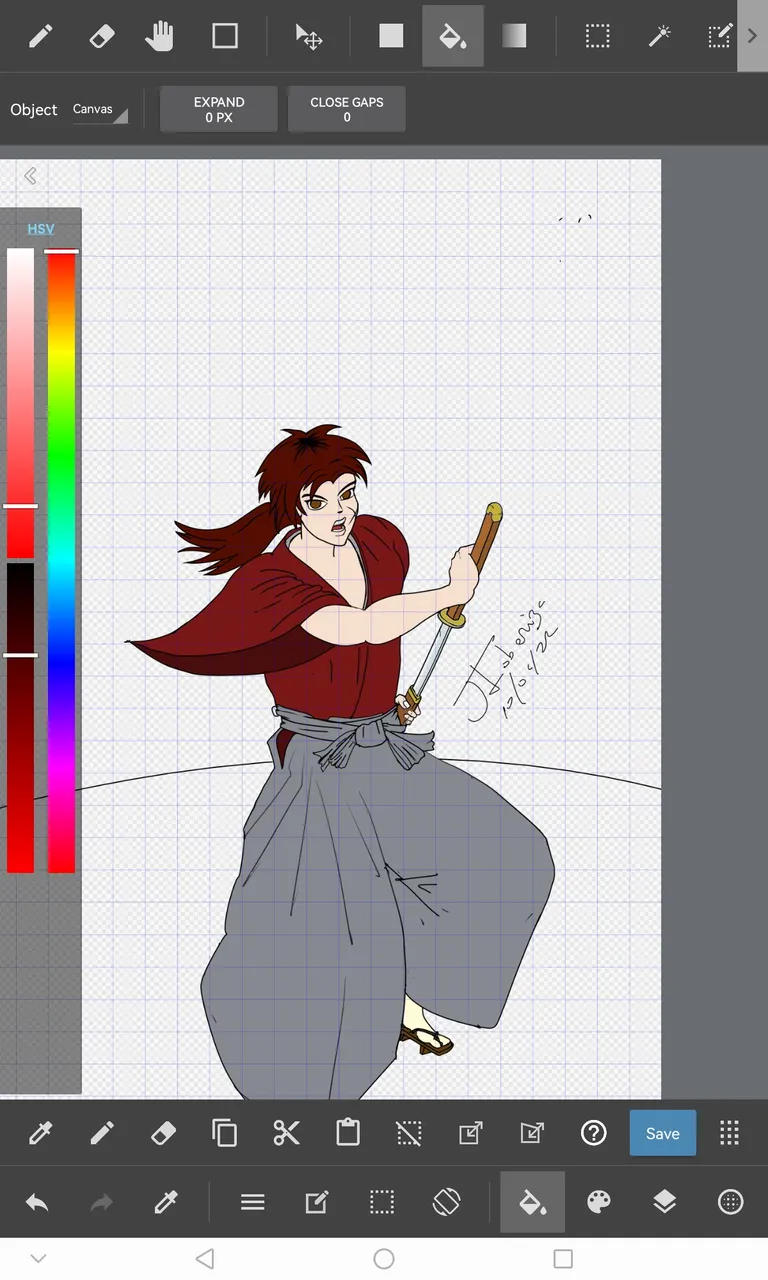
I wanted to add more details on my work, but I overslept this morning (Hey it's a Saturday!).
I did clean-up his messy hair a little bit. I also wanted to add the Samekawe or the wrapping on the handle or tsuka. Then again, I am already late as it is.
However, I was able to add some shade on him.
The Background
I kinda borrowed the background from my other work. Which I might share with you here soon.
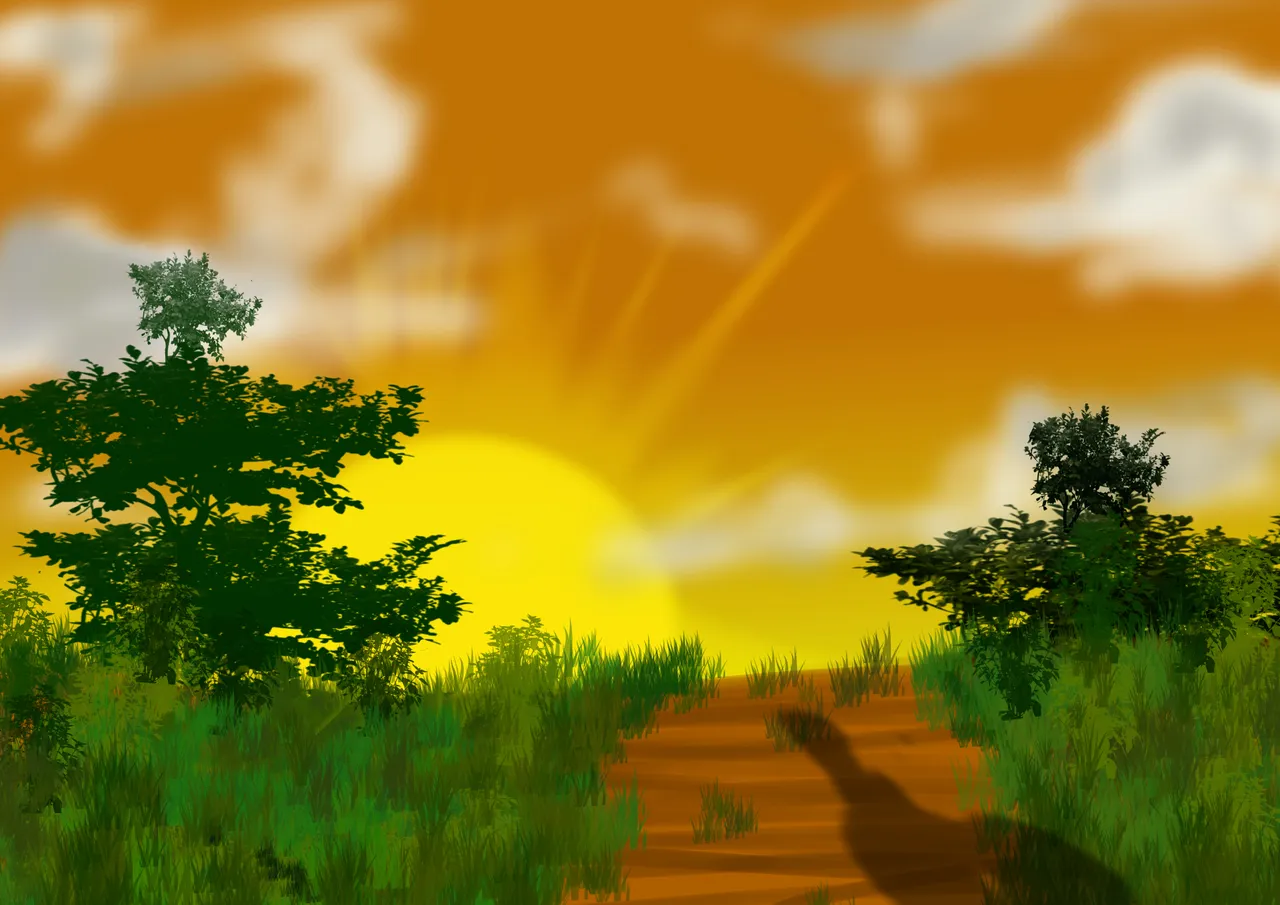
Then, exported both illustration, and I could have combined them using Medibang Paint, but I think I need to clear my tablet's memory. So I used PixelLab instead to creat the final out.
In Closing.
I know this is already late. It's ok. I just wanted to share my artwork anyway. I hope you like this. I can'd decide what to create next week.

Screenshot of the prompt.
If you want to join this challenge, checkout this post: HivePH Art Challenge: Sining at Likhain
And I will post my entries early next time. hehe.
Thanks for reading.
Check out also my other earning sites. (Note: Containsreferral Links)
|Read.cash | Noise.cash | Hive (Via Ecency)| Noise.App |
| Forum Coin |Publish0x | https://cointiply.mobi/8yiK |
Or Checkout my LinkTree for updated links.