

Hey Steemians,
So I want to share with you two of my all-time favorite tools for steemit. They are really simple and for the most part genius!
Unfortunately, I didn't write this script but the person who did was obviously a cool guy ;) Hats off to them. So without further ado, below are my two most favorite tools.
Go to anyone's Steemit Page instantly
This is a super simple bookmark code that you can save to your bookmark bar and simply click to navigate to any user on steemit.- Step 1: Save a new bookmark (doesn't matter which one) to your bookmark bar.
- Right-click -> Edit: and then replace the Name with something like "Steemit Go to" or something of your choosing.
- Replace the URL address with:
javascript:(function(){var account = window.getSelection().toString(); try { if(localStorage.getItem('blog') != null) account = localStorage.getItem('blog'); } catch(e) {} account = prompt('Steemit GoToBlog\n\nEnter a Steemian\'s username to go to their blog:\n\n(NOTE: This will load in the current tab.)\n\n', account.toLowerCase()); if(account != null && account != '') { try { localStorage.setItem('blog', account.toLowerCase()); } catch(e) {} location.assign('https://steemit.com/@' + account.toLowerCase()); } })();
Save and then click the bookmark to enter the name of any user on steemit. Easy as that.
| Step | Image |
|---|---|
| 1. Save New Bookmark |  |
| 2. Edit Bookmark |  |
| 3. Replace URL with Code |  |
| 4. Save and Finish |  |

Switch Between Steemd.com and Steemit.com Instantly
This is another great little tool that allows you to switch between anyones profile and their steemd page. All with just a single click.
- Step 1: Save a new bookmark (doesn't matter which one) to your bookmark bar.
- Right-click -> Edit: and then replace the Name with something like "[Steemit ↔ Steemd]" or something of your choosing.
- Replace the URL address with:
javascript:(function(){location.assign("//" + ((location.hostname == "steemd.com") ? "steemit.com" : "steemd.com") + ((location.pathname.split("/")[1].indexOf("@") == -1) ? location.pathname : ("/" + location.pathname.split("/")[1])))})();
Save and then click the bookmark to enter the name of any user on steemit. Easy as that.
| Step | Image |
|---|---|
| 1. Save New Bookmark | |
| 2. Edit Bookmark | |
| 3. Replace URL with Code | |
| 4. Save and Finish | 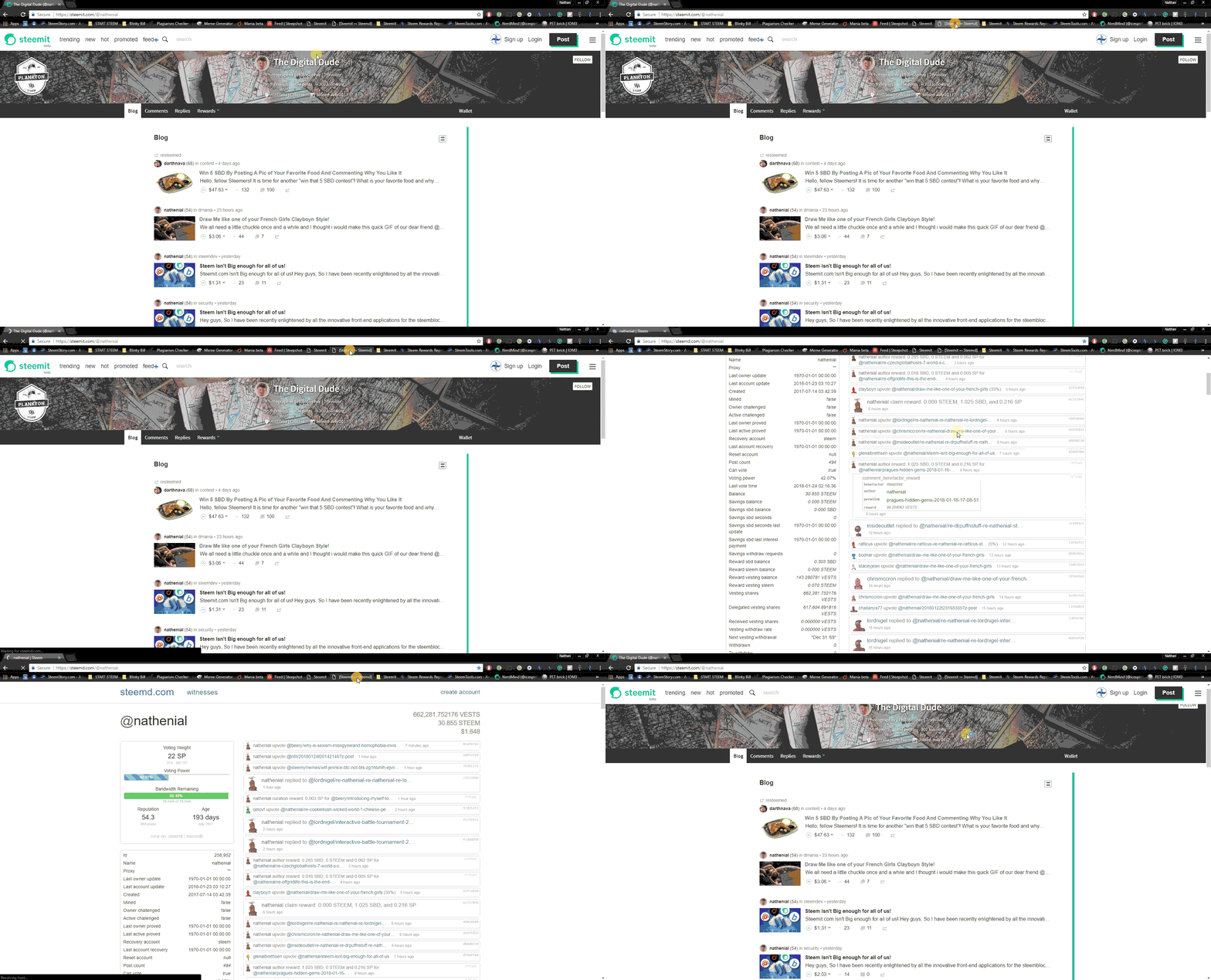 |
So that concludes my little tool tips. If you want to know anything or have a request for another tool just let me know. The possibilities are endless.
Later Alligator!
