

[ENG/ESP]-Image Command Tutorial for COPY/ Tutorial de Comandos de Imágenes para COPIAR
English version
IMAGE COMMANDS
Let's remember that the images to use can be your own or images with free usage rights (At the end, I leave a tutorial in which you can search some of the many that are hosted on the internet) It's my position, it's not the absolute truth. However, each author is looking for his own style when publishing. Less words and more action; let's start with the IMAGE COMMANDS, it's a reference that can be useful, at the end of the post, I will leave a list of previous tutorial posts either for new users learning or refreshing the not so new ones. So, let's start!
Line separator
<hr>
<hr> <center> Mariano viajaba al campo verde los llanos Venezolanos Mariano viajaba al campo verde los llanos Venezolanos Mariano viajaba al campo verde los llanos Venezolanos Mariano viajaba al campo verde los llanos Venezolanos Mariano viajaba al campo verde los llanos Venezolanos
<hr>
Mariano viajaba al campo verde los llanos Venezolanos Mariano viajaba al campo verde los llanos Venezolanos Mariano viajaba al campo verde los llanos Venezolanos Mariano viajaba al campo verde los llanos Venezolanos Mariano viajaba al campo verde los llanos Venezolanos </center>
It would look like this:
Image at the sides
<div class="pull-left">image link-column </div> <div class="pull-right"> image link-column</div>
It would look like this:


 when they are going to insert images be very careful in cleaning the code. Sometimes you pass the code as it is and the editor doesn't read it, for example:
It would look like this:
https://files.peakd.com/file/peakd-hive/eleazarvo/GDkK4wb3-20200911_180943.jpgCLICK ON A WORD AND IT WILL TAKE US TO A SOURCE OF THE IMAGE
[IMAGE OF AN OWL](dirección web "URL")Another form of TEXT LINKED TO THE IMAGE SOURCE
<a href="SOURCE WHERE THE IMAGE OF THE OWL IS"> IMAGE OF AN OWL </a>It would look like this:
Hyperlinked image (only the image appears but you can click on it and it will take you to the Source where the image is hosted, first we insert the link to the Source and on the other side we load or paste the link to the image)
<a href="https://pixabay.com/es/photos/b%C3%BAho-aves-ojos-b%C3%BAho-real-las-aves-50267/"><img src= "https://files.peakd.com/file/peakd-hive/eleazarvo/iq4DAfag-image.png" border="0"></a> This command was taught to me by  , and it is: IMAGE SLIDER
, and it is: IMAGE SLIDER<pre><img src="IMAGE LINK"> <img src="IMAGE LINK"> <img src="IMAGE LINK"></pre><pre><img src= "https://files.peakd.com/file/peakd-hive/eleazarvo/FKNK3jET-20200911_181020.jpg"> <img src="https://files.peakd.com/file/peakd-hive/eleazarvo/xpVmW6Qf-20200911_180027.jpg"> <img src="https://files.peakd.com/file/peakd-hive/eleazarvo/0OGPCRrv-20200911_180934.jpg"></pre>


COMMAND FOR TABLES: This example is of 3 but if you want to remove any, just delete a line that begins with "td" and ends in "/td" with signs "<>" included.
<table><tr><td><center><img src="https://files.peakd.com/file/peakd-hive/eleazarvo/12EOTRb5-20200911_180002.jpg" alt="" /></center></td><td><center><img src="https://files.peakd.com/file/peakd-hive/eleazarvo/12EOTRb5-20200911_180002.jpg" alt="" /></center></td><td><center><img src="https://files.peakd.com/file/peakd-hive/eleazarvo/12EOTRb5-20200911_180002.jpg" alt="" /></center></td></tr></table>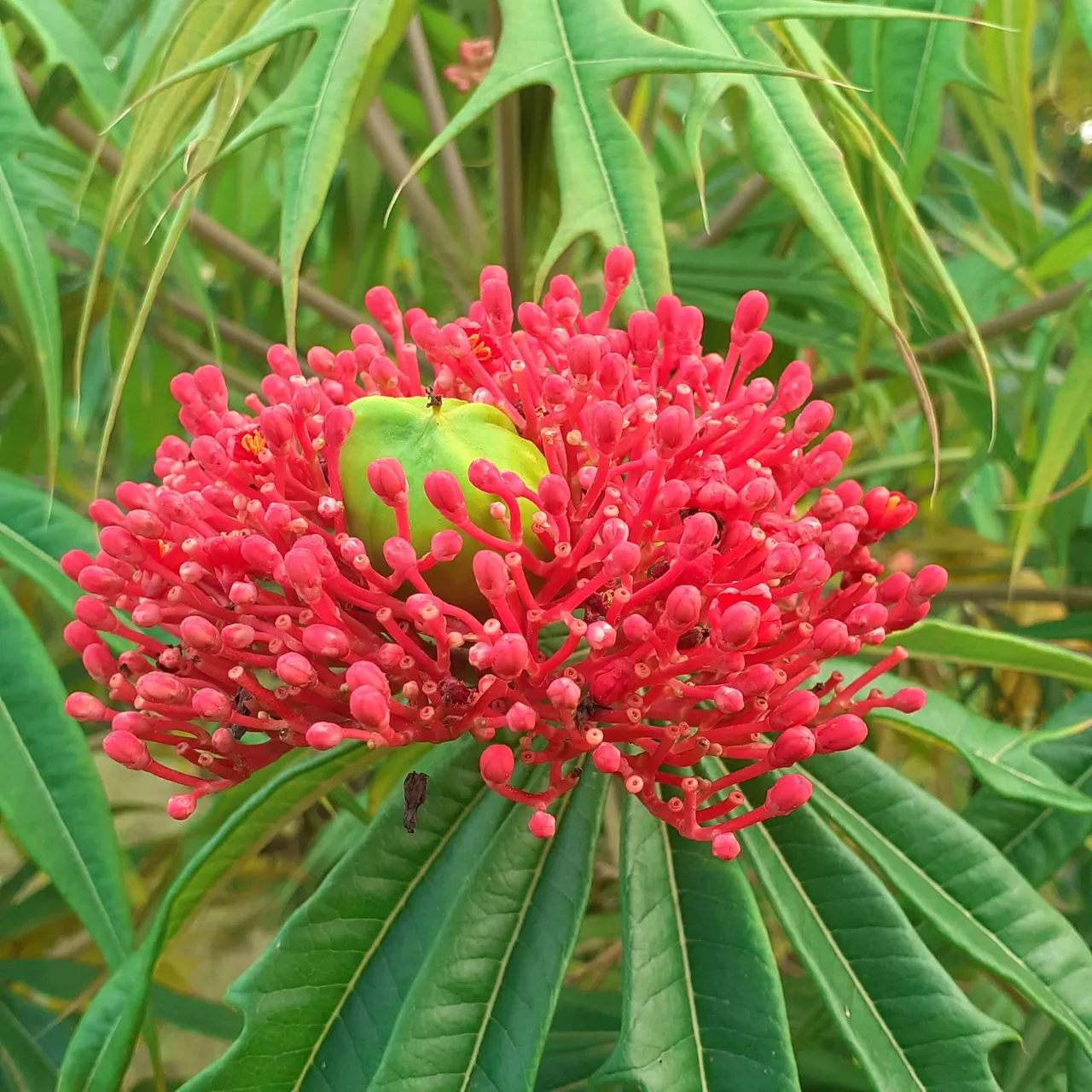 | | |
Another way to make paintings
|Post|User|
|---|---|
|Post|user|
| Post | User |
|---|---|
| Post | user |
COMANDOS DE IMÁGENES
Recordemos que las imágenes a utilizar pueden ser propias o imágenes con libre derecho de uso (Al final, dejo un tutorial en el cual puedes buscar algunos de los tantos que se encuentran alojados en internet) Es mi posición, no es la verdad absoluta. No obstante, cada autor va buscando su estilo a la hora de publicar. Menos palabras y más acción; comencemos con los COMANDOS DE IMÁGENES, es una referencia que pueda ser útil, al final del post, dejaré un listado de los posts tutoriales anteriores ya sea para el aprendizaje de los nuevos usuarios o el refrescamiento de los no tan nuevos. Sin más ¡Comencemos!
Separador de línea
<hr>
<hr> <center> Mariano viajaba al campo verde los llanos Venezolanos Mariano viajaba al campo verde los llanos Venezolanos Mariano viajaba al campo verde los llanos Venezolanos Mariano viajaba al campo verde los llanos Venezolanos Mariano viajaba al campo verde los llanos Venezolanos
<hr>
Mariano viajaba al campo verde los llanos Venezolanos Mariano viajaba al campo verde los llanos Venezolanos Mariano viajaba al campo verde los llanos Venezolanos Mariano viajaba al campo verde los llanos Venezolanos Mariano viajaba al campo verde los llanos Venezolanos </center>
Quedaría así:
Imagen a los lados
<div class="pull-left">link de la imagen-columna </div> <div class="pull-right"> link de la imagen-columna </div>
Quedaría así:
, cuando vayan a insertar imágenes tengan sumo cuidado en la limpieza del código. A veces uno pasa el código tal cual y el editor no lo lee, Por ejemploQuedaría así:
https://files.peakd.com/file/peakd-hive/eleazarvo/GDkK4wb3-20200911_180943.jpgCLIKEAR UNA PALABRA Y QUE ESTA NOS LLEVE A UNA FUENTE DE LA IMAGEN
[IMAGEN DE BÚHO](dirección web "URL")Otra forma de TEXTO ENLAZADO A LA FUENTE DE IMAGEN
<a href=" FUENTE DONDE ESTÁ LA IMAGEN DEL BÚHO"> IMAGEN DE BÚHO </a>Quedaría así:
Imagen Hipervinculada (Que solo aparece la imagen pero puedes hacer clik y te lleva a la Fuente en donde está alojada la imagen, primero insertamos el link de la Fuente y en el otro aparte cargamos o pegamos el link de la imagen)
<a href="https://pixabay.com/es/photos/b%C3%BAho-aves-ojos-b%C3%BAho-real-las-aves-50267/"><img src= "https://files.peakd.com/file/peakd-hive/eleazarvo/iq4DAfag-image.png" border="0"></a> Este comando me lo enseñó , y es: DESLIZADOR DE IMÁGENES
, y es: DESLIZADOR DE IMÁGENES<pre><img src="link DE IMAGEN"> <img src="link DE IMAGEN"> <img src="link DE IMAGEN"></pre><pre><img src= "https://files.peakd.com/file/peakd-hive/eleazarvo/FKNK3jET-20200911_181020.jpg"> <img src="https://files.peakd.com/file/peakd-hive/eleazarvo/xpVmW6Qf-20200911_180027.jpg"> <img src="https://files.peakd.com/file/peakd-hive/eleazarvo/0OGPCRrv-20200911_180934.jpg"></pre>COMANDO PARA TABLAS: Este ejemplo es de 3 pero si desean quitar alguna, solo eliminen una linea que comienza por "td" y termina en "/td" con signos "<>" incluidos.
<table><tr><td><center><img src="https://files.peakd.com/file/peakd-hive/eleazarvo/12EOTRb5-20200911_180002.jpg" alt="" /></center></td><td><center><img src="https://files.peakd.com/file/peakd-hive/eleazarvo/12EOTRb5-20200911_180002.jpg" alt="" /></center></td><td><center><img src="https://files.peakd.com/file/peakd-hive/eleazarvo/12EOTRb5-20200911_180002.jpg" alt="" /></center></td></tr></table> | | |
Otra manera de hacer cuadros
|Post|Usuario|
|---|---|
|Post|usuario|
| Post | Usuario |
|---|---|
| Post | usuario |

Créditos/Credits:
El inglés idioma no es mi idioma nativo, por tanto puedo tener errores gramaticales, para ello usé el traductor: https://www.deepl.com/ .. Dios les bendiga...
English language is not my native language, so I may have grammatical errors, so I used the translator: https://www.deepl.com/ . God bless you...

For more information about my universe, you can follow my social networks (click icons)
Para mayor información de mi universo, puedes seguir mis redes sociales (hacer clik iconos)


 download it and register for free. (If you want to know the LIFETIME PROGRAM you can contact me at Whatssap:
  descárgala y registrate gratis. (Si quieres conocer el PROGRAMA DE GANANCIAS DE POR VIDA puedes comunicarte conmigo al Whatssap: