
Good day Steemit!
Good day Steemit!

I know some of you are looking for Steemit mobile app but I think the developers in this site are working on it.
Today, I'll show you how to easily use Steemit using your mobile phones! It looks like a STEEMIT MOBILE APP!!

Let's make it short.
This simple trick I found is when I try to add Steemit to my home screen. I'm so amaze from the result so I decided to share this great idea! And here we go!
Instructions: (See Pictures Below) FOR ANDROID and Google Chrome USERS:
STEP 1: Go to Google Chrome and Go to Steemit
STEP 2: Click or choose Add to Home screen

STEP 3: Put the name you want and press Add button

STEP 4: And the Steemit icon appear to your Home screen (just press to launch)
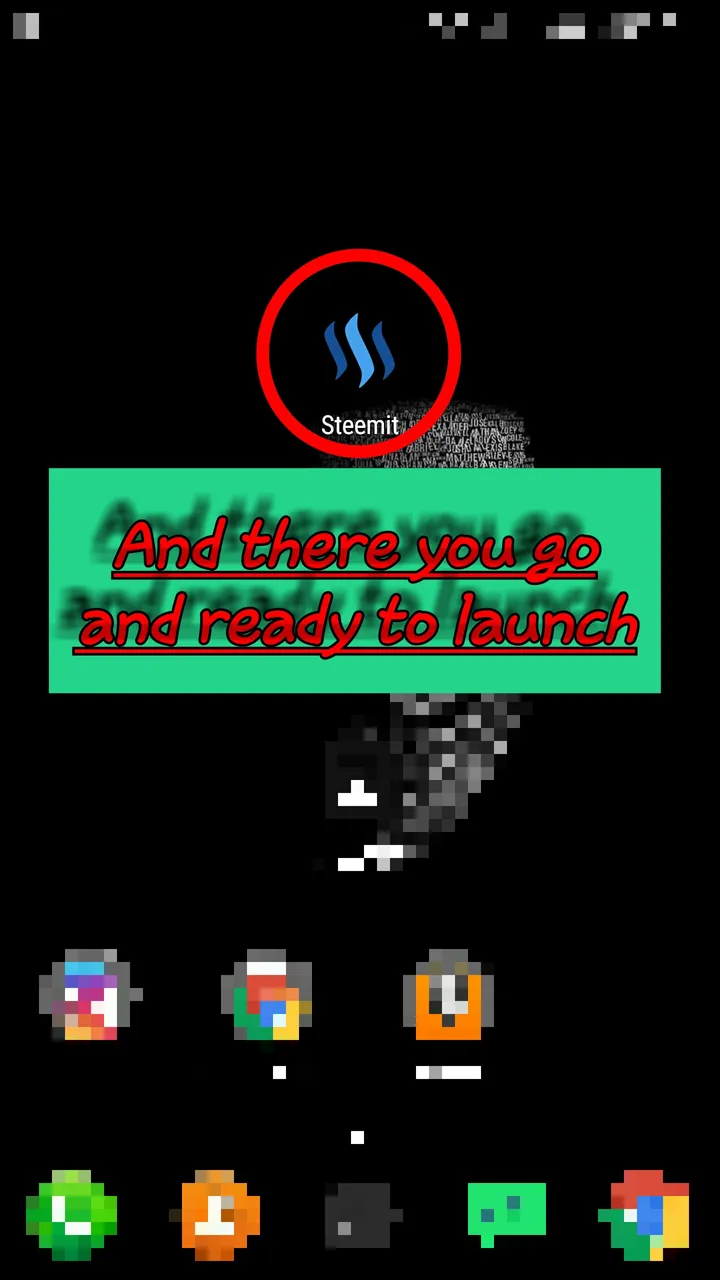
FINAL STEP: ENJOY the Steemit look like mobile app

Instructions: FOR iOS and Safari USERS: (No Picture because I don't have iOS)
STEP 1: Go to Safari and type SteemitI hope you apply this trick and it might be helpful to you. THANK YOU STEEMIT!STEP 2: Press the center icon at the bottom of your screen (box and arrow up look like) STEP 3: Click Add to Home screen
STEP 4: Click Add
STEP 5: ENJOY your Steemit look like mobile app