

Great content needs equally captivating images. It is always a good practice to use royalty free images and to make the images unique. If you are writing about Bitcoin and use an image from Google image search, odds are that image has worn out its welcome on Steemit.
A great website for creating professional looking images quickly is Adobe Spark The main image above was made with a combination of Adobe Spark and Pixlr Express. The design was done in Adobe Spark. Border, filter and resizing was applied with Express. Adobe Spark has royalty free images to use for your posts, but I prefer to use Pixabay

Adobe Spark requires a free Adobe Cloud account. You can create that inside of Spark. Adobe Spark allows you to do more than just create images. You can also create really cool voice over videos and fully interactive web stories. Once you are all signed up and signed in, you want to choose "create a post", if you want to create an image.

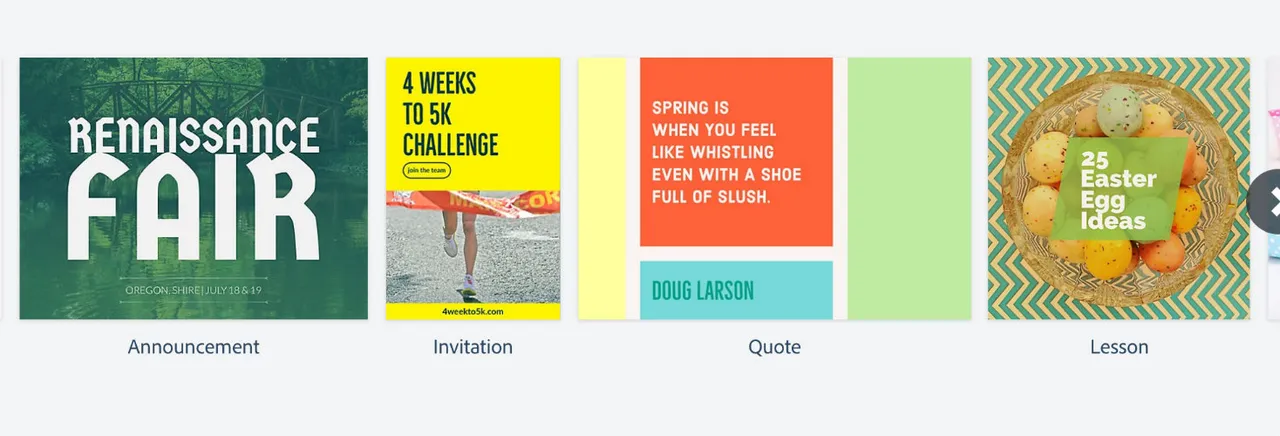
There are many great templates to choose from or you can create your own image from scratch. Once you get started, everything is pretty easy to figure out. The tools for creating images are intuitive and user friendly.
If you are looking for another way to spruce up your posts, check out Adobe Spark! There is also a version for iPhone and iPad that has all of the same features. So you can create your images on the fly. If you enjoyed this post upvote and follow 
