
1. Introduction
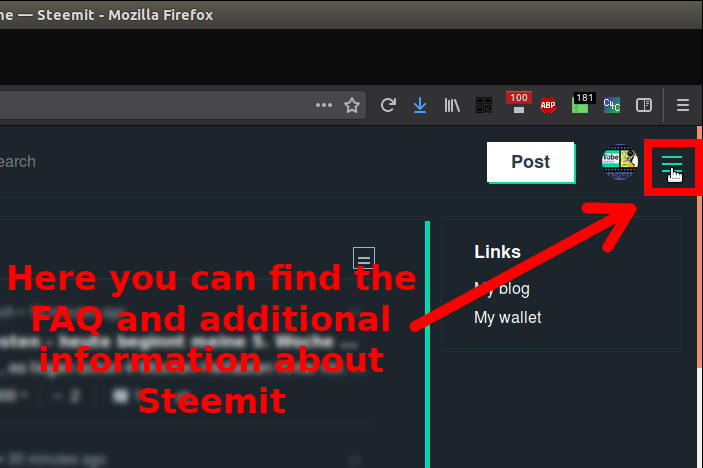
Now that we have created our account as in part 1 of the tutorial series, we now come to the structure of the steemit.com website.
The design is quite simple if I think about Facebook for example. Of course, the functions are still quite manageable. But the site is still in beta status because we are participating in a relatively young project.
2. Steemit Main Page
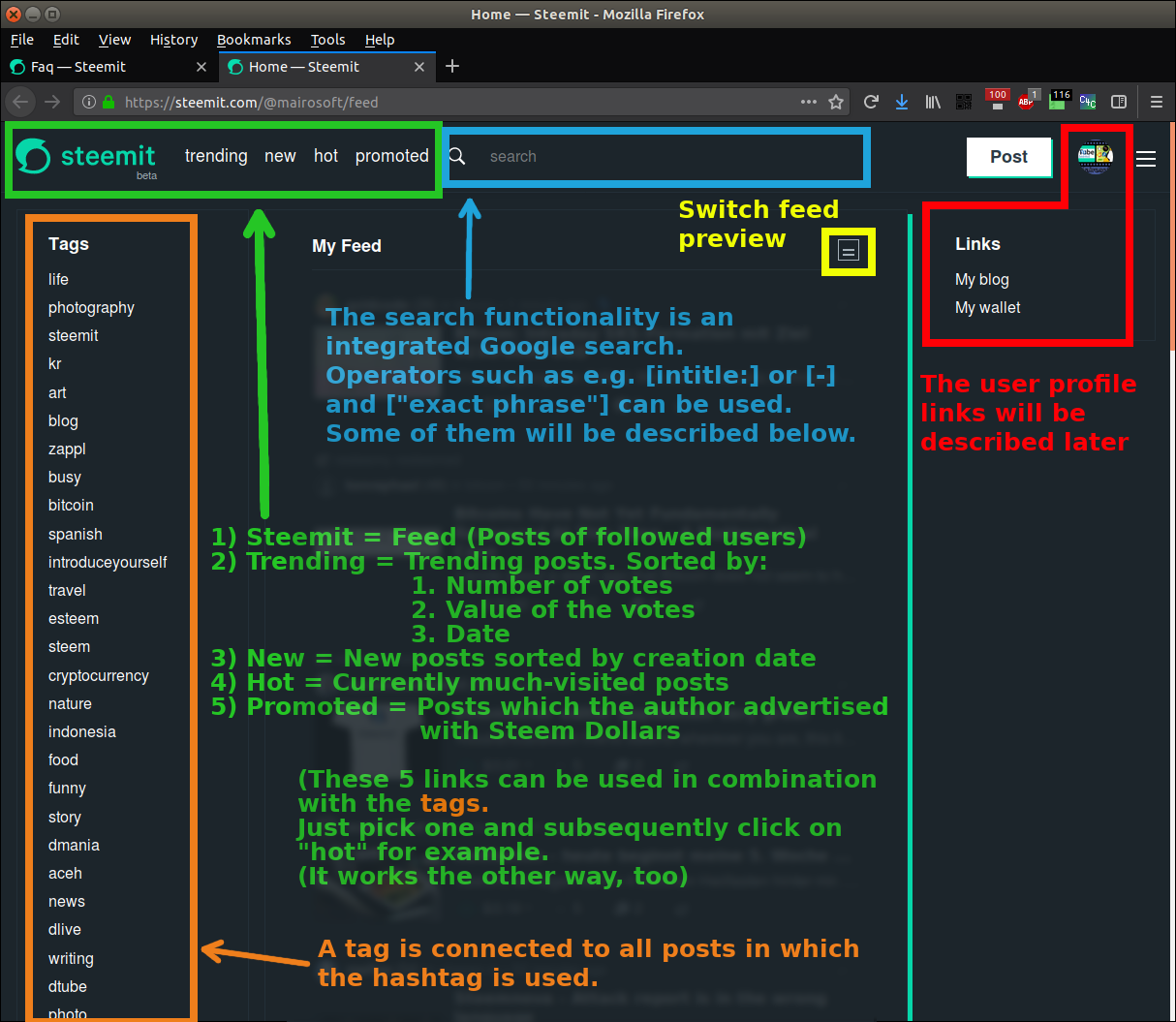
I've divided the main page into 5 color-coded areas which you can see at the following screenshot.
| Color | Region |
|---|---|
| Green | Feed navigation |
| Blue | Searchfield from Google |
| Yellow | The Feed (The feed area is concealed by my explanations in the image) |
| Orange | The tags (keywords) |
| Red | Own profile |
Click to enlarge
3. User profile
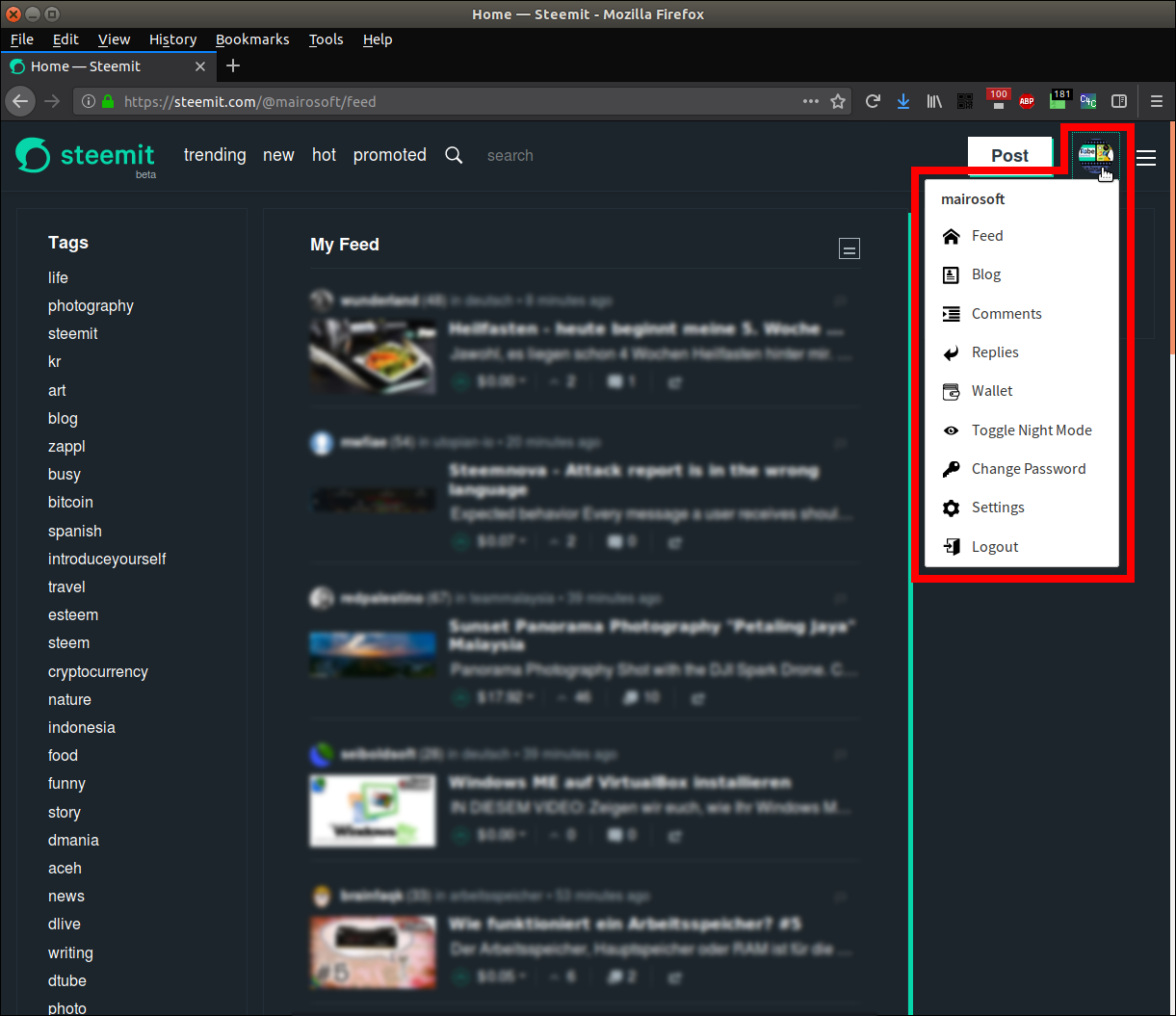
I think everything here is pretty self-explanatory except for the wallet. To understand the wallet we will look at it in tutorial #4.
4. Google search tricks
The operators have to be placed directly in front of the following search term without a blank space!
| Operator | Function |
|---|---|
| + | The following search term must be included in the found pages |
| - | The following search term must not be included in the found pages |
| "exact phrase" | The phrase searched in quotation marks must be included in the same order on the found pages |
| * | The asterisk replaces a missing word |
| intitle: | The following search term must be included in the title of the found pages |
| site: | The following URL will be searched for a search string separated by a space |

5. Review
Steemit Tutorial Series for beginners #1 - Registering an Account and some FAQ