
Are you having trouble creating new accounts on Steemit? Here's a quick guide to the quickest, cheapest way to solve this issue...
I posted a few weeks ago about how much trouble I was having creating accounts for friends on Steemit.com. The short version is that Steemit does not allow multiple accounts to be created from the same IP address, meaning that only one account can be created per private house/home - which is pretty lame, but made all the worse by the failure to inform us that the IP limit even exists!
As a result of not knowing this, I simply didn't create an account for anyone and a few people didn't join Steemit would have done otherwise. Imagine this problem multiplied out by 1000s of Steemians and you can see how this could be hugely affecting the success of Steemit and also keeping the price of Steem down.
Eventually, I was pointed to a service that creates anonymous accounts for us - in exchange for a fee of 10 steem, even without us needing to provide a mobile phone number. The fee is necessary since new accounts end up with 6 Steem Power, so the accounts cannot be created for free. However, the fee of 4 steem is being charged by this 3rd party service as a commission.. Which is not ideal.
Enter busy.org
Today I learned about an entirely free service we can use to create anonymous Steem accounts instantly, bypassing waiting times and the need to provide a mobile phone number. You do still need to transfer 6 steem to create the account, but that steem becomes the Steem Power for the new account, so there is no actual cost in the process as that 6 Steem can be withdrawn and cashed out at a later date.
Many people have been complaining that Jerry Banfield dared to charge $50 per creation of a new account on Steemit - so I am glad to put a stop to that and return the power to the people once again!

How To Create a Free Account at Steemit
- Go to this link at busy.org.
- Type in a name for the new account - the page will let you know if the name is available or not.
- Make a backup of the password for the account that is shown on the page. It is critical that you keep the password safe as their is no standard password recovery process!
- Visit this page to see the current account_creation_fee for Steem and multiply that fee by 30. Currently the account_creation_fee is 0.2, so multiplying by 30 gives a final fee of 6 Steem.
- Type in the fee amount in STEEM into the relevant box on the page. Ensure that you have the correct amunt of STEEM available in your own wallet (as Steem and not as Steem Power).
- Hit the 'continue' button.
- Provide the security credentials you are asked for. Your private, active key can be found in the 'permissions' section of your wallet in steemit.com.
All done! You can now sign in to Steemit.com using the new login you have created.
NOTE: If you are making this account for someone else, it is important that they change their password after first signing in, to ensure their privacy and that they can't accuse you of stealing their money if they have any problems in the future! It's unlikely they will have any problems, but it's better to be safe than sorry!
Wishing you well,
Ura Soul


Buy My T-Shirts, Gifts & Other Clothing Here.
 for Steem Witness!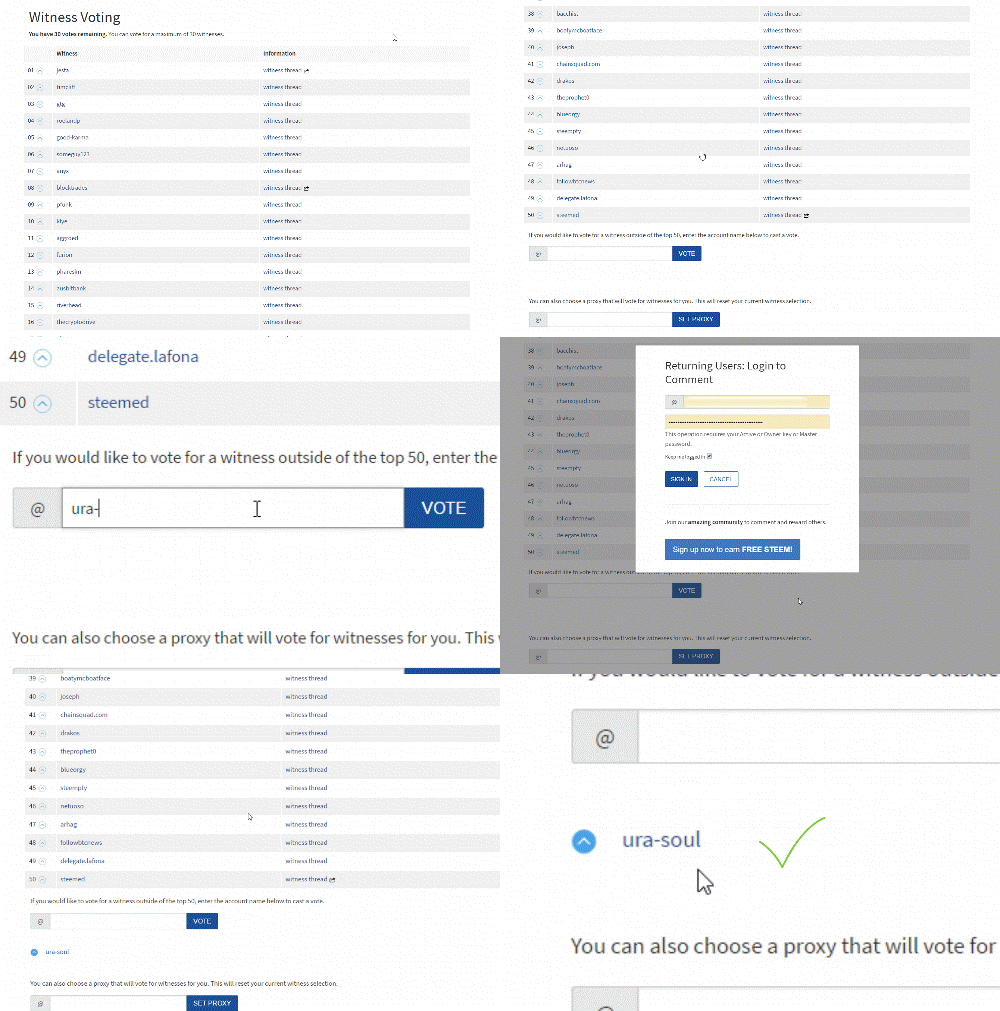
View My Witness Application Here
