Hello Newbies I would Like to welcome you all for this new tutorial......

So for newbies out here, many newbies don't know how to make their own server on discord and how to add a music boat to their server so here is step by step tutorial for you guys.... :)
- I am assuming that you already have discord on your desktop and if you don't have, check out this tutorial to download discord on your desktop.... https://steemit.com/steemit/@vinnu/how-to-grow-when-you-are-new-to-steemit-and-how-get-upvotes-in-just-minutes-by-minnowsupport
FIRST STEP
- When you will login you will see this window you have to click on the "+" sign
- Now you will see this window you have to click on "create a server"
- You have to write your server name, in my case it is vinnu(you can choose any name you want)
- After this you have to click on create and your server is live now .......
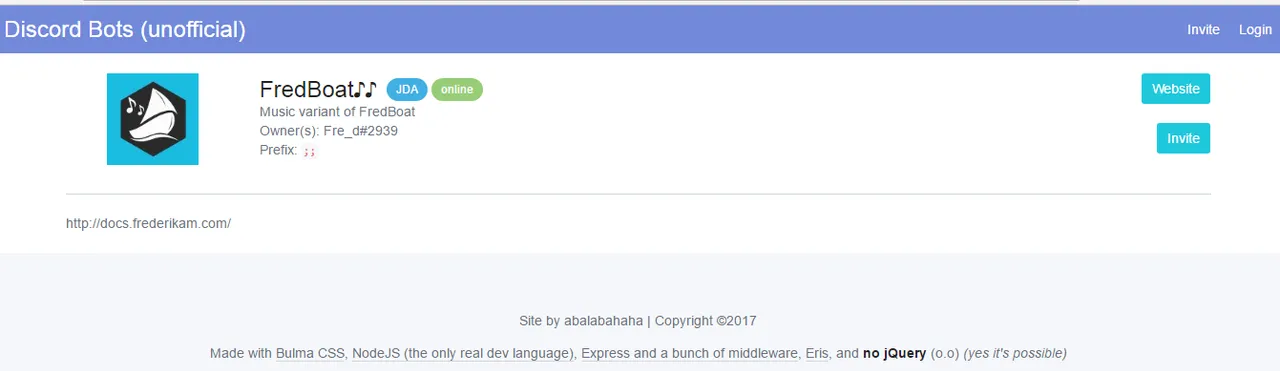
- Now for the music boat you have to click on this link
https://bots.discord.pw/bots/184405311681986560 - you will see this window now you have to click on invite
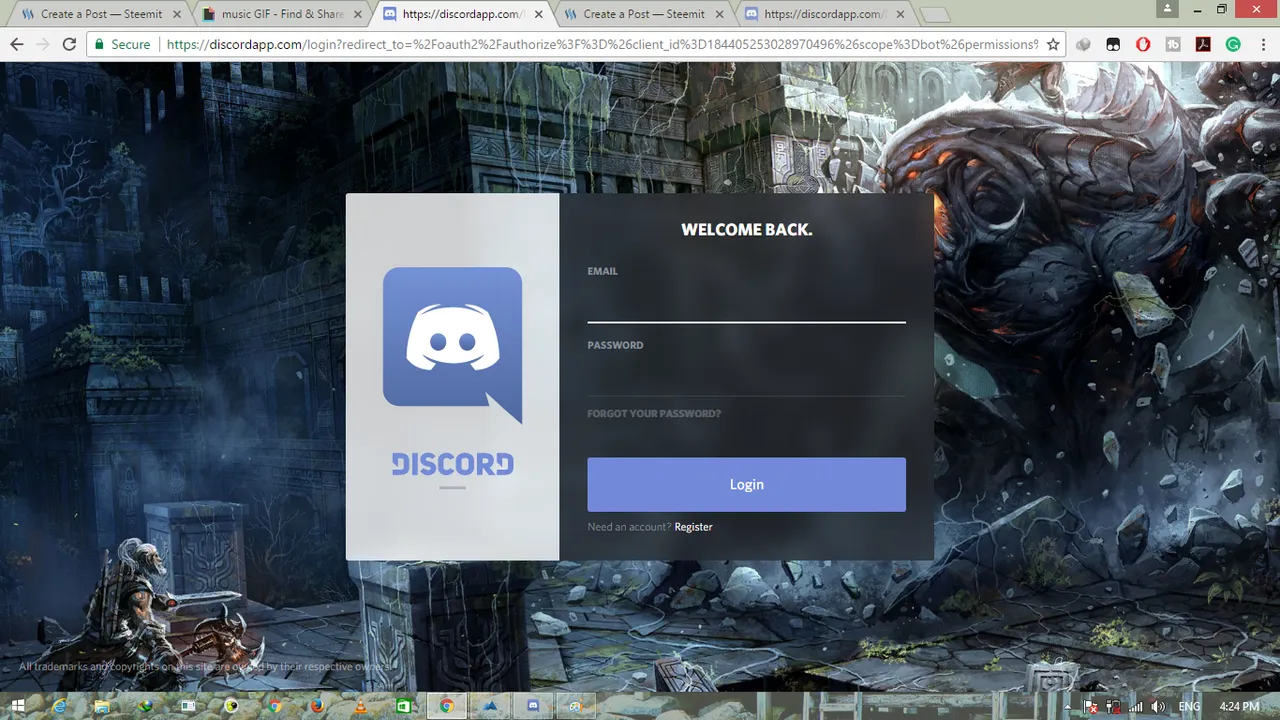
- After clicking on invite you have to login with your email id and pswd
- After login you have to select your server like in my case it is vinnu
- You have to click on authorize .....now you can see your boat on your discord app
- Now to play any song you have to type (;;play space the name of your song like this)
- Hurray you have finished the tutorial, for more boats you can click on this link
https://bots.discord.pw/#g=2 - Enjoy your music......😇