How to Edit your Cover/Profile Picture in 5 Steps (A Method that Ac...Access your Steemit account, have your pictures ready and let's go!!!
Step 1:

Step 2:
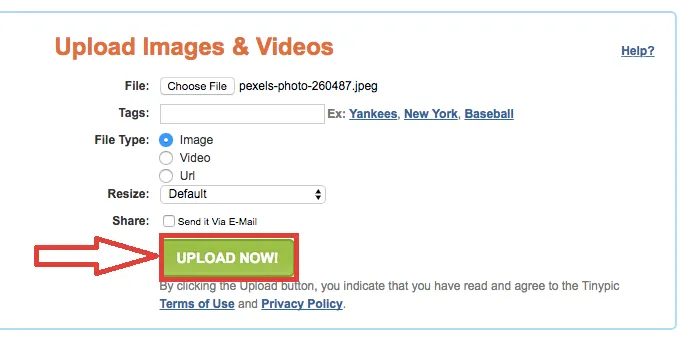
Select your picture, click open and upload now.

Step 3:
Copy the link under direct links for layouts, go on Steemit.com and click on settings.


Step 4:
Paste the link under profile picture or cover image URL

Step 5:
Update your Settings and refresh the page.

Thanks for reading
@Youssef0202
