
Hello everyone,


This contest is about recreating
 's Logo
Here I did my Steemjet Stencil this morning, I thought I'd go ahead and bring you along for one real quick :)
First, I started with sketching the jet and the steem logo then I cut the form all the way completely out of the cardboard paper.

Here I made the inner circle in a different cardboard.

I cut off the inner circle and placed it on a white cardboard. This will form the background.

Using a blue watercolor, I painted the outside of the circle to get my blue background and an inner circle.

Then I lined it up with the steemjet stencil and painted it down with my desired color.

So, here it is, my steemjet painted logo. This is what it looks like;


Below, I added various painting effect to my original work using some online photo editing suites like Lunapic, GoArt and Imagatic
Van Gogh Effects

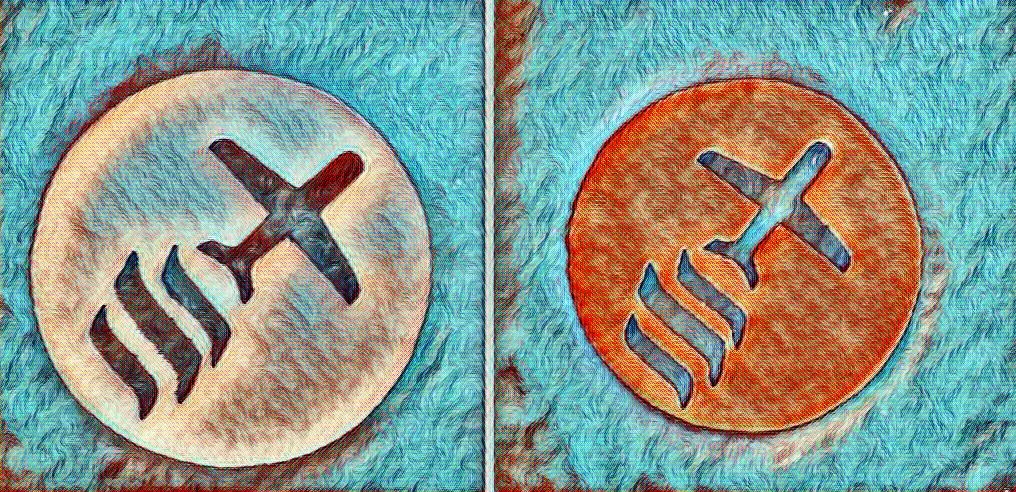

Simple Paint Effect

Super Spring Effect

Kandinsky Effect

Two Layered Steemjet Stencil Painting Using Photoshop CC 2014
Using the gradient tool, I opted to go with two simple colors for my design.

Some Effects

This is my work
Thank you for going through my blog. I hope you have an outstanding day :)
STEEMJET ARTS/ PHOTOGRAPHY DEPARTMENT
Headed by 


