
A view weeks ago I was binge watching the great TV series "Park's and Recreation" and was always baffled by the ironic wisdom of Ron Swanson. He produces sentences like these:
"Strippers do nothing for me. But I will take a free breakfast buffet at any time, any place."
or
"Fishing relaxes me. It's like Yoga, except I still get to kill something."
So while looking for a small IoT project I could build with my WeMos D1/R1 I found a web API that gives you back a random Ron Swanson quote every time you call it and this was the calling for me to build a small box which would give me some Ron Swanson wisdom every time I push a button.
Side note: I you want to look closer at an image just click on it!
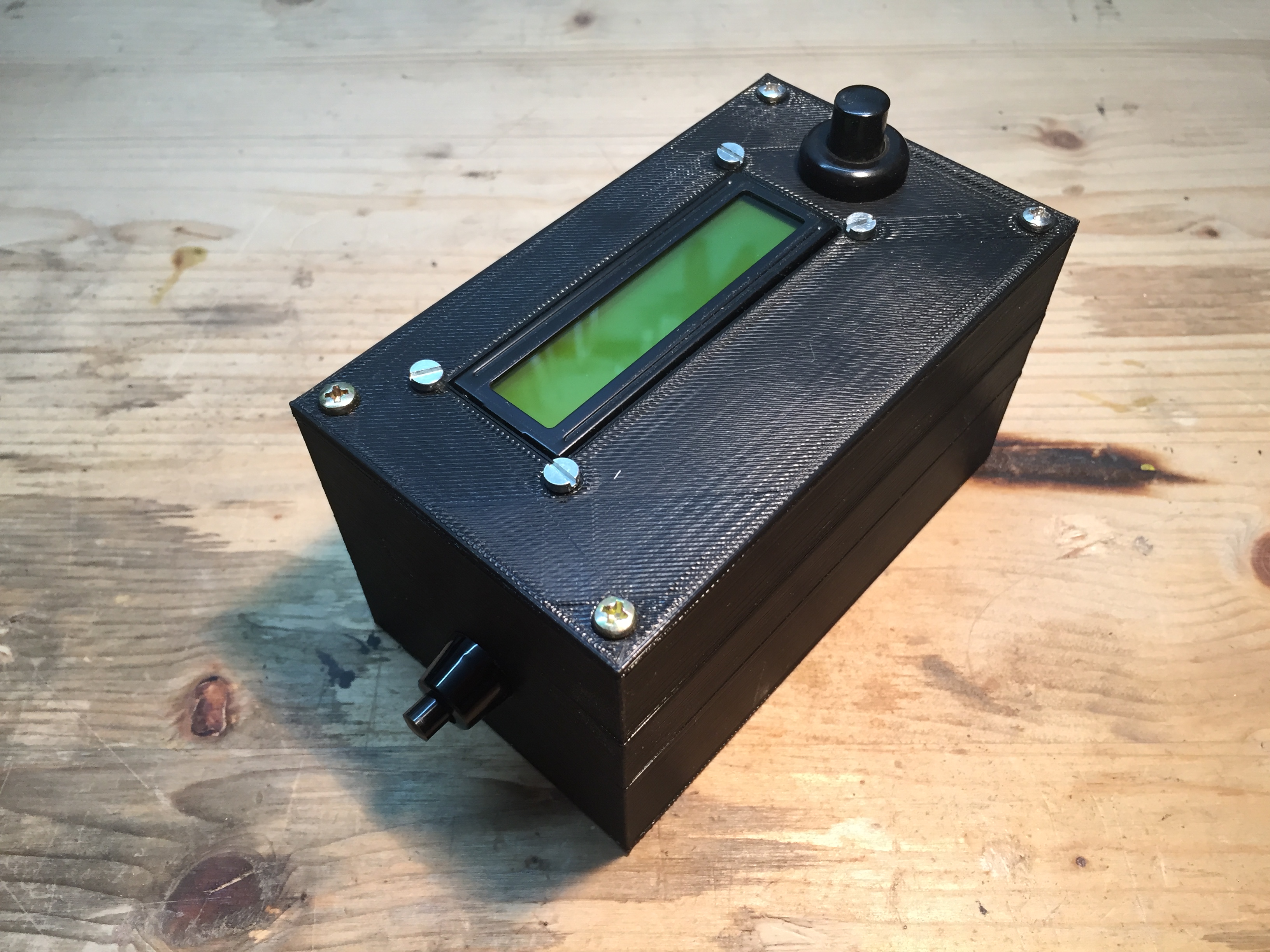 The finished Box. The finished Box. |  Waiting for the user to press teh button. Waiting for the user to press teh button. |
|---|
1. Electronics
First I would like to show the used Electronics a bit closer. The basis is a WeMos D1/R1 ESP8266 based board that has a Arduino Uno style PCB layout. With this we can connect to WiFi networks and therefore connect to the internet. These kinds of boards are mostly used for home automation, like controlling your lights via the internet.
Besides that I am using a 1602-LCD with I2C controller to display text. It is connected to the WeMos via I2C and to 5VDC for power.
The big button on the topside is NC (normally open) and connects D8 to GND when pressed.
On the left side of the case is a switch that cuts the power from the battery to switch the whole thing off.
To power the whole thing a 9V block battery is used. It can't be recharged but as I am not planning on running it all day that doesn't matter too me.
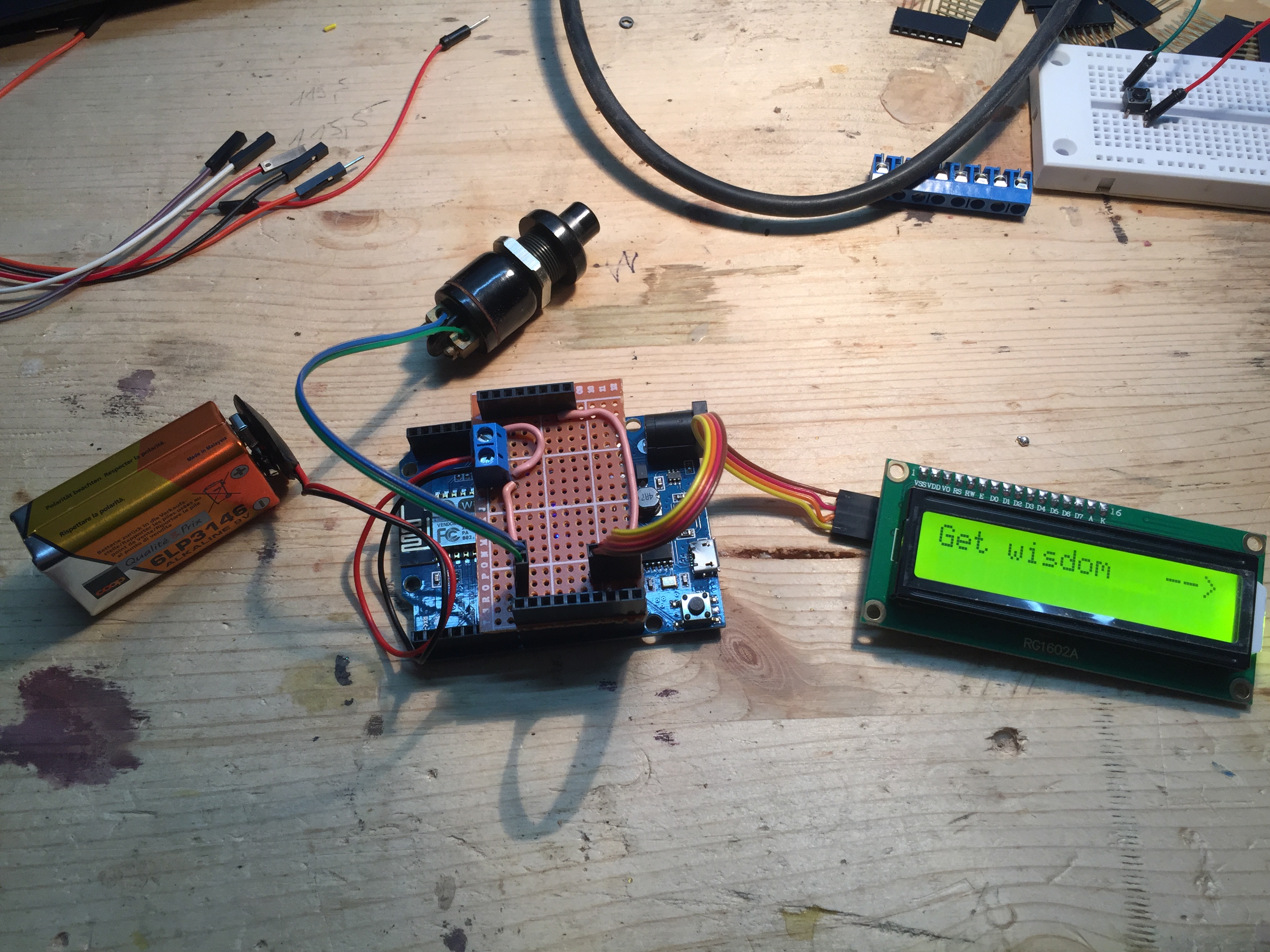 The electronics on the testbench. The electronics on the testbench. |  Custom soldered perfboard for the connections. Custom soldered perfboard for the connections. |
|---|---|
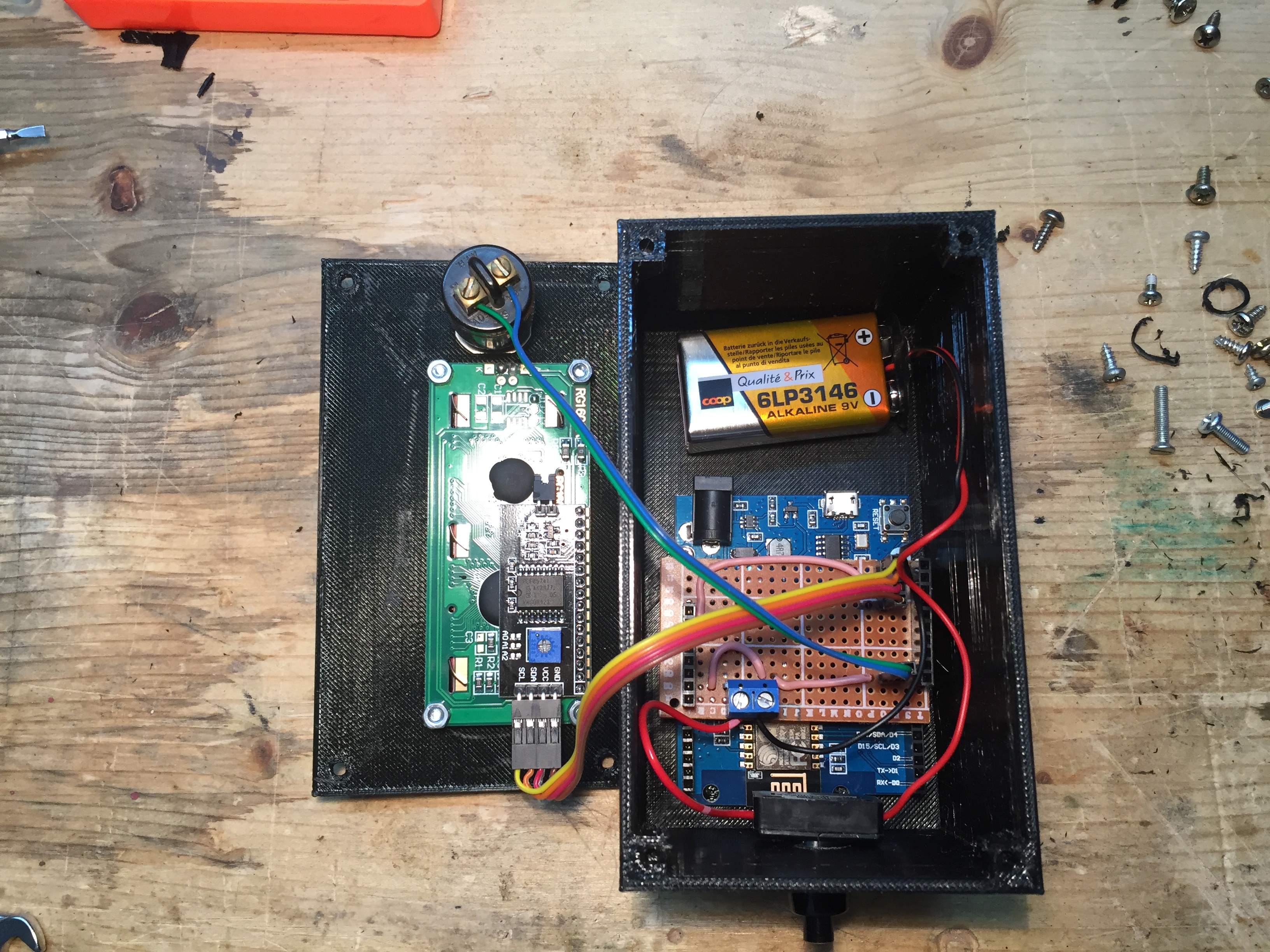 The electronics in the box. The electronics in the box. |  Underside of the custom perfboad. Underside of the custom perfboad. |
2. Code
In essence the WeMos connects to my local WiFi network and when the button is pressed it calls the web API and downloads and displays the quote.
The used API is: https://ron-swanson-quotes.herokuapp.com/v2/quotes
You can try it out yourself by clicking on it and refreshing the page.
3. Box 3D modeling
For the enclosure I modeled a simple box in Fusion360 where the WeMos can be screwed in with simple screws and the lid has a cutout for the LCD. The lid can be screwed to the box with M3 screws that will bite into the plastic.
The files for the box are released on thingiverse. Feel free to use them in your own Arduino project.
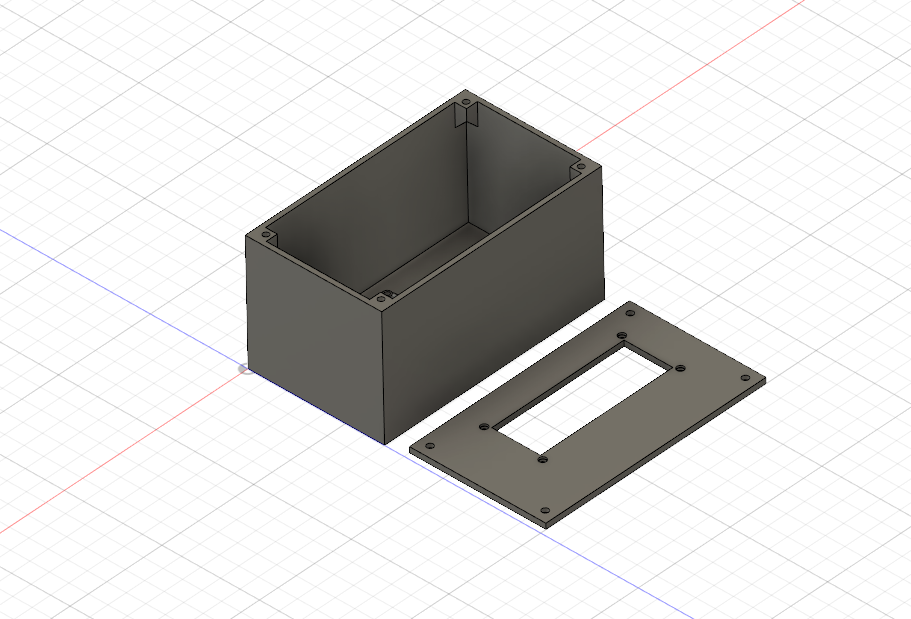 The 3D model of the Box The 3D model of the Box | 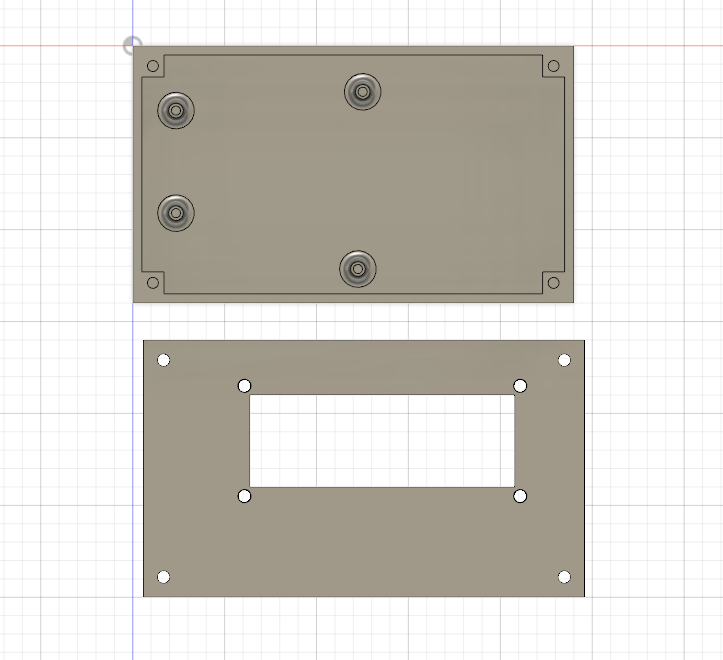 3D Model from the top 3D Model from the top |
|---|
4. Assembly
In the end I assembled everything. For the button ans the switch I drilled hols in the box as I didn't modeled them. The WeMos got screwed down into its place and I used a piece of duct tape to hold the 9V battery. I connected the plugs I made for the LCD and the button to the small perfboard and closed the whole thing with M3 screws.
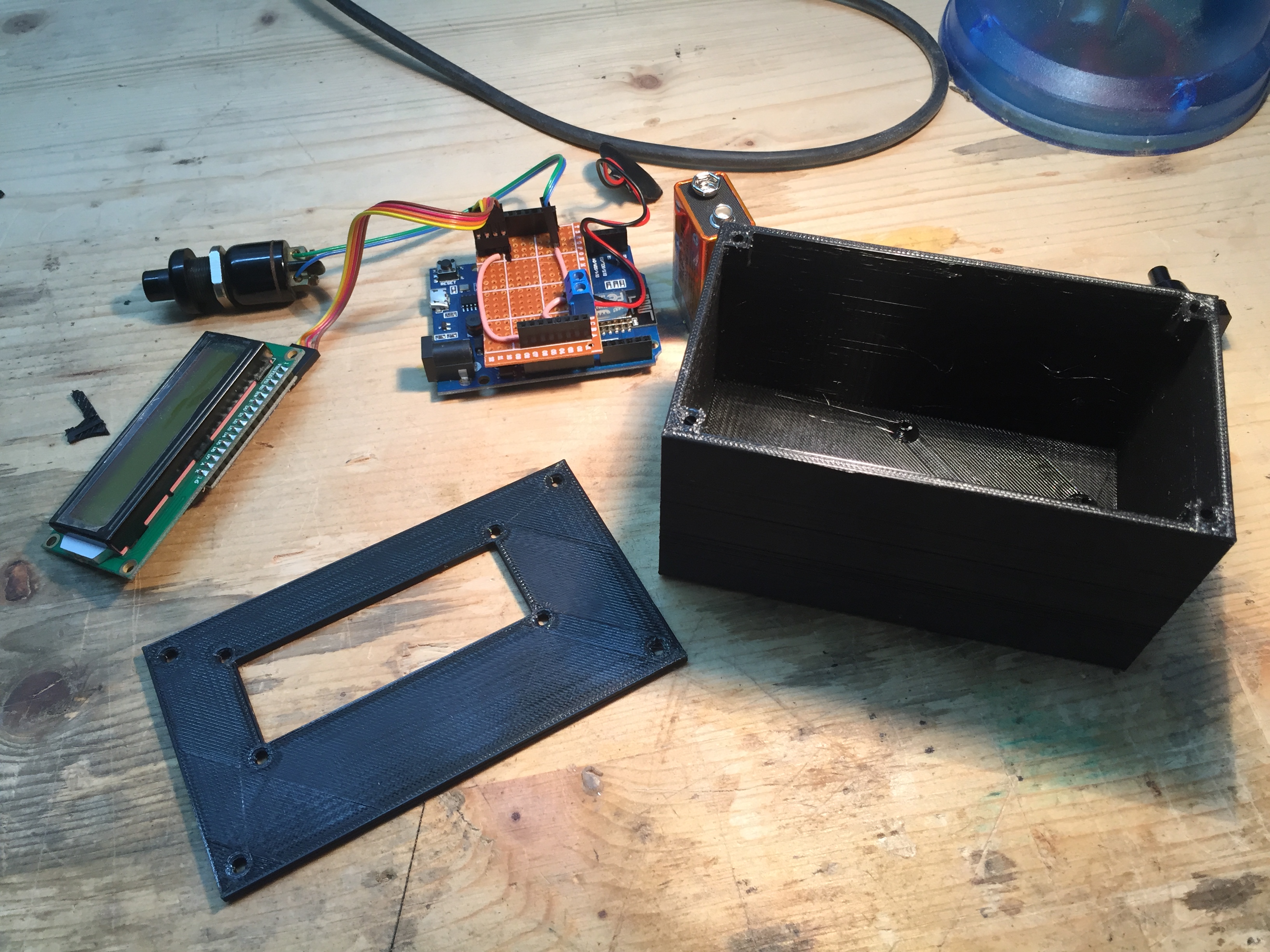 The parts ready to assemble. The parts ready to assemble. | 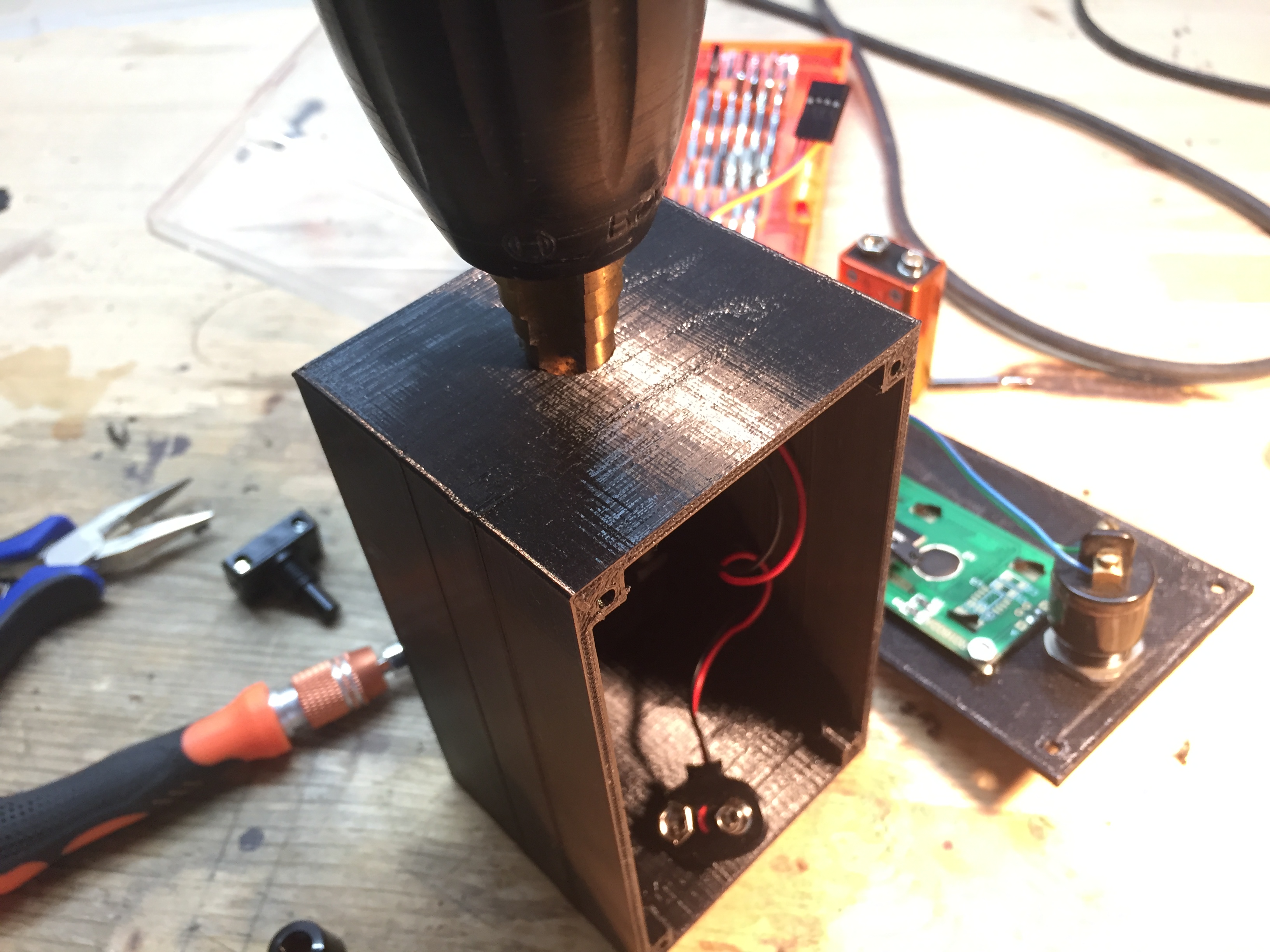 Drilling the whole for the switch. Drilling the whole for the switch. |
|---|---|
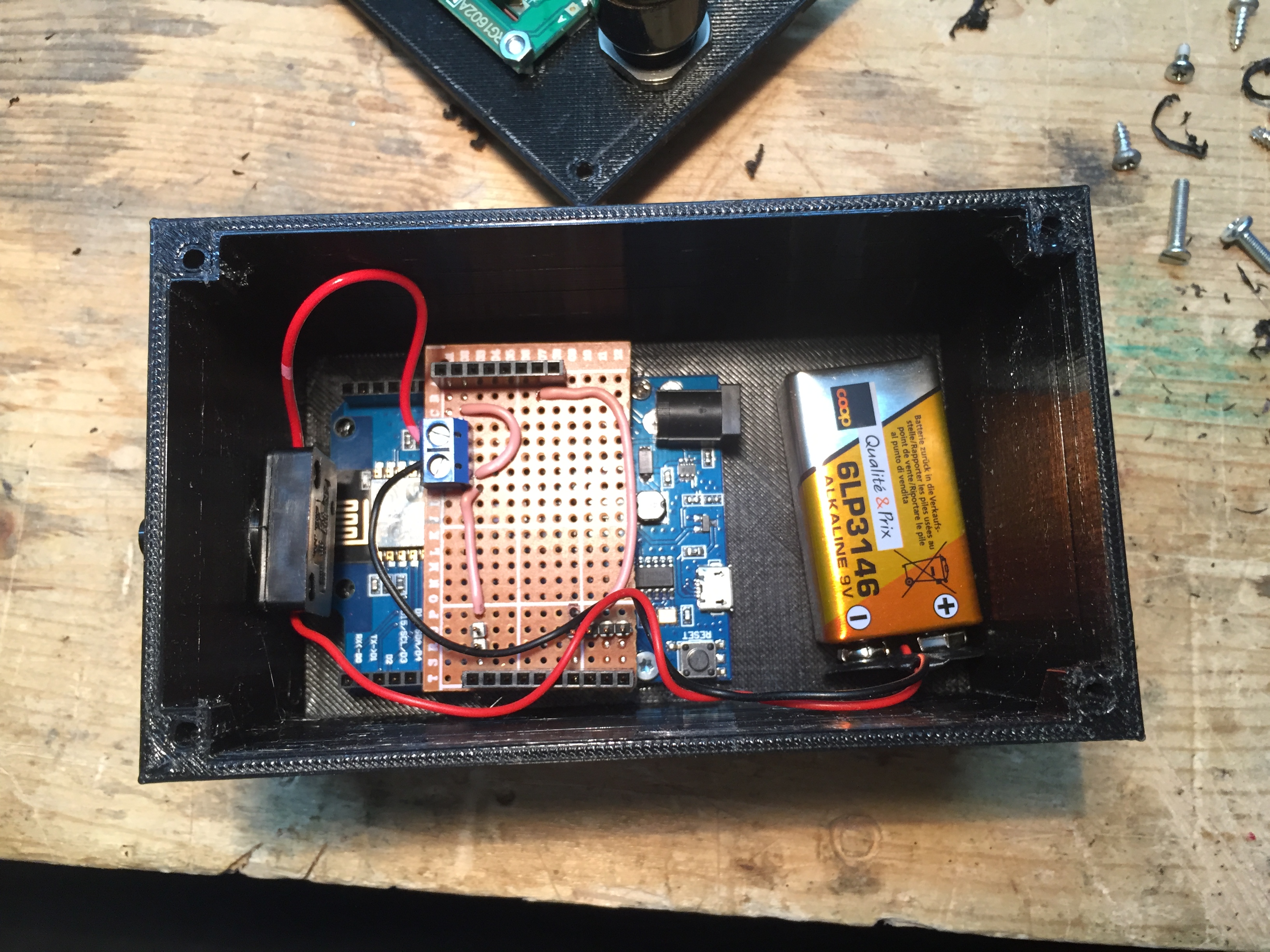 WeMos and batery placedmin the box. WeMos and batery placedmin the box. | 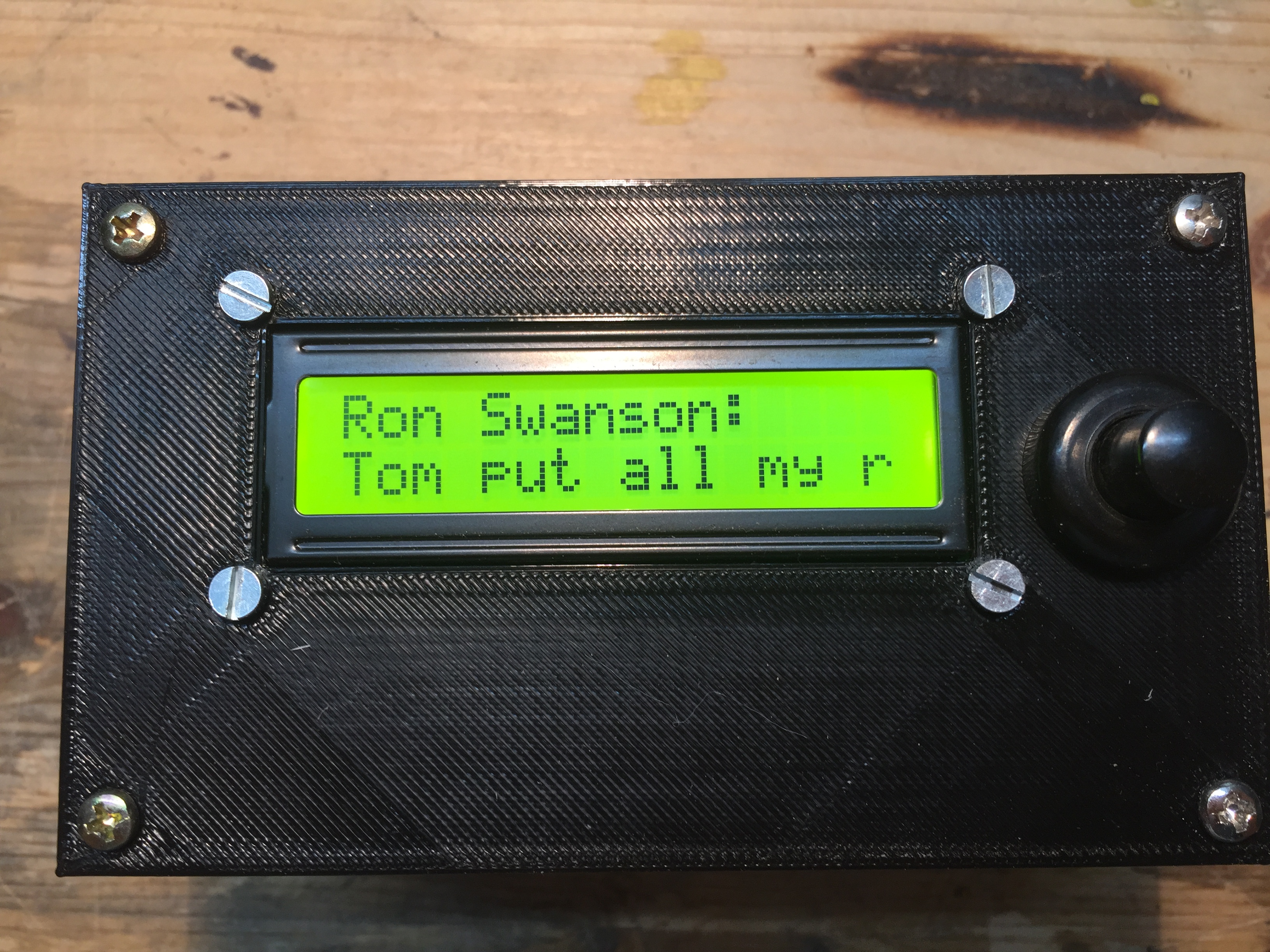 |
5. Demo
To demonstrate the box I uploaded a video on d.tube. You are welcome to check it out and leaving a like.
I hope you liked this small project. If anyone is interested in the code I can upload it as well. If you have any questions or recommendations for future projects make sure to leave a comment.