

Since I'm no longer working for Steemit, Inc., I want to show you one of the things I've been working on. It's actually a personal "spare time" project but it's tied very closely with one of the projects I was working on at my former day job.
Basically, it's a toy blockchain that tracks the mainnet using tools provided by Tinman. I would use it to verify features in other repos I was working on that needed a live blockchain. It requires Docker to launch. If all you want is a local node to point at, it's perfect. But it also deploys its own Condenser instance so you can take a peek at the current state with very little tooling.
I call it Tin Toy, like the Pixar short from 1988 (minus the weird baby).
Tin Toy
Tin Toy - A tiny Steem testnet based on tinman by Steemit, Inc.
Quickstart
docker run -d -P inertia/tintoy:latest
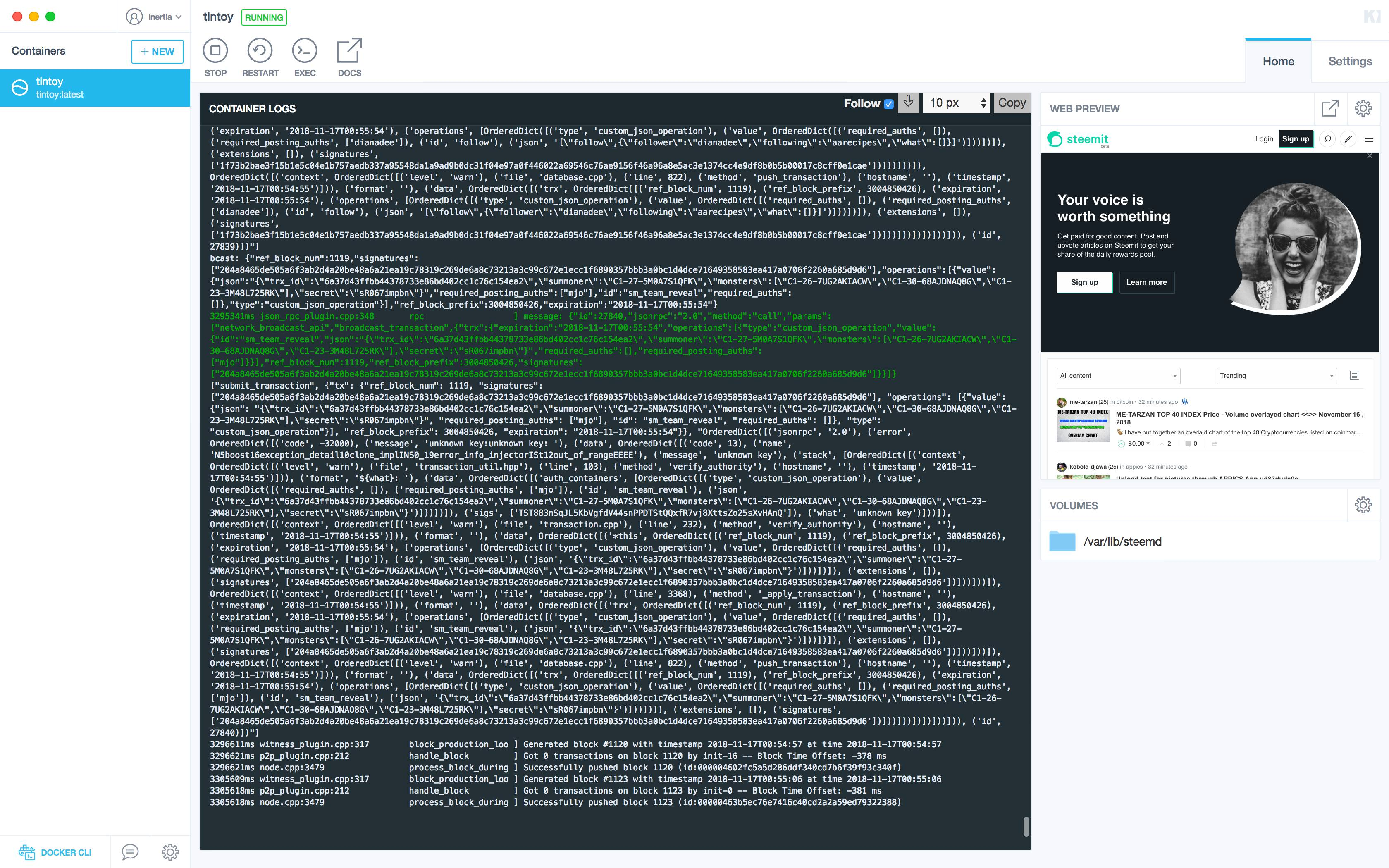
As Seen from Kitematic
From the Gist
If you want to modify the scripts before deploying:
git clone https://gist.github.com/b88e7bfff8862858e54c59392e2bce20.git tintoy
cd tintoy
docker build -t myname/tintoy:mybranch
docker run -d -P myname/tintoy:mybranch
For example, you can modify the first line of Dockerfile to switch versions of steemd.
Tin Toy uses:
FROM steemit/steem:master
But you can switch to any branch and try it out. Suggested branches to try can be found in steem/branches/active.
Say we want to take a look at a branch like 3103-delegation-pools. Change the first line of the Dockerfile to:
FROM steemit/steem:3103-delegation-pools
Then build and run. At the time of writing, issue #3103 added basic functionality of delegation pools, but was not yet merged to master, so this is a great way to get an early peek of branches still in development.
Shell In
- Use
docker psto get the name of the existing container. - Use the command
docker exec -it <container name> /bin/bashto get a bash shell in the container.
How to Use
Once the docker container has fully deployed, you'll have access to various port. Internally, the docker container responds to:
| Port | Purpose |
|---|---|
| 2001 | p2p |
| 8080 | condenser |
| 8091 | json-rpc |
| 5000 | tinman server (if enabled) |
If you launched with -P (ephemeral ports enabled), you can get a list of ports:
docker ps
Which might return something like:
CONTAINER ID        IMAGE                   COMMAND                  CREATED             STATUS              PORTS                                                                                                NAMES
290810dba18e        inertia/tintoy:latest   "/bin/sh -c /app/boo…"   5 minutes ago       Up 5 minutes        0.0.0.0:32832->2001/tcp, 0.0.0.0:32831->8080/tcp, 0.0.0.0:32830->8090/tcp, 0.0.0.0:32829->8091/tcp   tintoy
Embedded Condenser
From the port list we can determine the external port for condenser. For port 8080, this example uses port 32831. Therefore, the URL to access condenser is:
http://localhost:32831
Remember, this changes whenever you execute with -P.