
I installed Ubuntu 18.04 LTS on my legacy computer some time ago poked around a bit, but that was about it. Haven't turned that computer on since, except to backup some stuff.
Today I wanted to look more at this Ubuntu OS. 20+ years ago when I briefly had Linux installed on my computer, things were mainly terminal and command-line based.
Now it's a pretty interface, it was very easy to install and there is free software to add on top of the default installation in "Ubuntu Software".
However, some things really still require the terminal and the command line. I'm ok with that.
The reason for needing to use it seemed a little bizarre though. I needed to install something to control the brightness on my monitor. Otherwise, everything was set to full and no way to bring the values down. Well, something like this needs to be in the default setup.
I also had to separately install some packages to add the codecs needed to be able to play movies, after I installed the highly recommended video player. Why doesn't the player search for missing codecs and automatically install them?
Maybe this is the trade off on a FREE platform, with FREE software. You need to put in some work too.
I'm pretty sure I'll become much more comfortable using Ubuntu, the more I use it.
For now, there's been a lot of searching online for even the basic stuff I needed to do. The very good part is that answers are easy to find.
I'm even writing this post from my legacy computer, using SteemPeak, after I installed Steem Keychain for Firefox (the default browser on Ubuntu).
I miss Ctrl+C and Ctrl+V here. I didn't realize I copy-pasted so often. While keyboard shortcuts can be redefined (that's a nice thing), I don't know how to add copy and paste operations to the list of shortcuts. I should ask Google... maybe I'll get lucky... again.
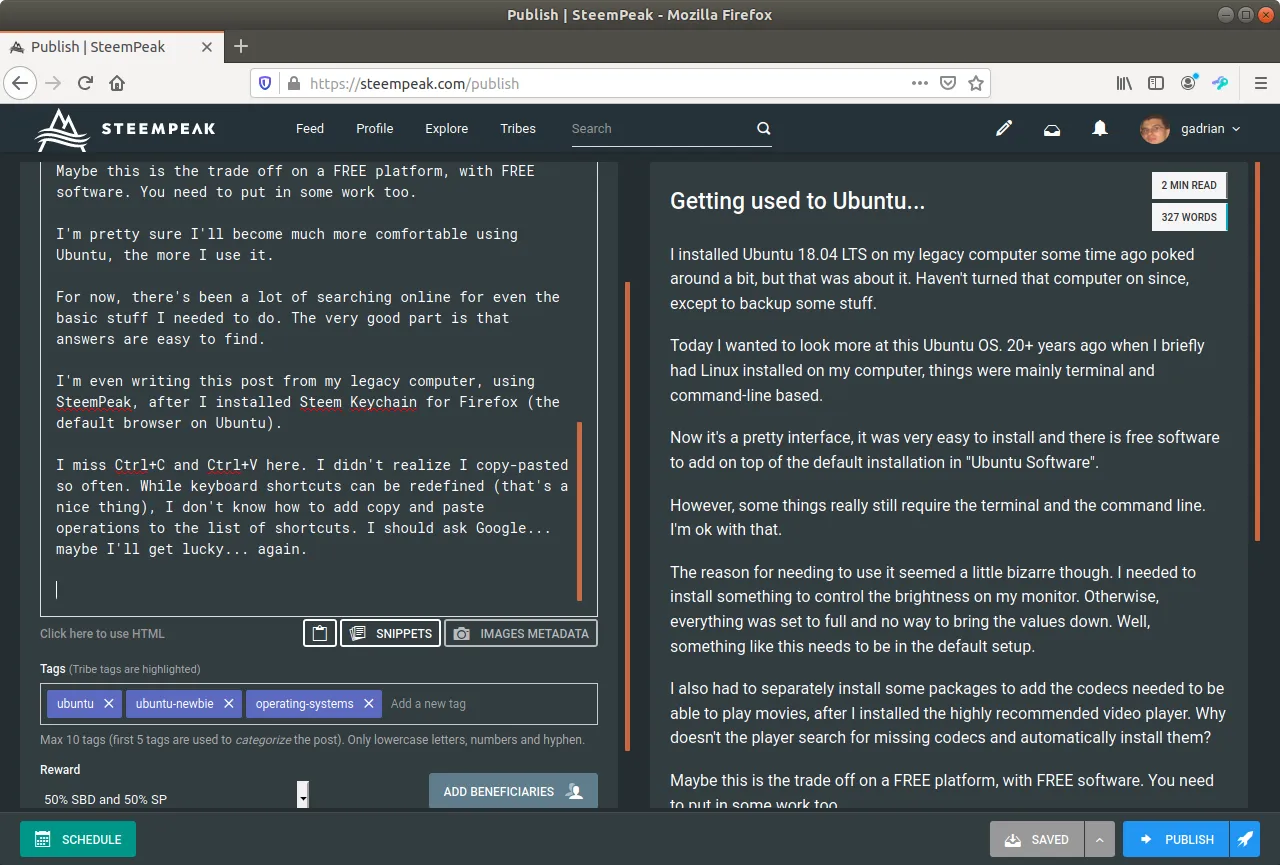
Ha, I even managed to master the screenshot feature! :D