

Repository
https://github.com/abhi3700/My_Learning_EOS
What Will I Learn?
- This is for enabling your system to run EOS Smart contracts (SC).
- This is for Installation on Linux (Ubuntu). Here, WSL is used.
Requirements
Complete these steps below and then proceed with the main installation steps ahead.
- open cmd.
>pushd directory-where-eos-folder-is-to-be-kept>bash- Now, you are ready with following the steps below.
Difficulty
- Basic
Tutorial Contents
Follow these steps for Installation.
- Cloning the github repository
Command -$ git clone https://github.com/EOSIO/eos.git --recursive

- Now, goto the eos folder
Command -$ cd eos
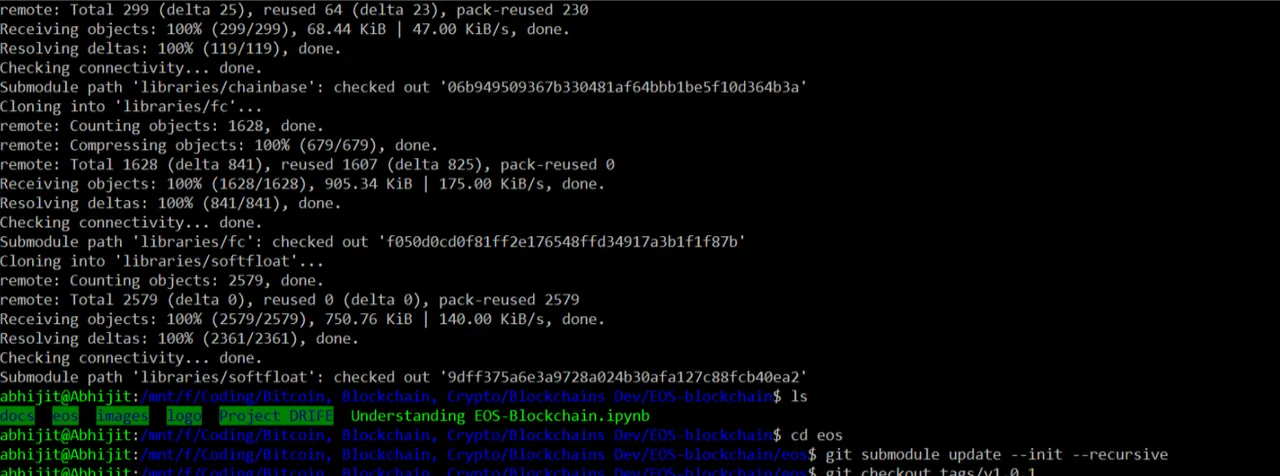
submodule check
$git submodule update --init --recursiveNothing appears. So, no screenshot.
Latest version
Go to - https://github.com/EOSIO/eos/releases/latestIt will take you to the latest release version page (e.g. v1.0.3, v1.0.2, v1.0.1, etc). Get the version no. from here.
$ git checkout tags/v1.0.3
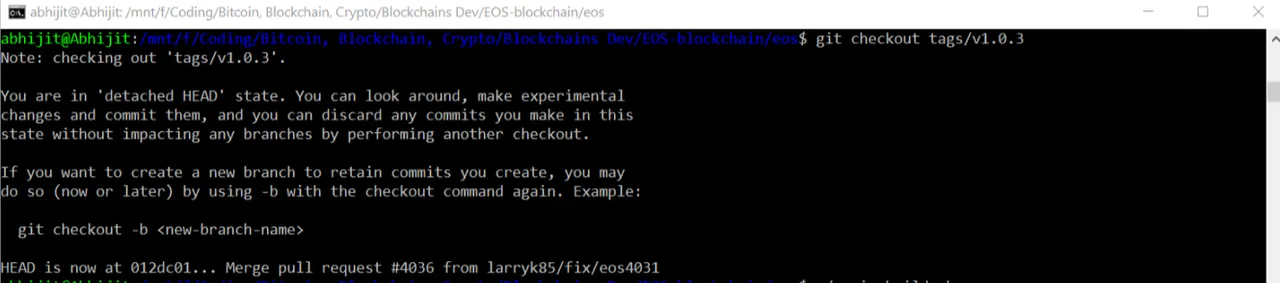
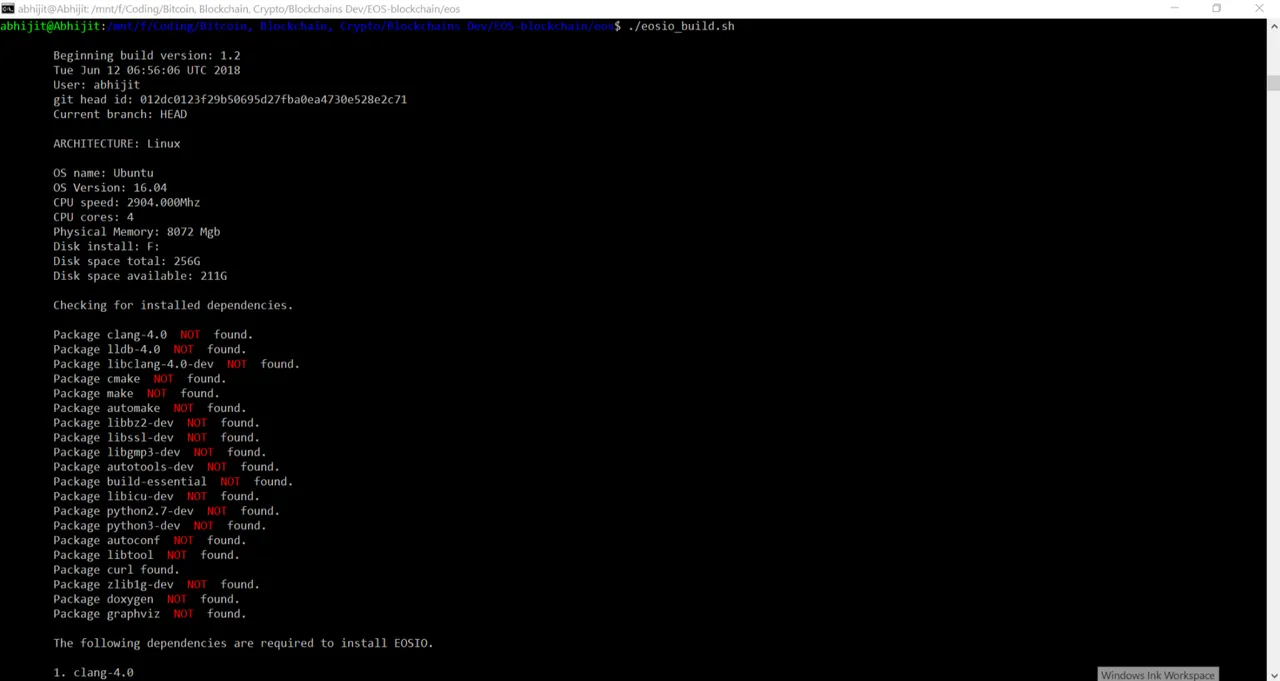
- Building the tools for eos-dev
- Boost installation
Different libraries are installed.
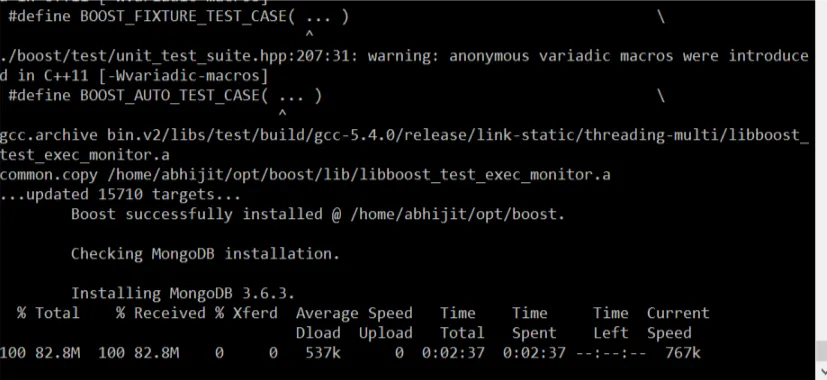
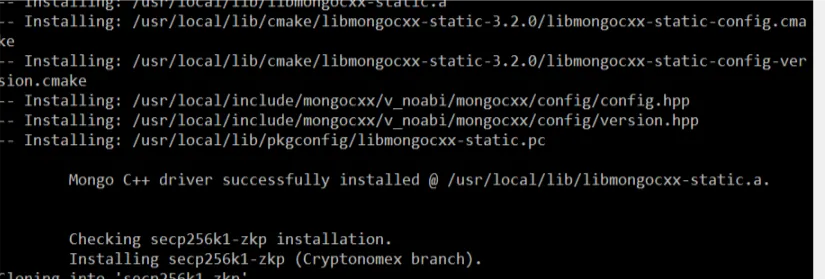
- Mongodb & Mongo C++ driver installation -
Mongodb and C++ drivers are installed here.
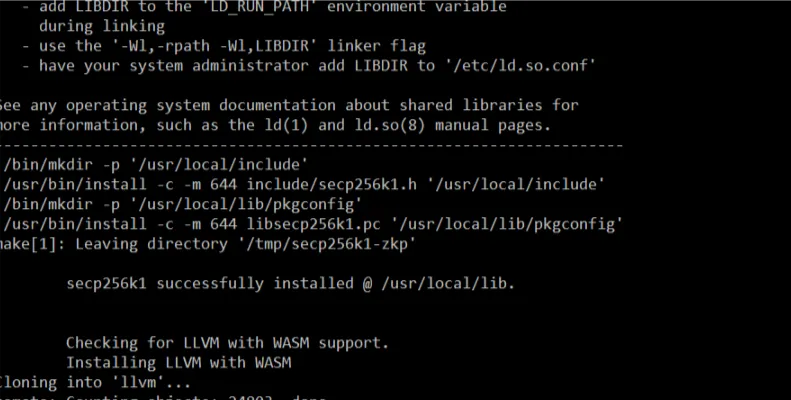
- secp256kl installation -
Schnorr Signatures cryptography libraries are installed here.
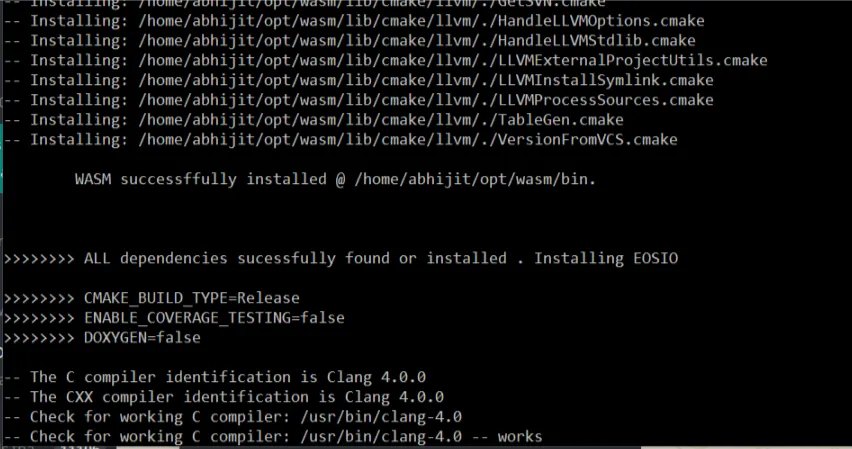
- WASM installation -
wasm programming libraries, tools are installed here.
- EOSIO installation

- Make install
$ cd build
$ sudo make install
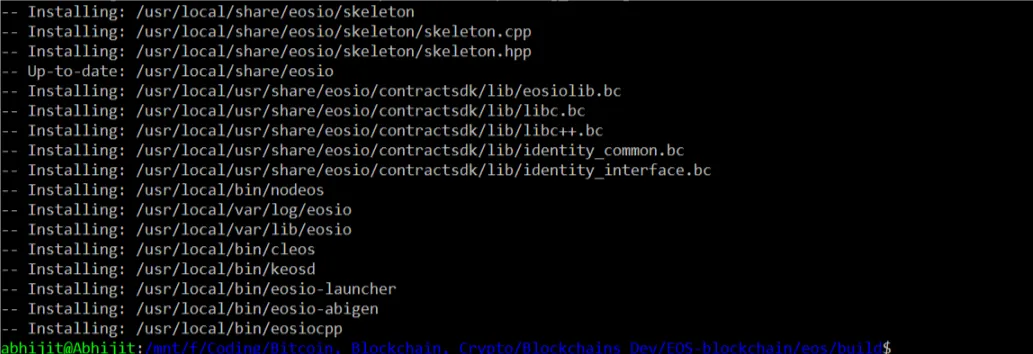
Now, Everything is installed!!...
EOS_io system architecture
The figure below explains that how these 3 commands are interconnected with each other.

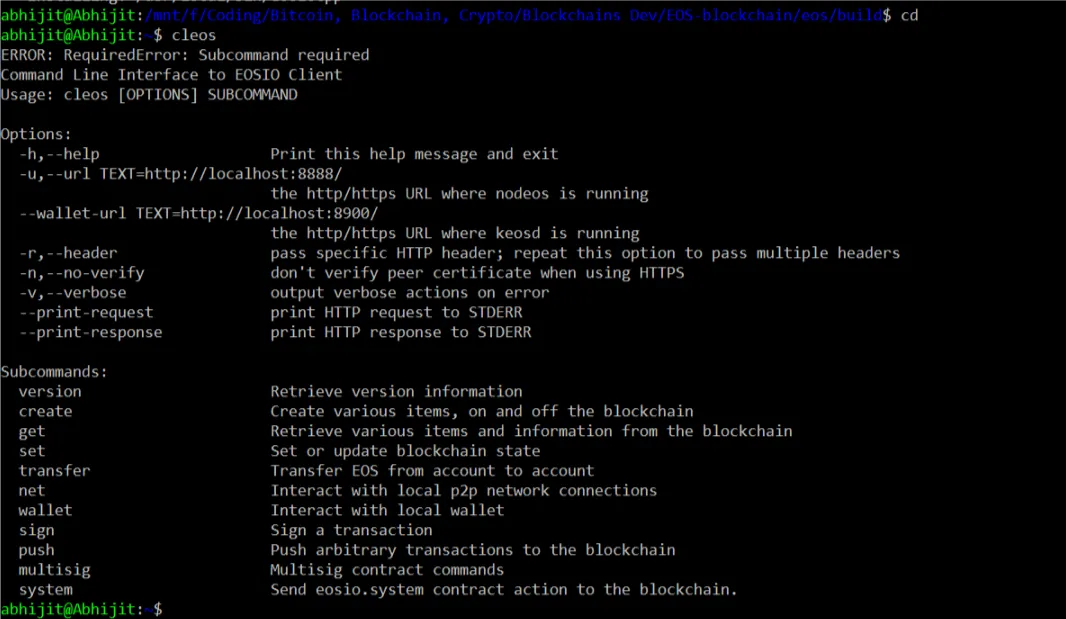
cleos$ cleos- command line tool for the EOS blockchain.
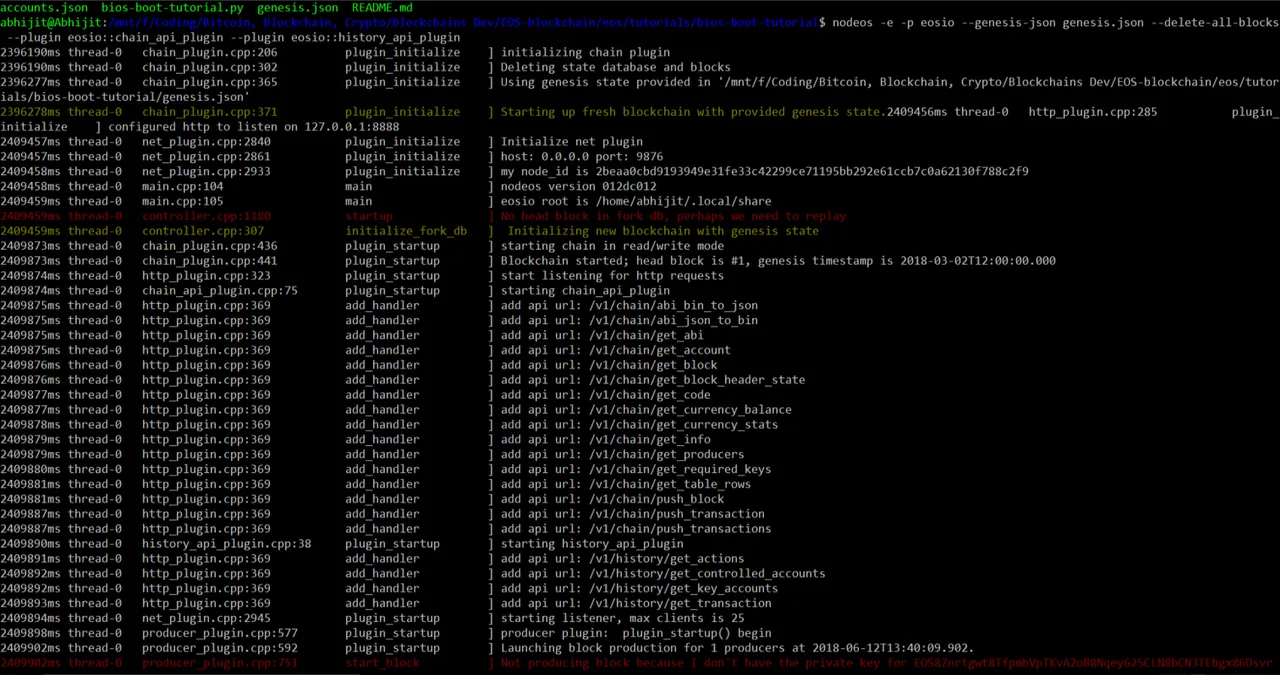
nodeos
For interacting with the blockchain. Run a EOS blockchain as a local node.
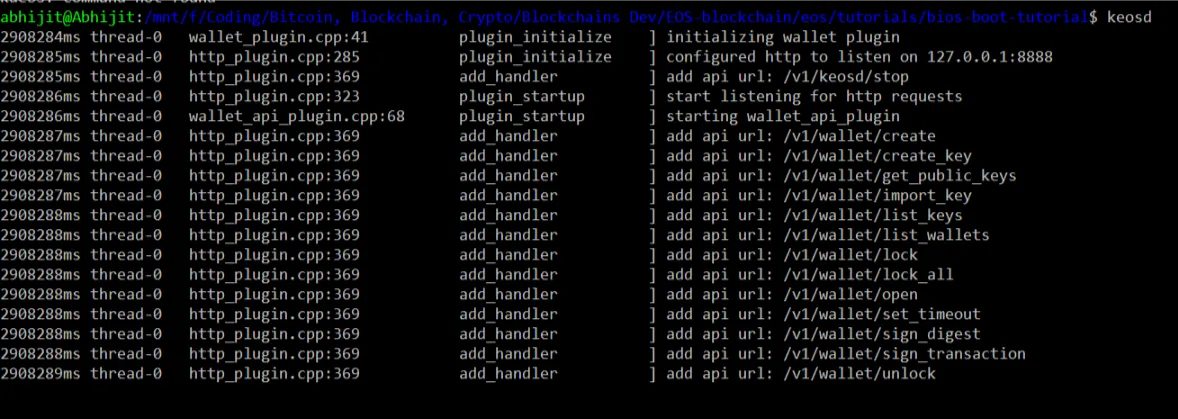
keosd
For accessing the wallet.
Curriculum
This is the first tutorial. No such curriculum.
Proof of Work Done
Code url - https://github.com/abhi3700/My_Learning_EOS/blob/master/EOS_setup.md