
This post is Turkish translation of Microsoft Touch Develop project.
To reach the Microsoft Touch Develop Crowdin page
Bu postta Microsoft Touch Develop projesinin Türkçe çevirim işlemlerini aktaracağım.
Microsoft Touch Develop Crowdin Sayfası
1-First of all, we select the file you want to translate and enter it into the file.
(İlk olarak, çeviri yapacağımız dosyayı seçip içerisine giriyoruz.)

2-Then we select the words we want to translate from the left menu and record the translation.

3-We can see how much progress we have made since the translation process is finished.
(Çeviri işlemini tamamladıktan sonra ne kadar ilerleme kaydettiğimizi görebiliyoruz.)

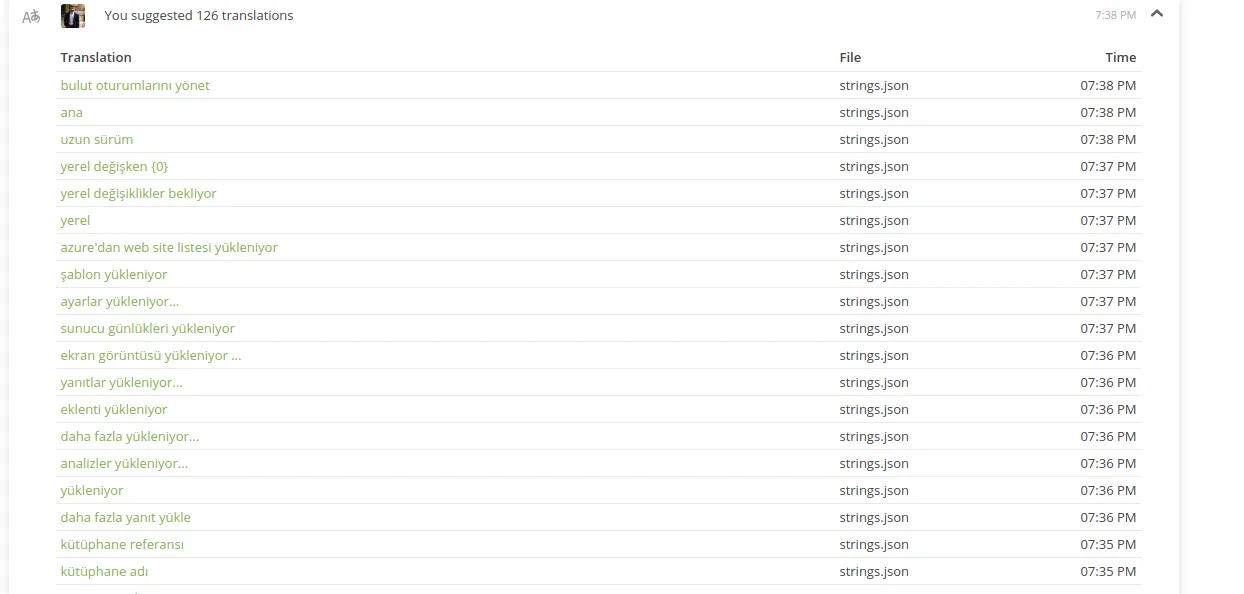
4-Finally, on our profile, we see how many words we translate on the graph.
(Son olarak, profilimizde grafik üzerinde ne kadar kelime çevirdiğimizi görebiliriz.)

- Details
Posted on Utopian.io - Rewarding Open Source Contributors