

With Steemit gaining more and more users on a daily basis, we can start to see communities for every single category and sub-category coming up. All these communities would normally like to have a central point of information sharing which they can use to share with all the members.
This is done easily by having a website. But not everyone can code and not every coder has the time to do a simple community website. Therefore this is one of the tools which you can use for free and you would be up and running managing your own community website for free without a single line of code.
The Tool We would be using is called Google Sites
I am sure that most users now has a google account. So head over to http://sites.google.com and you should see a screen like this. **Click the bight red "+" button at the bottom right"

It you can now click on the Title of The Page and edit it


Once you are done you can even make changes of uploading a logo or even a background image of your Title. Its just clicking and uploading your images.

Once you are done you would like to start adding in Articles from Steemit to your website. This can be done by clicking on "Embeded URL" located on the RIGHT Side of your screen. Once you click you would then just need to paste the STEEMIT post url.

Your screen should look something like this. You will even have a picture preview of your posts. Once you click INSERT the post would be in the website.

Try adding in other elements found at the right side of the screen. You can also move items around just be clicking dragging and resizing it. Just like what you would do in Powerpoint.
You can also experiment with different colors and formatting.


You can also duplicate lines, text just by clicking the "DUPLICATE" option at the most LEFT side of the element which you would want to duplicate.

Changing your Header size is part of making your website look nice.

Apart from STEEMIT posts, you can also add in things like YOUTUBE Videos . Adding new element options are located at the RIGHT side of the screen.

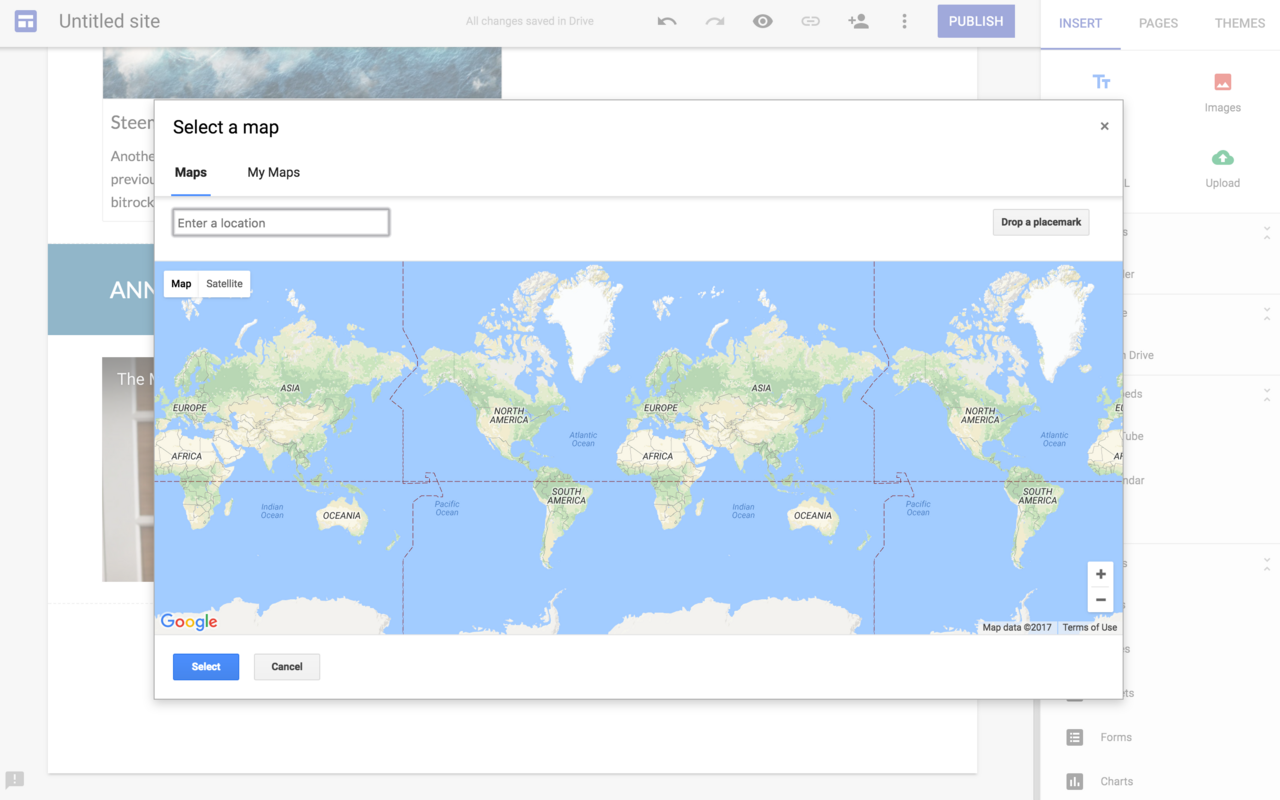
Lets say if you are going to run a MEETUP and would like to embed a LOCATION, you can also add in MAPS to your website. This is very helpful for your community members.
Once you are done and with the formatting and it looks good to let the world and your community members to see. You can then CLICK "PUBLISH" on the TOP RIGHT of the screen.

Key in a name of your community and CLICK PUBLISH

Your website would now have the address of https://sites.google.com/view/steemcommunity/
I do hope this help and you would be able to start creating your website for your community and start sharing informative posts for everyone to see. There are so many more options available however there are limitation to how much customisation can be done. Its a simple website which can get you started within minutes.
I'm  and me and my team of awesome Steemians are growing the Steem Community in Malaysia #teammalaysia . Do vote my witness CLICK HERE so that we can continue to grow the community around the region.

Posted on Utopian.io - Rewarding Open Source Contributors