
A new version was released for steem-python. I updated the conda-feedstock for steem, so that steem can be easily installed with:
conda install steem
conda-forge has to be added once:
conda config --add channels conda-forge
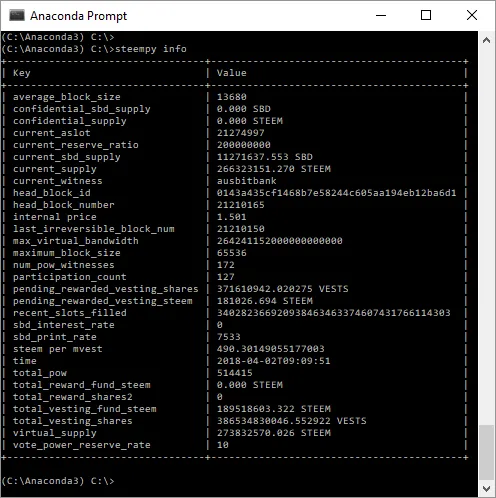
Using conda, is the easiest way to install steem on windows. The second advantage is that all cli-tools work out of the box! Without using conda, the cli-tools steempy, piston and steemtail are not callable directly. For steempy for example, conda creates a steempy.exe and a steempy-script.py inside the Scripts directoy of Anaconda/Miniconda.
Just start the Anaconda Prompt and enter steempy , as you can see in the screenshot:
Changes
The following changes are merged into PR #2
Fix entry points
https://github.com/conda-forge/steem-feedstock/commit/8b09f5d54b41d68624d0dd01c8af2ff75f5a4168
fix conflict
Remove some packages
fix missing package
New release 1.0.0
Posted on Utopian.io - Rewarding Open Source Contributors