
Linphone is an open source android app. Linphone is an internet phone with Voice over IP (VoIP) extended capabilities.
lets get started with the tutorial.
Go to the Google app store and search Linphone.
To install the app clik on the install button and the app will start downloading.
now we can access the app we have to open this app.
Ist we have to create account


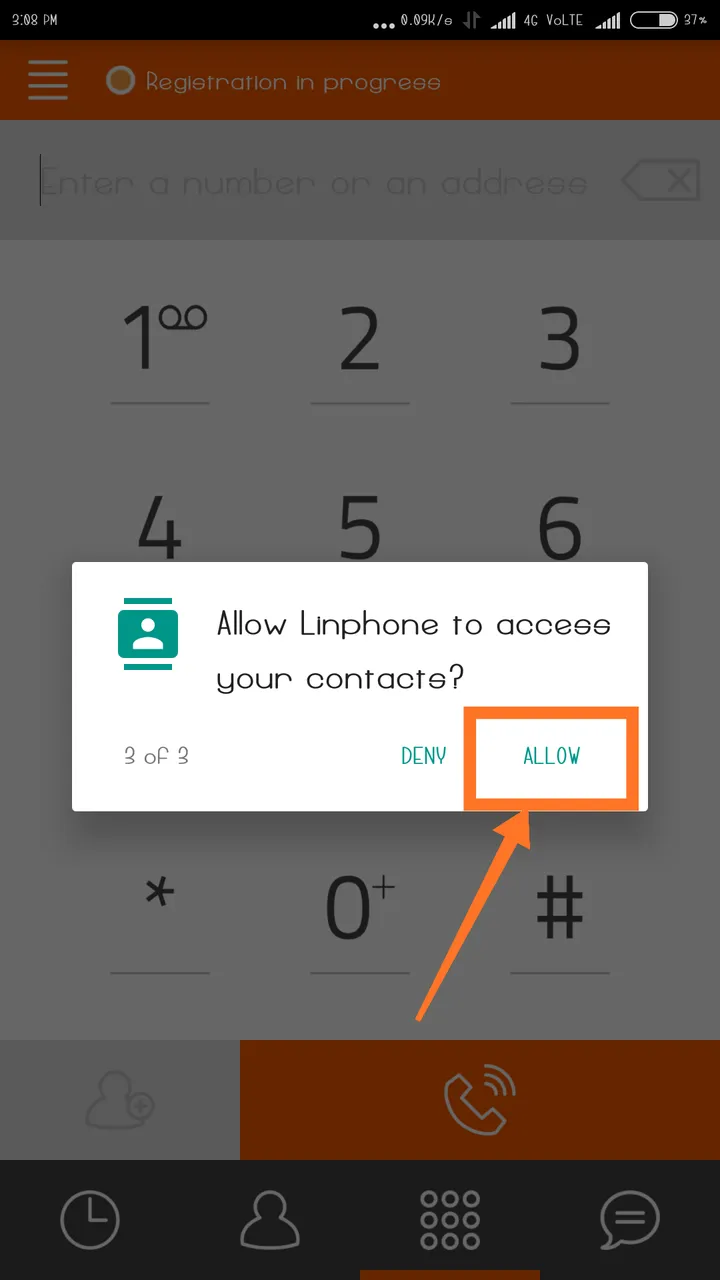
the app will ask for some permissions

Then allow linphone to make and manage phone calls
Then allow to linphone contact
then allow to linphone to record audio



Configuring a mobile SIP account with Linphone (iOS & Android)
Download and install Linphone soft phone on your Android or IOS device..
-Open the app and choose "use SIP account".
-Fill in the form with your SIP credentials and click on login button.
Enter your username and password with your SIP domain


Error message will appear. Ignore it and just choose continue.
Select your SIP account just by clicking


Fill the form with your SIP credentials, on the "display name" option enter your ottspott number, please don't forget to tick the checkbox "outbound proxy".


Now you can ready your softphone now there is only one more step you have to follow.
Go to the number management " section on ottspott and activate the "Ring users SIP account" option.

Now you can receive and place calls on your mobile with linphone.