
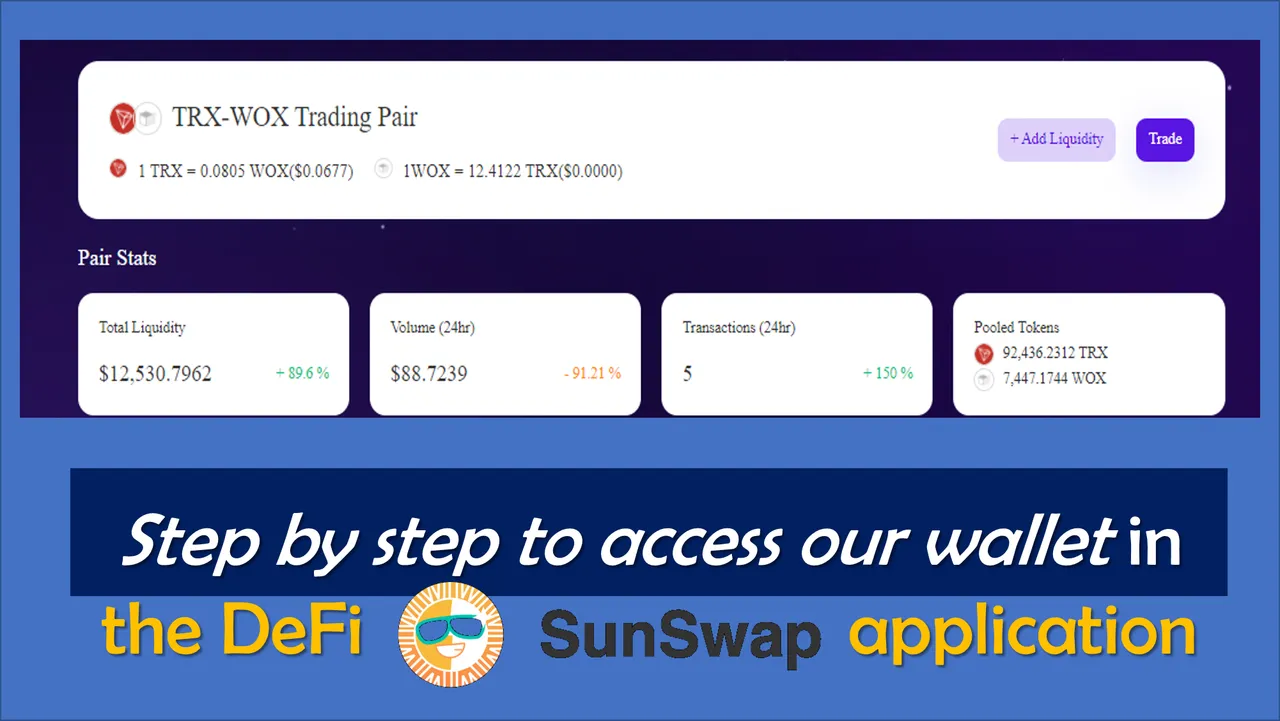
The most popular services of the SunSwap platform, or at least the most used ones, are the SWAP and the Liquidity POOL, the first one allows users to exchange their TRC-20 tokens with each other and with each other's tokens created by third parties within the platform, and the second service, the Liquidity Pool, gives users the possibility to add their assets to the pool and capitalize part of the commissions generated by the exchanges.
SunSwap portal trading, which supports both conversion between two TRC20 tokens as well as between the TRX token and TRC20, is essentially supported by transactions with the TRON network and other exchanges.
The SunSwap service according to the Swap menu has tokens created by third parties and in the following order; TRX, USDC, SUN, SUNOLD, NFT, BTC, WBTC, ETH, WETH, WBTT, WTRX, JST, WIN, DICE, LIVE, USDT, USDJ, TUSD, LTC, HT and soon the WOX token of the project promoted by the friend  .
.
.
How to access SunSwap
Like the other decentralized exchanges running DeFi, SunSwap does not require registration to create an account or the provision of personalized confirmation and verification data.
The way to connect to SunSwap, is through our TronLink decentralized wallet by following these simple steps:
Step 1. The first step is to access the https://sunswap.com platform

Step 2. Then we must click on the upper right segment where it says Connect to Wallet, then we proceed to contact our TronLink wallet.

Step 3. By clicking on the TronLink Wallet option, the system will automatically ask us to link the connection to our TronLink wallet (for those users who do not have a TronLink wallet, they can install it by accessing the extension of Chrome Web Store and follow the TronLink® wallet installation steps.

Step 4. After establishing a connection with our TronLink Wallet, we can view both the address and the wallet balance associated with TRX in the portal.

It is worth mentioning that at the moment there is no mobile application for SunSwap to facilitate further exchanges, however, we can still execute operations from our comfortable and modern devices, since this exchange platform can be accessed using the Chrome browser or any browser of choice, and then establishing a connection from our TronLink wallet.
That's all folks, in the next post I will share information on how to inject liquidity into the SunSwap platform pools.

OBSERVATION:
The cover image was designed by the author:  , incorporating screenshot of the portal: SunSwap
, incorporating screenshot of the portal: SunSwap
