
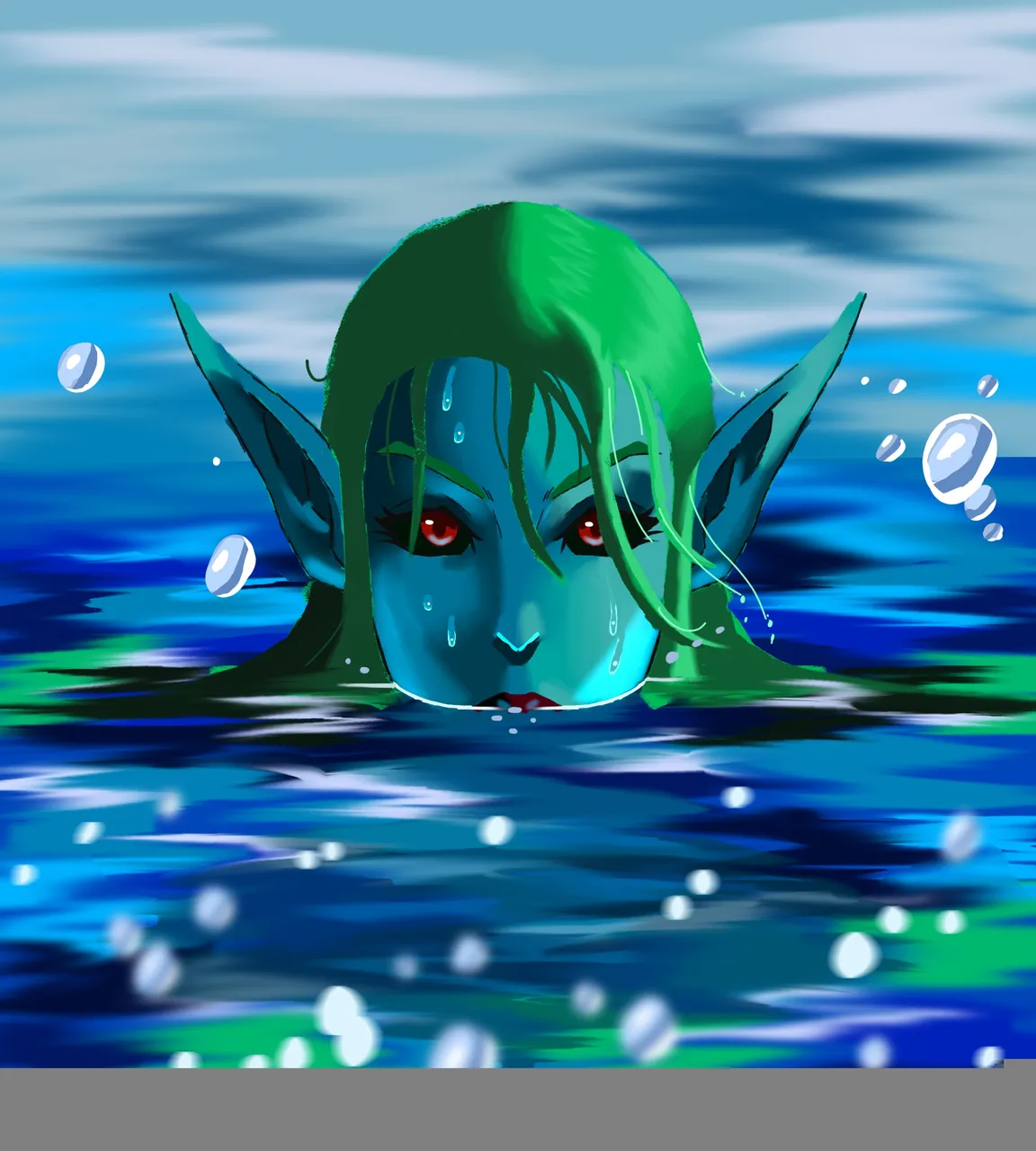
Look who is peeping
Congratulations to last week winners, I was happy with the comments and upvotes I got from my last entry into the contest, people are starting to appreciate my work and if you haven't seen it, this is the link
I wanted to do something fun and different this week and since I have been practicing water features and I thought how about I used the sentry character as subject, that's the coastal sentry.

Process



3- shades: with the flats in, I paint in the shades, I use dark shades of blue for this. I use three shades of blue, to give the subject more form. Once I'm satisfied enough with the shades, I then render it in with the blur brush. This gives it even more form and volume.


4- Highlights: next is the highlights, I use lighter colours of blue for this. They serve like atmosphere lights bouncing off the character's face. After the highlights have been put in, I also render them lightly with the blur brush.
Painting the water

I do the same again on another layer with light colours of blue and white alone and then blur in that layer to make look like a camera shot focused on the character.
Then with the water features finished I paint in some bubbles for fun, blur some of it for effect and then add in some reflected light effects
Back to the character
I paint in some light blue colours the character's face, to give it some reflected light effect coming from the water, I then change the layers blending mode to 'Linear dodge'.
Lastly I paint in some water drops on her face and then Bam! The piece is done.
This piece took 6 hours to work on
Software used was Krita