Hello
I hope you're having a great day.
Welcome back to my blog where I'm going to share a digital portrait of a famous MCU character Scarlet Witch that I successfully digitalized with a little skill that I have with Adobe Illustrator.
Let's see the completed art.
This is the digital portrait of the famous character and I've found the reference photo here.
 |  |
|---|
There's the real photo that I tried to digitalize.
Steps.
I used Adobe Illustrator CS6 to do this. I used the pen tool for the main parts of the art but I had to take help from some other tools as well.
Likewise... I started the art with the eyes and then I worked on the shade of the nose, the lip, the hair, and the remaining parts.

Likewise, I started this portrait with the eyes where I've used around 10 colors in two eyes for a nice shading, and then I added the eyebrows.

Then I worked on the shade of the nose and then the lip. I gave around six colors for the little lip to make it look nice. And then I gave it a face.

After the face, there should be the hair, right? This time I worked on the hair a little differently than I always do. I ignored the neck part and tried to cover the neck with the hair with two colors.
Then I've added her hands with gloves on with a post like she was witch-ing something. And then I gave the portrait a gradient-shaded background. And I also added my signature as a watermark and here I finished it.
So... I just presented you with a digital portrait of Scarlet Witch that I digitalized.
I hope you liked the art.
And if you really like it then don't forget to let me know how it is, and if you find anything wrong with my work, then please let me know about those as I need to know where I'm doing wrong.
If you like this kind of digital portrait then...
I'm open to digitize your portrait as well... you may knock me in discord (ashikstd#5058) to leave an order and I'm gonna try to make you smile with the little skill that I have.
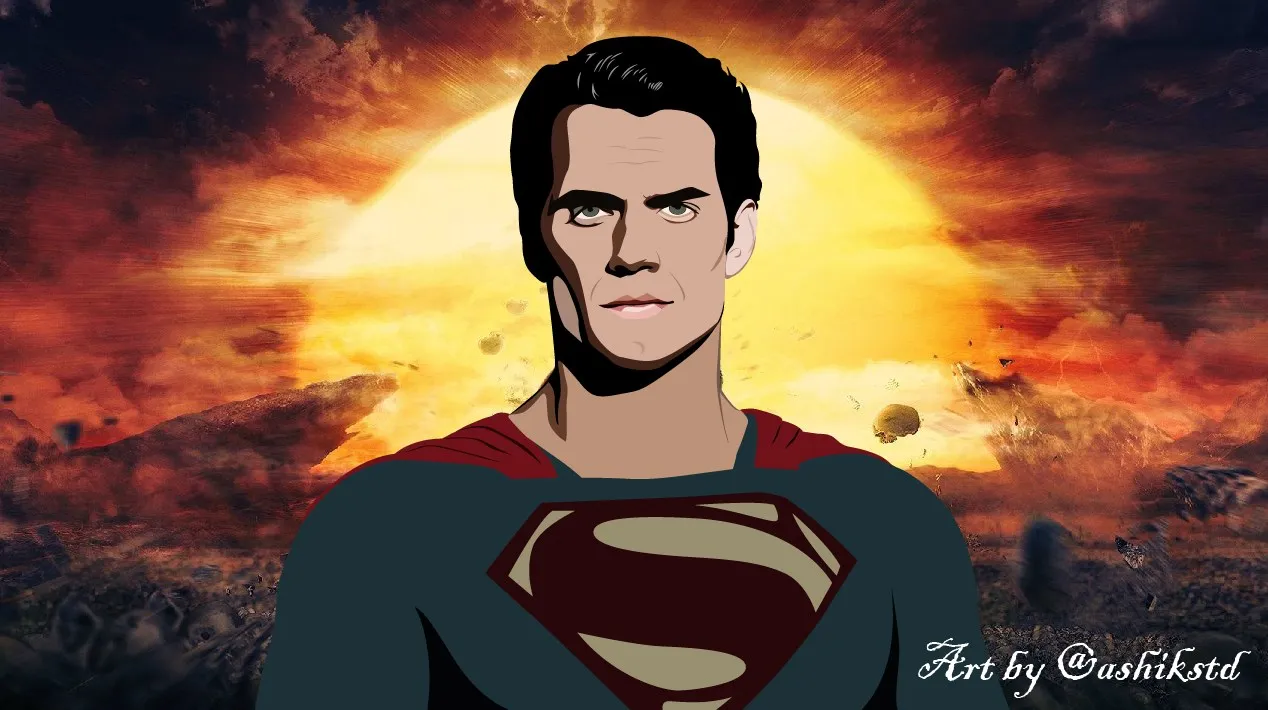
- Some of my digital arts.




"The End"

"Be Good, Think Good and Do Good"